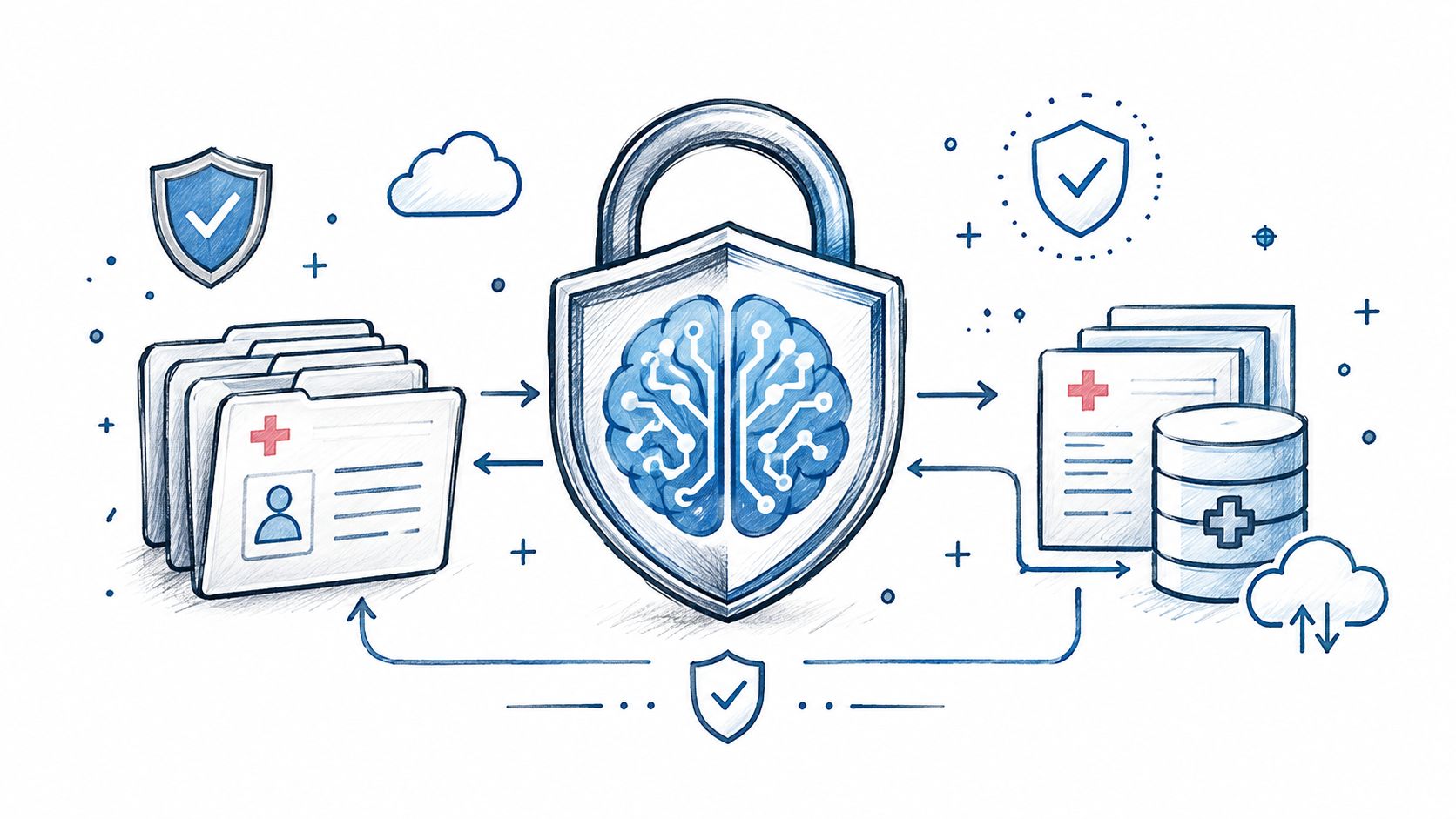
AI in Healthcare
HIPAA-Compliant AI: How to Use LLMs With PHI Safely
How to build HIPAA-compliant AI: when LLM providers need a BAA, data minimization, de-identification, audit controls and a reference architecture.
October 16, 2026Read more
Learn what a caregiver management system is, its core modules, ROI, and how AI strategy accelerates adoption for digital health teams in 2026.

63 million American adults are already doing the work of care, which is about 24% of all adults in the U.S. and a 45% increase since 2015 according to the 2025 Caregiving in the U.S. report (source PDF). That number should change how you think about a caregiver management system. This is not a niche admin tool. It's operational infrastructure for a mainstream workflow that touches 59 million caregivers supporting adults age 18+ and 4 million supporting a child under 18 with illness or disability (source PDF).
The wrong mental model is to treat the platform as a scheduling app. The right one is to treat it as the front door, the control plane, and the audit trail for caregiving operations. If you build, buy, or extend one, the product has to identify caregivers, capture consent, organize care plans, coordinate schedules, document care, and connect cleanly to billing and compliance.

A caregiver management system sits between intake, operations, and follow-through. It is the layer that makes sure a caregiver is known, verified, attached to the right client, scheduled correctly, and documented in a way the organization can trust. A pure EHR won't do that job on its own, and a standalone scheduling app usually stops too early. The system has to coordinate people, data, and accountability across the full care workflow.
The care burden is real. The 2025 Caregiving in the U.S. report says caregivers spend an average of 27 hours per week providing care, and 24% provide 40 or more hours weekly (source PDF). That intensity is why organizations need software that does more than place shifts on a calendar. It has to reduce chaos for people who are already stretched thin.
A well-designed caregiver management system usually serves home-care agencies, long-term care operators, health systems, and digital health teams that coordinate informal and formal support. The common thread is simple. If the care model depends on multiple people touching the same client, the platform must keep those people aligned.
Practical rule: if your system can't answer who the caregiver is, what they're allowed to do, and how their work gets recorded, it's not a caregiver management system yet.
The operational jobs are straightforward, even if the implementation isn't. You need identity and onboarding, client and caregiver records, care plan assignment, visit scheduling, task coordination, documentation, and downstream handoff into billing or compliance checks. That's the full scope. Anything less turns into fragmented tooling.

The architecture should be service-oriented, not monolithic. Research on caregiver platforms describes a separation between local devices, mobile caregiver components, a core subsystem, and monitoring or control layers, while other work uses service-oriented architecture to keep functionality dedicated and loosely coupled (architecture reference). That matters because care operations rarely stay inside one system boundary. They touch EHRs, payroll, notifications, and sometimes sensor data.
The core stack starts with caregiver onboarding and identity. That includes credentials, consent, contact details, role assignment, and lifecycle status. Then comes client records, which hold preferences, care needs, and the operational context that schedulers use. Scheduling sits on top of those records and should be aware of skills, availability, continuity, and location.
A mature platform also includes documentation, notifications, billing handoff, and compliance logging. Those aren't nice-to-haves. They are the parts that keep care from falling through the cracks.
| Criterion | What to Ask | Why It Matters |
|---|---|---|
| Onboarding and identity | Can you create caregiver records before the first shift, with consent and status controls? | Without this, you can't control access or accountability. |
| Client records | Can records store preferences, assignments, and care context without forcing workarounds? | Schedulers and field staff need one source of truth. |
| Scheduling | Does it support skills, continuity, and exceptions, not just open shifts? | Basic calendars don't survive real-world care complexity. |
| Documentation | Can care notes flow into the right record without duplicate entry? | Rework kills adoption and delays follow-up. |
| Integration spine | How do EHR, payroll, and device data connect? | Loose coupling protects you from rewrites when one system changes. |
A strong system also needs event-driven escalation. One caregiver support platform study describes raw sensor data moving through middleware, being normalized, compared to prior cases, and then used to trigger an action-monitoring cycle (source). That's the pattern to copy. Normalize first, alert second, or your team will mute the platform.
If you're evaluating build paths, the architecture questions matter more than the UI. The workflow automation link is a useful shorthand for teams that need to map process steps before they pick tooling. In regulated care, loose coupling isn't an engineering preference. It's how you keep the platform maintainable.
The mobile app is where trust gets won or lost. If a caregiver can't see the schedule, confirm a visit, document the work, and get the next instruction without friction, the system becomes shelfware. Good mobile tooling doesn't just digitize the desktop. It changes how the field behaves.
In residential aged care, a qualitative evaluation of a point-of-care digital management system found improved timeliness, less time spent retrieving and documenting information, reminders that reduced missed care, and scheduling aligned to resident preferences (source). That's the bar. Not flashy dashboards, just fewer errors and less wasted motion.
A strong mobile app should support intelligent scheduling, location-based check-in, fast documentation, and tolerance for imperfect connectivity. If the app forces the caregiver to wait for the office, you've already lost. The caregiver should be able to work from the phone, not around it.
The adoption signal is already there. A 2025 AARP/NAC report found 41% of family caregivers use technology or software to track a care recipient's personal health records, and 25% use remote monitoring technologies such as apps, video platforms, wearables, or other monitoring systems (source PDF). Another 39% use digital tools to manage the care recipient's finances (source PDF). Families are already operating digitally, so agencies that act like mobile use is optional are behind.
A caregiver app should reduce the number of times staff need to call the office, not increase it.
The operational metrics are visible fast. Missed-visit cleanup drops when the app makes the right next action obvious. Documentation rework drops when notes are captured once in the field. New hires settle faster when their schedule, tasks, and handoffs live in one place. That's the advantage of a system designed around the caregiver's actual workflow.
Most platforms fail at the front door. They assume caregivers will self-identify, complete onboarding cleanly, and enter the workflow with no trust gap. That assumption is lazy. Public-health guidance explicitly calls for systematic identification and assessment of caregivers in health and social systems, and state-level guidance says agencies should embed processes to find caregivers instead of waiting for them to come forward (CDC caregiving strategy). If you skip that step, everything downstream gets harder.
Caregivers in underserved communities often struggle with the basic first step of navigating formal services at all, especially when they have to coordinate financial, legal, and medical systems without a clear entry point (CDC caregiving strategy). That's the uncomfortable truth product teams need to face. The product may be technically strong and still fail because no one is properly recognized, enrolled, or routed into support.
The data-governance requirement is equally direct. A caregiver record should exist outside the patient medical record, with demographics and contact information, and it should be created when the patient identifies a caregiver and the caregiver consents (caregiver record guidance). That is not a preference. It's a standard-of-care recommendation that should shape your data model from day one.
Here's the board-level takeaway. If onboarding is weak, scheduling won't save you. If consent and identity are sloppy, compliance won't save you. If records aren't separable from the patient chart, your workflow will keep leaking ambiguity into every handoff.

Stop buying on feature lists. Buy on architecture, governance, and whether the platform fits real care operations. If a vendor can't explain how their system handles identity, consent, auditability, and data flow across care, billing, and field work, they're selling surface area, not infrastructure.
Evidence-based caregiver programs are designed to meet specific needs and preferences, not delivered as generic information, and training works better when caregivers actively learn a specific skill instead of just reading about it (NCBI Bookshelf). That same logic applies to software selection. A vendor should show how the platform adapts to your operational model, not how many boxes it checks.
| Vendor Evaluation Matrix | What to Ask | Why It Matters |
|---|---|---|
| Architecture openness | Can the system plug into EHR, payroll, and device data without a rewrite? | Loose coupling keeps future integrations manageable. |
| Compliance posture | How are audit trails, consent, and access controls handled? | Regulated workflows need defensible records. |
| Caregiver record design | Is the caregiver record separate, consent-based, and searchable? | This is core governance, not a bonus feature. |
| AI readiness | Can the platform support triage, summarization, or exception handling safely? | AI should reduce manual work, not create risk. |
| Evidence-based support | Does the system enable tailored interventions and skill-based training? | Generic content doesn't change outcomes. |
If you want a credible procurement stack, ask for examples of how the vendor handles onboarding, task assignment, and escalation in messy real-life scenarios. Then ask what breaks when the EHR is late, the payroll code changes, or the mobile device loses signal. That's where the product tells the truth.
For teams comparing build options, AI strategy consulting and a documented Custom AI Strategy report can help frame requirements before you buy or build. Ekipa AI also offers SaMD solutions, which matters if your platform edge touches regulated software behavior. Use those conversations to sharpen the evaluation, not to replace it.
A caregiver management system implementation should move in phases. First, define the operational problem and map the current flow. Then design the caregiver record, wire up the integrations, pilot on one care line, and scale only after the team has proven adoption. Anything else is theater.
Discovery has to include a data audit, because bad source data will poison the rest of the rollout. Design the caregiver record first, including the fields that belong outside the patient chart, the approval rules, and the consent state. That gives you the foundation for everything else.
The hardest integration spines are EHR, payroll, and IoT. EHRs vary in HL7 and FHIR maturity, payroll systems expect exact visit and pay codes, and sensor data needs normalization before it reaches caregivers. The architecture should be designed to absorb those differences rather than forcing every system into one shape.
Implementation rule: pilot the workflows people will actually touch, not the dashboards leadership wants to admire.
A smart rollout also needs change management. Train the office on how exceptions are handled. Train caregivers on what they'll see in the app. Set rules for how visits are corrected, how alerts escalate, and who owns the final decision when systems disagree.
The right reference point for scheduling discipline matters too. If you need a practical example of how careful coordination is documented in adjacent operations, see compliance scheduling practices. In caregiver operations, the principle is the same. If the schedule and the compliance model diverge, the whole process drifts.
For teams that need execution help, AI Product Development Workflow support can shorten the path from requirements to testable acceptance criteria, and AI delivery framework gives structure to that work. AI Automation as a Service is useful only if the automation is attached to the right operational steps. If you're building internal workflows around operations, internal tooling should be part of the plan, not an afterthought. Ekipa AI's Healthcare AI Services are relevant when the rollout needs to stay grounded in clinical and operational constraints.
Executives don't buy a caregiver management system because it looks organized. They buy it to reduce misses, lower rework, and make staffing more predictable. The metrics that matter are blunt: missed-visit rate, documentation time per visit, caregiver retention, and time-to-competency for new hires.
The mobile-app evidence points in the right direction. In the study of caregivers using a mobile app, use was linked to a 9.1 percentage-point decrease in doing most caregiving tasks alone, an 8.0 percentage-point increase in having at least one helper, a 12.5 percentage-point increase in taking less time off work, and a 9.1 percentage-point decrease in spending more than 30 hours per week on caregiving (source PDF). That does not prove every platform will deliver the same result, but it does show why coordination tools matter. The operational burden shifts when caregivers are better connected.
The board-level ROI story is cleaner than most vendors admit. Fewer missed visits mean fewer service failures. Faster documentation means less admin overhead. Better onboarding means fewer first-week breakdowns. Retention improves when caregivers aren't forced to fight the system to do the work.
AI should accelerate those wins, not distract from them. A well-scoped Custom AI Strategy report can identify where summarization, exception triage, and onboarding automation belong. AI Automation as a Service is useful when it removes repetitive handoffs, but only if your process is already clean. If your intake is broken, AI will just scale the confusion.
For product teams building around caregiver workflows, the right AI requirements analysis can expose where automation should support staff instead of replacing judgment. That's where the greatest value lies. The platform should help teams handle the 59 million adults already providing care, not pretend that the problem is simple.
How is a caregiver management system different from an EHR? An EHR stores clinical and patient information. A caregiver management system coordinates caregiver identity, onboarding, scheduling, task flow, and operational accountability across care.
How should a caregiver record be handled under HIPAA? It should be created with consent, kept with the right access controls, and separated from the patient record when appropriate, with demographics and contact details documented outside the medical chart (caregiver record guidance).
What should an MVP include on a six-month timeline? Prioritize caregiver identification, consent capture, core records, scheduling, documentation, and one clean integration path. Don't overbuild analytics before the front door works.
How are AI tools used without breaking compliance? Use AI for summarization, routing, and exception support, with auditability and human review. Keep the model inside the workflow, not above it.
If you want help pressure-testing a vendor shortlist or a build plan, our expert team can help you map the operational fit before you commit.
Ekipa AI helps healthtech teams turn caregiver workflows into systems that can survive regulated operations. If you're planning a caregiver management system, need a sharper integration strategy, or want to define the right AI use cases before you build, visit Ekipa AI and talk to the team.
How to build HIPAA-compliant AI: when LLM providers need a BAA, data minimization, de-identification, audit controls and a reference architecture.
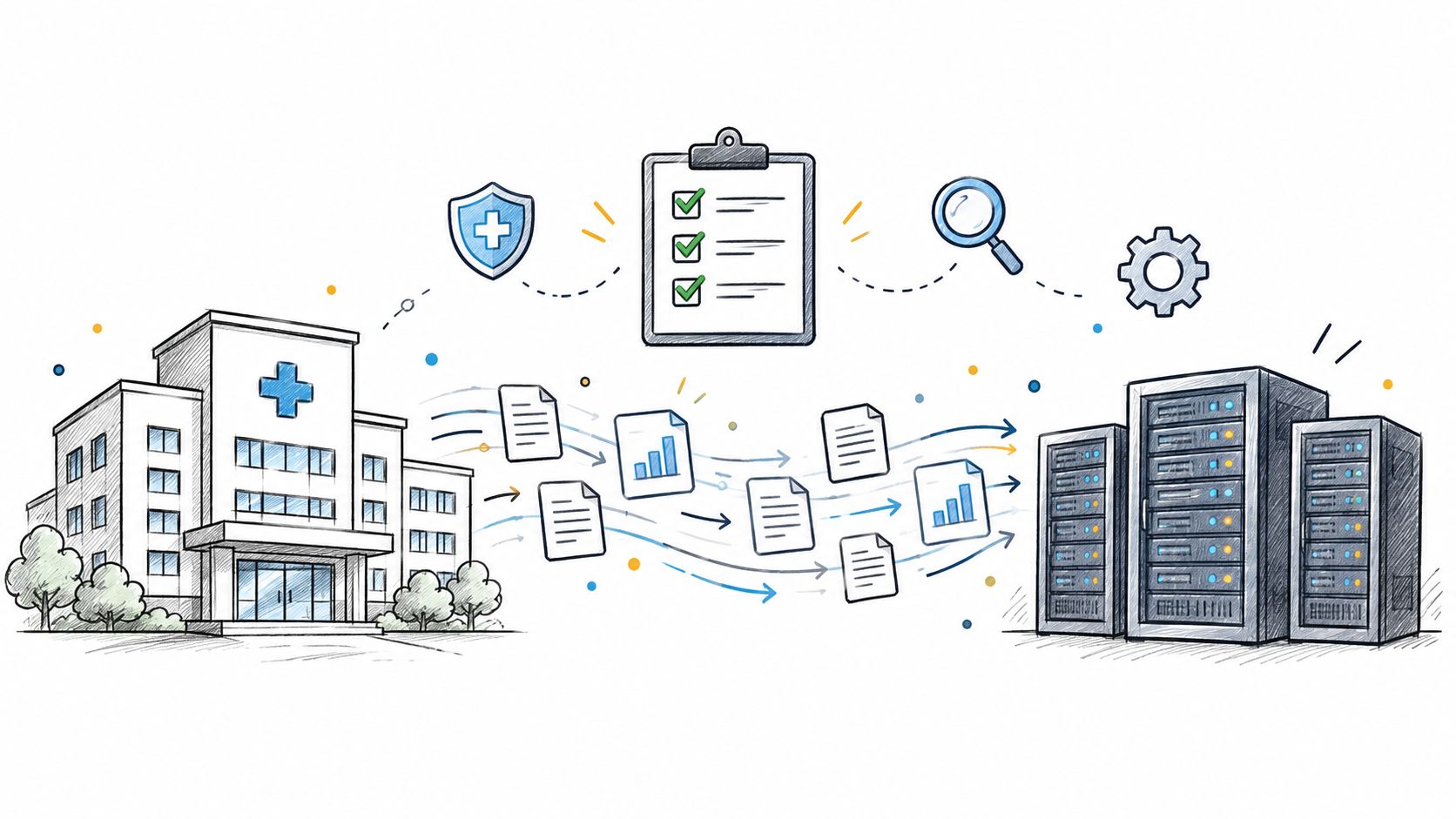
Practical data migration planning guide for healthcare teams. Scope, mapping, compliance, validation, cutover and rollback decisions explained end to end.
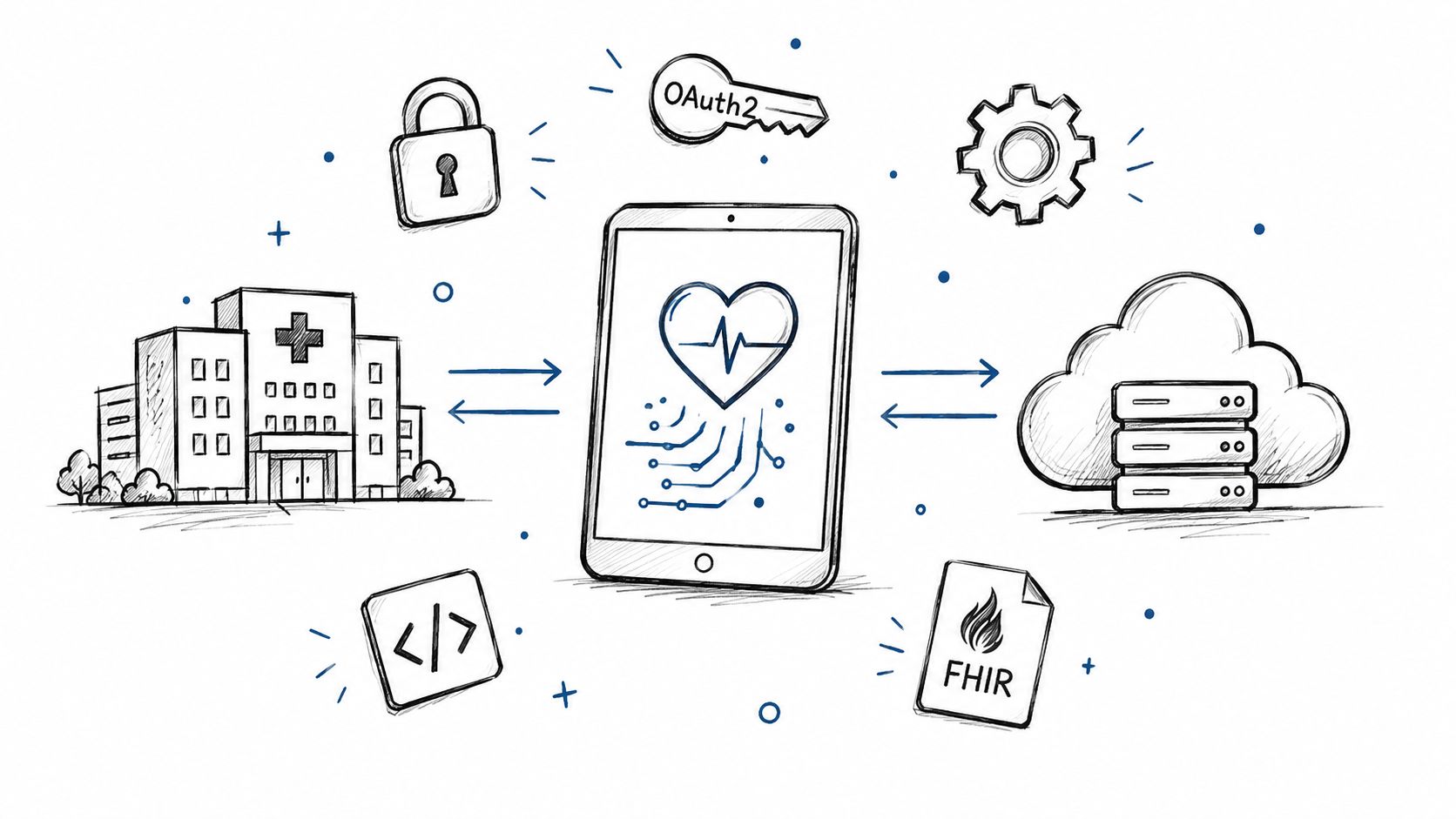
Smart on FHIR guide for healthtech engineers. Learn the OAuth 2.0 launch model, scope syntax, backend services, and US regulatory requirements.
Connect with our team to explore how AI expertise can transform your business.