AI in Healthcare
HIPAA-Compliant AI: How to Use LLMs With PHI Safely
How to build HIPAA-compliant AI: when LLM providers need a BAA, data minimization, de-identification, audit controls and a reference architecture.
October 16, 2026Read more
Your guide to healthcare workflow automation. Learn to build a business case, design a roadmap, choose tech, and measure ROI to reduce costs and improve care.

Healthcare leaders don't need another article that says automation brings profound change. They need a clear answer to a harder question: where does healthcare workflow automation create enterprise value, and where does it introduce new risk, oversight, and integration work?
The urgency is real. A 2025 report says 63% of healthcare organizations have already integrated AI-powered solutions into their revenue cycle, which means automation has moved into day-to-day operations, not just innovation labs. The same report says ambient documentation tools generated about $600 million in revenue in 2025 and grew 2.4x year-over-year, a sign that clinical workflow automation is becoming a serious commercial category, not a fringe experiment (2025 healthcare automation report).
What matters now isn't whether automation belongs in healthcare. It does. The core work is deciding which workflows to automate first, how to govern them, how to measure net impact, and how to scale without creating fragile new dependencies across EHRs, payer systems, and clinical teams.
Healthcare workflow automation is best understood as process redesign with software, AI, and integration working together. It isn't just task automation. It's the disciplined effort to remove repeated manual handling from intake, scheduling, coding, documentation, claims, prior authorization, and other workflows that burn time without improving care.
For CTOs, COOs, and digital leaders, that changes the conversation. This isn't about buying a clever point solution. It's about operational architecture. Every automated handoff, rule, exception queue, and audit trail becomes part of how the organization runs.

The organizations moving well here usually treat automation as a joint business and technology program. Revenue cycle leaders, nursing informatics, compliance, security, and IT all need a stake in design decisions. If one team automates in isolation, the hospital often ends up with faster local tasks and worse enterprise flow.
A useful way to frame it is this: healthcare workflow automation should reduce friction across the patient, clinician, and financial journey at the same time. If it only speeds up one department while creating new cleanup work elsewhere, it hasn't improved the system.
Practical rule: Don't approve automation because the demo looks smooth. Approve it because the workflow, data ownership, exceptions, and governance are all clear.
For organizations looking at automation through a delivery lens, Healthcare AI Services can help structure the work around systems integration, regulatory realities, and measurable operational outcomes rather than isolated pilots.
The business case starts with cost structure. One industry analysis cites administrative costs as over 40% of total hospital expenses, and estimates that automation could eliminate up to $360 billion in wasteful spending across the U.S. healthcare system. The same analysis links workflow automation to 30% to 50% reductions in healthcare claims-processing costs (industry analysis on healthcare workflow automation).
That matters because most health systems aren't constrained by a lack of activity. They're constrained by administrative drag. Staff re-enter data. Coders wait on documentation. Scheduling teams handle preventable calls. Billing teams chase avoidable denials. Managers build manual workarounds between systems that should already talk to each other.
The strongest value usually appears in a few places:
Automation rarely improves care because “AI is smarter.” It improves care when it removes unnecessary manual effort around care delivery.
A nurse shouldn't have to chase missing forms across disconnected systems. A physician shouldn't need to reconstruct patient context from fragmented documentation. A billing specialist shouldn't be correcting the same preventable data issue repeatedly. When those burdens fall, the organization creates space for more patient-facing work and more reliable decisions.
That's why the best automation programs aren't framed as labor replacement projects. They're framed as capacity, reliability, and quality projects.
Faster isn't the same as better. In healthcare, the right question is whether the workflow became safer, cleaner, and easier to sustain.
The savings case is real, but the path to it isn't automatic. Many hospitals buy workflow tools expecting immediate efficiency and then discover that process ambiguity, poor integration, and inconsistent ownership erase much of the upside.
A good executive sponsor should ask four questions before approving a program:
| Question | Why it matters |
|---|---|
| Is the workflow standardized enough to automate? | If staff handle the same case five different ways, automation will magnify inconsistency. |
| Where is the source of truth? | If teams disagree about which system owns the record, automation creates conflicts. |
| Who handles exceptions? | Every automated process produces edge cases. Someone must own them. |
| How will we measure net workflow impact? | Cost savings alone won't tell you whether work simply shifted elsewhere. |
Disciplined AI strategy consulting plays a useful role. The conversation shouldn't start with tooling. It should start with operational pain, workflow boundaries, risk, and measurable outcomes.
Most healthcare automation failures aren't caused by bad software. They're caused by weak sequencing. Teams choose too many use cases, automate unstable processes, or skip governance until late in the rollout.
A better approach is to move in stages.

Start with 1 to 2 high-volume, high-rework workflows. That implementation pattern is practical because it limits exposure and forces prioritization. It also aligns with the common warning from implementation guidance: the most common technical pitfall is automating a poorly understood process, and success depends on how well the task is defined, how repetitive it is, and how much human judgment it still requires (practical implementation method for clinical workflow automation).
Good first candidates usually have these traits:
This is the point where a Custom AI Strategy report is useful. It helps force a ranking conversation early, before teams spend money integrating tools for low-value use cases.
Map the current state at the step level. Don't settle for swimlane diagrams that look neat but hide real friction. You need to know who performs each task, which system is the source of truth, where staff re-enter data, where delays accumulate, and where the handoffs fail.
A hospital should be able to answer questions like these:
If those answers aren't clear, the workflow isn't ready.
The fastest way to create expensive disappointment is to automate a process no one has actually documented.
Don't ask whether you need “AI.” Ask what kind of mechanism the workflow needs.
Some workflows only need deterministic rules and integration. Others need document extraction, classification, summarization, or confidence scoring. Some need all three. The mistake is buying a generative AI product for a problem that really needs orchestration and API connectivity.
At this stage, the CTO should separate the stack into three layers:
| Layer | What it does |
|---|---|
| Orchestration | Moves tasks, triggers actions, manages queues |
| Intelligence | Extracts, classifies, predicts, summarizes |
| Integration | Connects EHRs, payer tools, document systems, and internal apps |
Keep the first rollout narrow. One site, one department, or one workflow segment is enough.
The pilot should test more than technical success. It should test adoption behavior, exception rates, data quality, queue impact, and oversight workload. A pilot that only proves the model can run isn't enough. You need to know whether the organization can operate it safely.
A strong pilot charter includes:
Scale only after you understand the variance between departments. A workflow that works in one specialty often breaks in another because terminology, templates, staffing patterns, and exception volumes differ.
Many leadership teams move too quickly. They assume “same process” means “same implementation.” In reality, local configuration often matters more than executives expect.
Use a controlled rollout pattern:
Metrics should be set before go-live, not after. The right dashboard usually mixes operational, financial, and experience measures.
Look for trends in:
If speed improves but exception queues grow, the automation may be shifting work rather than removing it.
Automation is an operating model, not a launch event. Payer rules change. Clinical documentation patterns change. Staff find workarounds. Exceptions cluster in new places.
That means the hospital needs a standing mechanism for review. Governance meetings should look at the workflow as a living asset with performance, risk, and technical debt, not as a completed IT project.
As we explored in our AI adoption guide, organizations that scale well usually standardize review routines early. They don't wait for a failure to create governance.
The easiest way to judge healthcare workflow automation is to look at where it solves repeated operational pain. Not every use case belongs in the first wave, but several categories consistently justify attention.

Scheduling, registration, intake forms, and routine patient communications are common starting points because they're visible, repetitive, and heavily affected by avoidable manual work.
A practical example is intake-to-scheduling. A patient enters demographics and insurance details through a digital form. The system validates required fields, routes incomplete records for review, and moves eligible cases into scheduling. Staff intervene when records are incomplete or conflicting, not for every transaction.
That kind of design matters because front-door workflows create downstream effects. If registration data is messy, billing inherits the problem. If referral intake is slow, clinic capacity gets used poorly.
Claims support, coding assistance, denial routing, and prior authorization are often better business cases than more ambitious clinical AI ideas. They're process-dense, costly, and easier to measure.
Recent industry coverage highlights a shift toward prior authorization automation and notes estimates that AI can automate 50% to 75% of the manual work involved, while also stressing the need for pilot-first rollout, privacy and security governance, auditing, and monitoring (industry coverage on prior authorization automation and governance).
That balance is important. Revenue cycle automation can produce obvious upside, but it also creates a new need for controls. Hospitals still need traceability, exception review, and confidence thresholds that staff understand.
A denial workflow is a good automation target when the handoffs are predictable. It's a bad one when the organization still debates the underlying process.
Clinical automation should start with bounded tasks, not the most medically complex ones. Good candidates include documentation support, result routing, refill workflows, and structured data capture that reduces repeated clicks in the EHR.
These workflows help because they sit near care without replacing clinical judgment. They reduce friction around the clinician rather than trying to automate the clinician.
For teams also thinking about operational dependencies outside direct care delivery, Refact's insights for developing hospital inventory software are useful. Supply, stock, and replenishment workflows often subtly connect to patient throughput, procedure readiness, and staff time, even though many automation programs overlook them.
Rather than building a long wish list, score opportunities against four filters:
| Use case filter | What to look for |
|---|---|
| Workflow clarity | Steps, rules, and ownership are already understood |
| Volume and friction | The process happens often and creates visible rework |
| Integration feasibility | Required systems can be connected without fragile workarounds |
| Risk profile | Errors are manageable and can be escalated safely |
If a use case fails two of those four filters, it usually shouldn't be first.
For examples across intake, claims, documentation, and other real-world use cases, it helps to review patterns by workflow type rather than by technology label alone.
The most common strategic mistake in healthcare automation is assuming the highest-value opportunity is the most complex clinical workflow. It usually isn't.
A systematic review found that automation suitability depends on task definition, repetitiveness, data-entry intensity, and how much human judgment is required. The practical takeaway is simple: the best candidates are often the most repetitive and clearly bounded workflows, because they're more likely to deliver measurable gains without creating safety debt (systematic review on automation suitability in healthcare).
AI is useful when a workflow includes one or more of these conditions:
That supports real use in ambient documentation, triage assistance, prior authorization support, EHR auto-population, and message routing. It does not mean every workflow should be handed to a model.
Some workflows are poor first targets:
That doesn't mean these workflows should never be automated. It means they shouldn't be first. Leaders should earn their way into complex use cases by proving they can govern simpler ones.
Many executives treat governance as a compliance add-on. In practice, governance is part of the solution design.
A workable governance model covers:
| Governance area | What leadership should define |
|---|---|
| Clinical oversight | Which outputs require review, approval, or co-sign |
| Data handling | Where PHI moves, who can access it, and how it's logged |
| Model behavior | Confidence thresholds, failure states, and escalation paths |
| Auditability | What can be reconstructed after an incident or dispute |
| Change control | How prompts, rules, integrations, and policies are updated |
If a vendor or internal team can't explain those controls clearly, the hospital isn't buying automation. It's buying uncertainty.
This matters even more when teams move toward SaMD solutions, advanced clinical AI, or workflows that influence treatment decisions. In those settings, AI requirements analysis should happen before product selection, not after contract signature.
As we explored in our AI adoption guide, mature organizations also define who owns the exceptions. That's one of the least glamorous parts of automation, and one of the most important.
For governance design and operating model decisions, our expert team is worth reviewing because execution quality here depends as much on cross-functional judgment as on engineering.
The stack should fit the workflow, not the other way around. In healthcare, the right architecture usually combines workflow orchestration, integration, and selective AI components rather than one monolithic platform.
Most organizations end up with a blended approach.
That decision often comes down to these practical constraints:
| Option | Best fit |
|---|---|
| Packaged tools | Standardized workflows with limited customization needs |
| Custom development | Unique processes, deep integration, or strategic control requirements |
| Hybrid stack | Organizations that need speed but can't accept rigid workflows |
For some document-heavy workflows, an extraction layer is part of the answer. A tool like the AI-powered data extraction engine can fit when the bottleneck is turning forms, PDFs, or semi-structured records into usable workflow inputs. That still doesn't remove the need for validation, exception handling, and ownership.
A CTO doesn't need to know every product in the market, but they do need a clean mental model.
These are good for rule-based actions inside stable systems. They're useful when the process is repetitive and the inputs are clean.
These help when the workflow includes classification, summarization, extraction, or pattern recognition. They add value when deterministic logic alone can't handle the input.
These connect EHRs, payer systems, scheduling tools, billing platforms, and departmental software. Many automation programs succeed or fail here, not in the model layer.
Hospitals also need to choose when to use packaged AI tools for business, when to engage AI Automation as a Service, and when to invest in internal tooling or custom healthcare software development. For organizations building from idea to operational rollout, an AI Product Development Workflow matters because healthcare automation breaks when delivery, governance, and integration are treated as separate workstreams.
Many automation dashboards are too shallow. They report transactions processed and call it success. That's not enough.
Use a KPI set that shows whether the workflow improved operationally, financially, and organizationally.
Key Performance Indicators for Healthcare Automation
| Metric Category | KPI | What It Measures |
|---|---|---|
| Operational | Time-to-schedule | How long it takes to move a patient from request to booked appointment |
| Operational | Throughput | How many cases the workflow can handle in a defined period |
| Quality | Error rate | Accuracy of data handling, routing, or downstream outputs |
| Financial | Claim denial rate | How often claims are rejected or require rework |
| Financial | Staff time saved | Manual effort removed from repeated tasks |
| Experience | Patient satisfaction | Whether the workflow feels easier and more reliable for patients |
| Experience | Staff satisfaction | Whether teams feel the process is reducing burden or shifting it |
One more point matters. Recent guidance on AI triage and prior authorization automation makes the upside obvious, but it also stresses pilot-first rollout, privacy and security governance, auditing, and monitoring as conditions for safe use. Leaders should treat those as part of total cost and operating design, not as post-purchase overhead.
Start with one workflow that clinicians already want fixed. Documentation support, inbox routing, and result handling usually get more honest engagement than grand AI messaging. Show the current-state friction clearly, involve frontline staff in design, and keep human override paths visible.
Buy-in improves when teams see that leadership is removing low-value work, not adding another system that needs babysitting. Clinical leaders also need to help define what “safe enough” looks like before launch.
RPA handles structured, rule-based actions. It's useful for predictable steps such as moving data between systems, triggering status changes, or routing cases when the logic is fixed.
AI handles messier inputs and judgments at the edge. It can help extract information from documents, summarize notes, classify messages, or support routing when the input isn't perfectly structured. Most healthcare workflow automation programs need both. RPA without intelligence can be brittle, and AI without process control can be chaotic.
Yes, if they pick the right scope. Smaller organizations usually get better results from narrow operational workflows than from broad transformation programs. Intake, reminders, scheduling, billing support, and document handling are common places to start.
The key isn't organization size. It's workflow discipline. A small clinic with a clear process can automate successfully. A large hospital with unclear ownership can struggle.
Choose a workflow that is high-volume, repetitive, and already understood by the people doing it. If a process is politically contested, full of exceptions, or clinically ambiguous, it's usually a poor first target.
Avoid first-wave automation when the task depends heavily on nuanced human judgment, when exception handling dominates the work, or when no one can clearly explain the current-state process. In those situations, redesign comes before automation.
If you're evaluating healthcare workflow automation and need a practical path from use-case selection to delivery governance, Ekipa AI can help structure the decision. That can include automation discovery, strategy, implementation planning, and cross-functional review with our team.
How to build HIPAA-compliant AI: when LLM providers need a BAA, data minimization, de-identification, audit controls and a reference architecture.

Practical data migration planning guide for healthcare teams. Scope, mapping, compliance, validation, cutover and rollback decisions explained end to end.
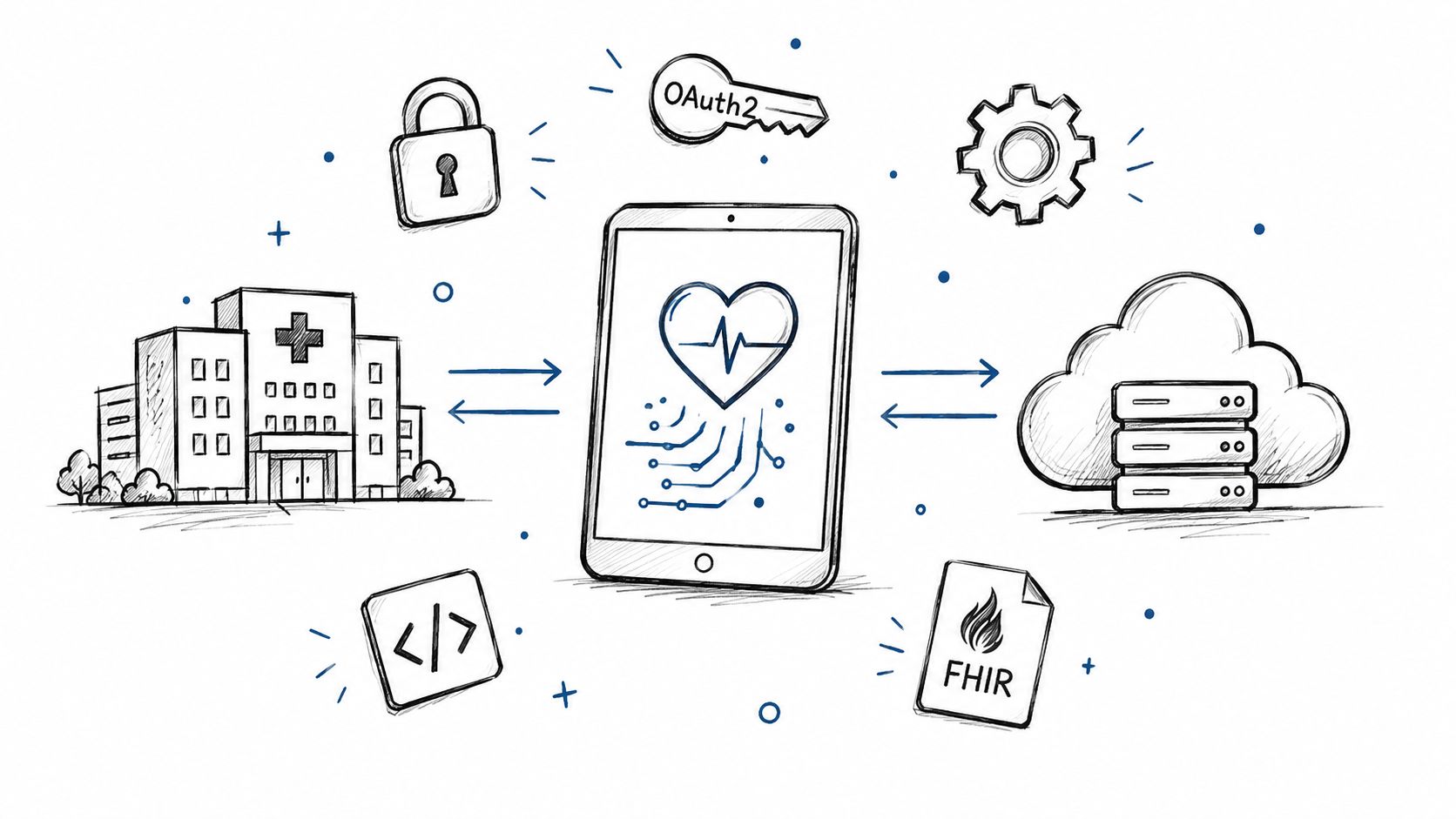
Smart on FHIR guide for healthtech engineers. Learn the OAuth 2.0 launch model, scope syntax, backend services, and US regulatory requirements.
Connect with our team to explore how AI expertise can transform your business.