AI in Healthcare
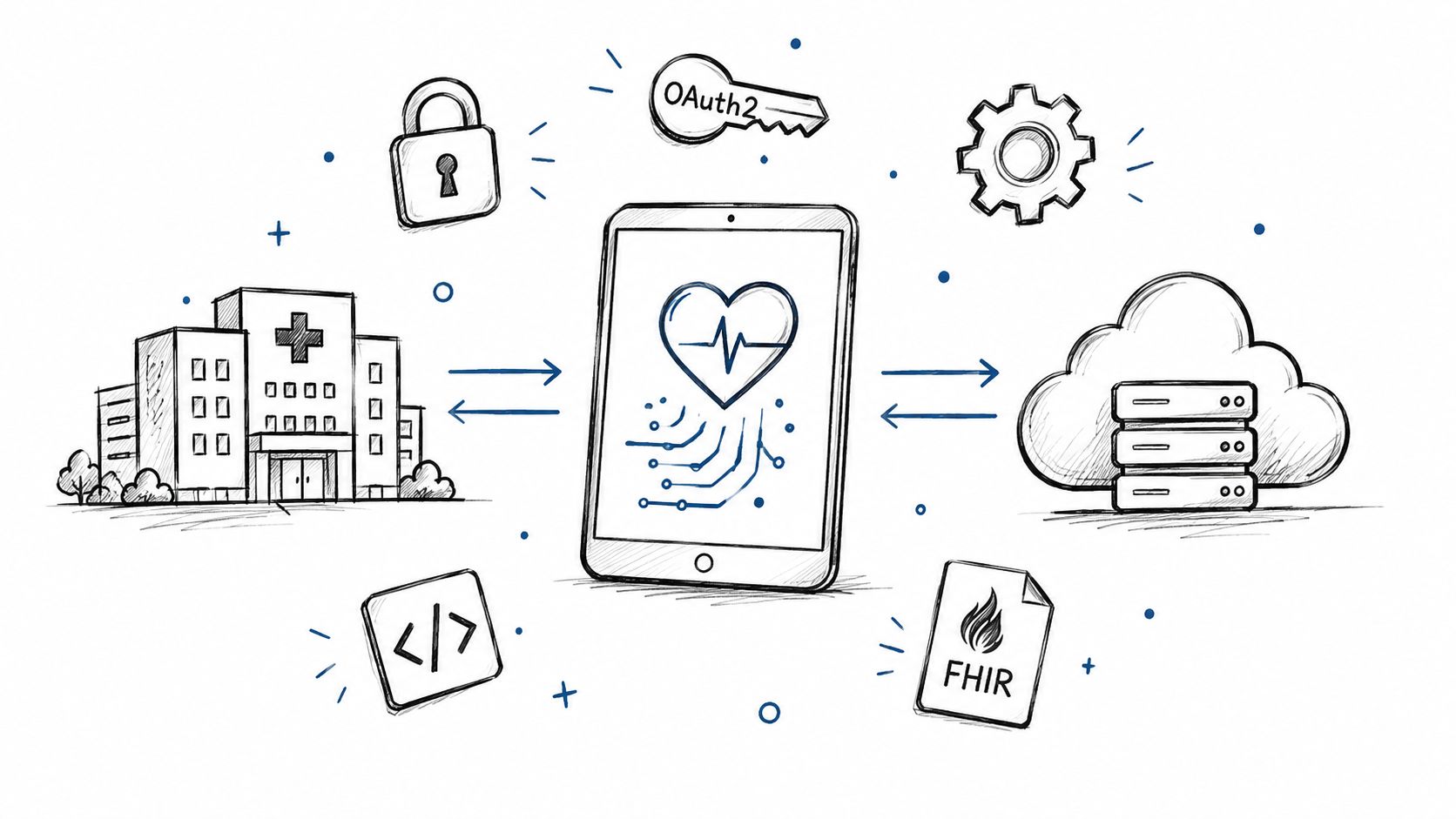
Smart on FHIR: What It Is and How It Works in Practice
Smart on FHIR guide for healthtech engineers. Learn the OAuth 2.0 launch model, scope syntax, backend services, and US regulatory requirements.
October 14, 2026Read more
Unlock efficiency with healthtech productivity automation tools. Our guide offers leaders a roadmap for assessment, compliance, ROI, and scaling.

Most CTOs don't start looking at healthtech productivity automation tools because they're excited about automation. They start because the operating model is straining. Teams are buried in inboxes, prior auth follow-ups, intake rework, status checks, manual documentation, spreadsheet reconciliations, and compliance tasks that no one planned to staff as a full-time function.
That pressure shows up in familiar ways. Clinicians spend too much time documenting. Operations teams build fragile workarounds between the EHR, scheduling, billing, and CRM. Product teams get asked to “just automate it” without a clear decision on what should be automated, what should stay human, and what introduces risk if you move too fast.
Good automation changes that. Bad automation multiplies exceptions, fragments workflows, and creates a new support burden.
The practical question isn't whether automation belongs in healthcare. It does. The harder question is how to introduce it in a regulated environment without adding compliance exposure, adoption problems, or brittle integrations. That's where many first initiatives stall.
A solid automation program starts with workflow choice, not vendor demos. It needs measurable goals, security review, integration discipline, and a change plan that respects how clinicians and operators work. If you're evaluating this space now, treat automation as an operational redesign effort supported by technology, not a software purchase.
That's also why many teams bring in a HealthTech engineering partner early. The implementation path matters as much as the tool.
Monday starts with a familiar pattern. Patient intake is behind, prior authorizations are waiting on follow-up, billing has a queue of exceptions, and support teams are updating three systems to answer one status question. No single delay looks severe on its own. Together, they create slower revenue cycles, more staff frustration, weaker patient experience, and less confidence in the operating model.
That is the cost of inefficiency in healthtech. It rarely appears as one obvious failure. It shows up as accumulated friction across handoffs, approvals, documentation, reconciliation, and reporting.
Healthcare is especially exposed because the work sits at the intersection of volume, regulation, and accountability. Teams must move quickly, but they also need traceability, role-based access, audit logs, and clear exception handling. That changes the automation conversation. The goal is not to remove human involvement everywhere. The goal is to reduce preventable manual work in places where consistency matters and oversight can be designed into the workflow.
Early automation programs often miss that distinction. Leaders buy tools for isolated tasks, then discover the harder problem is operational design. If an intake team, clinical team, billing team, and compliance lead all touch the same workflow, automation has to support the full process, not just one step inside it.
I advise CTOs to frame this as a sequencing decision first.
The hidden cost usually comes from three patterns:
This is why mature teams start with a roadmap, not a tool list. They identify one high-friction workflow, define the operational risk, set success metrics, and decide where automation should stop and human review should begin. Teams that need support across workflow design, integration planning, and regulated delivery often bring in a HealthTech engineering partner for healthcare automation initiatives before they commit to a platform.
The organizations that get results treat healthtech productivity automation tools as part of an operating model change. That approach is slower at the start. It is also how you avoid creating faster failure, harder audits, and a larger support burden six months later.
A CTO usually sees the same pattern in the first automation meeting. One team wants an AI scribe. Another wants prior auth automation. Operations wants fewer clicks in intake. Finance wants faster claims follow-up. All of those requests may be valid, but they are not a roadmap.
Start with process economics. The right first target is the workflow that burns time every day, crosses multiple teams, has clear rules for most cases, and produces a measurable operational outcome when it improves. In HealthTech, that often means work tied to patient access, revenue cycle, documentation routing, staff onboarding, or recurring compliance operations.

A simple filter works well in early planning:
Often, many automation programs drift off course. A painful process is not always a good first candidate. If policy is still unsettled, ownership is split, exceptions dominate the workflow, or source data is unreliable, the team will spend months automating confusion.
The better leadership question is narrower than "what can we automate?" Ask which two or three workflows can produce measurable ROI in the next six to twelve months without increasing audit risk, clinical friction, or support load.
The best early wins tend to share three traits. They are repetitive, easy to measure, and close to a system of record.
That is why teams often begin in these areas:
These categories matter because they give leadership a clean test case. Cycle time can be tracked. Manual touches can be counted. Error patterns can be reviewed. Adoption problems are easier to spot than in a broad enterprise rollout.
Do the requirements work before vendor outreach. If you start with demos, the loudest product story usually shapes the project, even when it does not match the actual workflow constraints.
Capture five inputs before evaluating tools:
I usually advise teams to write down where automation should stop. That single decision prevents a lot of bad pilots. In healthcare, the goal is rarely full autonomy. The goal is to remove predictable administrative work while preserving clear review points for exceptions and higher-risk decisions.
Do not automate around unclear ownership or inconsistent decision rules. Fix those first.
If your team needs a reference point for what mature automation design looks like, reviewing real-world use cases can help translate broad categories into actual operating patterns. External strategy support can also help before engineering starts, especially when multiple departments are competing to make their workflow the first priority.
A promising automation project can stall long before launch. The workflow is clear, the team is aligned, and the pilot has a business case. Then security review raises questions no one can answer about PHI handling, audit logs, model monitoring, or vendor access. At that point, the delay is not technical. It is architectural.
That pattern shows up often in healthtech because teams treat compliance as a late approval step. In practice, compliance shapes the design. If the automation touches PHI, triggers downstream actions, or changes how staff make decisions, the control model needs to be defined before implementation starts.

A useful security review goes beyond “vendor is HIPAA-ready.” CTOs need a shared review structure that pulls engineering, security, legal, and operations into the same conversation. That is how teams catch genuine risks early, before they become procurement delays or production incidents.
| Review Area | What to Verify |
|---|---|
| Interoperability | Support for standards such as HL7 FHIR, API clarity, and disciplined data mapping |
| Data ownership | Contract terms, retention rules, deletion controls, and responsibility boundaries |
| Auditability | Event logs, user-level traceability, and reviewability of automated actions |
| Drift monitoring | How the system detects output degradation, source changes, or broken mappings |
| Access controls | Role-based permissions, least-privilege enforcement, and admin governance |
| Deployment model | Cloud controls, segmentation, environment management, and incident response expectations |
Use this scorecard to force concrete decisions. Where is PHI stored. Who can see raw data. What is logged. How long is data retained. What happens when an integration changes upstream. Those answers matter more than a polished demo.
I usually advise teams to make one decision early. Define which actions the system can complete automatically and which actions require human review. That line determines your approval path, audit design, and operational risk.
Strong vendors answer hard questions with specifics, not marketing language. Ask for written responses and examples from real implementations.
Weak answers here create expensive problems later. The common failure modes are familiar. Logging is too thin for audit. Permissions are too broad for a shared operations team. A workflow works in test but breaks when an upstream field changes. None of those issues are unusual. They are signs that the implementation plan was too shallow for a regulated setting.
Compliance work does not slow good automation programs. Unclear system boundaries, ownership, and controls do.
Some automation stays in back-office operations. Some starts to influence product behavior, decision support, or clinical workflow. That shift changes the review burden fast.
If your roadmap moves toward embedded intelligence in care delivery or patient-facing workflow logic, plan for tighter validation, stronger documentation, and closer coordination across product, clinical, legal, and quality teams. Teams in that position often need support from partners who understand both compliant product delivery and SaMD solutions. The same applies when automation intersects with deeper custom healthcare software development work instead of a lighter workflow layer.
The practical lesson is simple. Build your automation program on controls you can explain, test, and operate. In healthtech, that foundation determines how quickly you can scale later.
By the time you're looking at vendors, you should already know the workflow, owner, exception patterns, and review requirements. If you don't, every demo will sound good.
A useful vendor process doesn't start with feature checklists. It starts with fit to a tightly defined pilot. Can the tool solve one painful workflow, integrate with the right systems, and produce evidence that the approach should expand?
Below is a practical scorecard format for healthtech productivity automation tools. The weights should reflect your environment, not the vendor's roadmap.
| Evaluation Criterion | Description | Weight (1-5) | Score (1-5) |
|---|---|---|---|
| Workflow fit | How well the tool handles the target process and its exceptions | 5 | |
| EHR and system integration | Quality of integration with EHR, billing, CRM, and identity systems | 5 | |
| Security and compliance readiness | Audit trails, access control, data handling, and reviewability | 5 | |
| Usability | Whether operators and clinicians can use it without workflow disruption | 4 | |
| Traceability | Visibility into what the automation did, why, and with what data | 5 | |
| Configuration model | Ability to adapt rules, routes, and thresholds without fragile workarounds | 4 | |
| Vendor support | Responsiveness, implementation help, and issue resolution quality | 3 | |
| Total cost of ownership | Licensing, implementation, maintenance, change requests, and admin overhead | 4 | |
| Scalability | Ability to expand into adjacent workflows without rebuilding everything | 3 |
The point of this table isn't precision theater. It's to force trade-offs into the open. A tool with polished UX but weak traceability may be unacceptable in a regulated workflow. A platform with broad capabilities may still be the wrong first purchase if setup complexity is high.
Some teams should buy. Others should build. Many should do both.
Build internal tooling when the workflow is highly specific to your operating model, your integrations are unusual, or traceability requirements are too strict for generic tooling. Buy when the process is common enough that a mature vendor already supports it well, and your differentiation doesn't depend on owning that layer.
If you want a reference point for what a broader ecosystem looks like, a curated set of AI tools for business can help teams understand the difference between narrow point solutions and platform-style capability stacks.
For adjacent operational software decisions, the same discipline applies outside classic automation. Teams evaluating lab operations, for example, can learn from how buyers approach choosing the best lab system, especially where workflow specificity and compliance obligations overlap.
Ask these in demos and technical follow-ups:
A pilot-first approach makes these answers far more meaningful. It also lowers the risk of buying a broad platform for a narrow problem. If your team wants a structured route for workflow automation delivery, AI Automation as a Service is one operating model to compare against traditional license-heavy procurement.
A CTO approves an automation pilot. Six weeks later, the demo looks good, the vendor reports high completion rates, and the operations lead still says the team is doing extra work. That gap is where many HealthTech automation efforts stall.
A pilot has to prove business value under normal working conditions. Technical success alone is not enough. The workflow needs to get faster or cleaner without shifting hidden effort to clinicians, coordinators, or support staff.

Start with a baseline that an operations leader would trust. Measure current turnaround time, number of handoffs, rework rate, exception volume, and how often staff leave the system they use to complete the task. If those numbers are fuzzy before launch, the ROI case will be weak after launch.
Include quality and behavior metrics, not just speed. In regulated environments, a faster process that creates more corrections, undocumented edits, or manual overrides is a poor trade. The same goes for a tool that performs well in test conditions but is ignored in production.
Three measures matter in nearly every pilot:
Use benchmark claims carefully. Vendor materials can help frame what good looks like, but they are not a substitute for your own baseline and your own workflow economics. For teams assessing clinician or patient engagement workflows, a pilotable tool such as an HCP engagement co-pilot for healthcare outreach workflows is useful only if you can observe how it performs inside the actual operating environment.
Teams often blame training. Training matters, but poor adoption is more often a workflow design problem.
The common failure modes are predictable. Staff have to copy outputs from one screen to another. Recommendations arrive after the decision has already been made. Users cannot tell why the system produced a result, so they stop trusting it. Exceptions fall into a manual queue that nobody clearly owns.
These are not minor usability issues. They determine whether the organization gets ROI or absorbs another layer of operational friction.
The fastest way to lose adoption is to ask users to leave the core workflow, interpret an automated recommendation, and then recreate the work elsewhere.
That is why pilot reviews should include frontline observation, not just dashboard reporting. If the automation completion rate looks strong but supervisors are creating workarounds, the pilot is signaling risk, not readiness.
A useful pilot readout answers a small set of leadership questions with evidence, not enthusiasm:
If the answers are clear and the trade-offs are acceptable, expand with confidence. If they are mixed, narrow the scope, fix the workflow, and run a second cycle. That is still a successful pilot. It prevents a larger rollout from failing at production scale.
A rollout usually looks healthy right up to the point it hits a second department, a new site, or a busier week. The pilot team knew the process, tolerated rough edges, and had direct access to the project lead. At scale, that protection disappears. Integration gaps show up faster. Ownership gets blurry. Small workflow defects turn into daily operational drag.
Scale is an operating model decision as much as a technical one.
As noted earlier, investment in AI productivity tools is rising quickly. That does not mean HealthTech teams should add more standalone automations. It means leaders need an architecture that can support growth without creating a patchwork of bots, dashboards, and exception queues.
The test is simple. If staff have to stop their work, switch systems, interpret an output, and then manually re-enter the result, the automation is not integrated well enough to scale.
Focus expansion on a few design rules:
Many CTOs lose time scaling a useful feature before they standardize the plumbing underneath it.
Strong automation programs include restraint. Some workflows look attractive because they are labor-intensive, but they are poor candidates for early scale.
Hold off when the process depends heavily on interpretation, when input data changes by source, or when teams still disagree on the right action. In those cases, automation hardens inconsistency. It does not fix it.
A simple rule helps. If the team cannot explain the decision path clearly, they are not ready to automate it broadly.
That is especially true in clinical and care-adjacent workflows. The better use case is often support, triage, summarization, or administrative reduction. Human judgment still carries the final decision, and the workflow should make that responsibility obvious.
Adoption problems usually get labeled as training problems. Often they are ownership problems.
Every scaled workflow needs a named process owner with authority to make decisions on policy, exceptions, KPIs, and release timing. Without that role, integration issues bounce between IT, operations, compliance, and department leaders until confidence drops.
Useful change management is concrete:
I usually advise CTOs to budget for workflow redesign and adoption support separately from the integration build. Teams that skip that step often conclude the tool failed, when the underlying problem was unclear ownership and slow issue resolution.
If you're scaling custom integrations or workflow redesign across departments, ai assisted software development can shorten build cycles. The same applies to an AI Product Development Workflow. Delivery speed still has to be matched by governance, operator training, and clear process ownership.
Healthtech productivity automation tools are most valuable when leaders treat them as part of an operating strategy. Not as a bolt-on feature set.
The roadmap is straightforward even if execution isn't. Assess the workflows that create the most repetitive drag. Establish compliance and data governance before tool selection. Evaluate vendors against integration, traceability, and exception handling. Pilot narrowly. Measure what changed in speed, quality, and adoption. Then scale only what survives real-world use.
The teams that get this right don't automate everything. They automate the right things in the right order. They leave space for human review where judgment matters. They build monitoring into the workflow. And they keep improving the system after go-live instead of treating deployment as the finish line.
If you're early in the process and need sharper prioritization, a Custom AI Strategy report can help turn a broad automation ambition into a sequence of concrete decisions. And if you want to sanity-check your roadmap with practitioners who work on delivery, integration, and operational adoption, connect with our expert team.
Start where manual effort is high, rules are stable, and the cost of delay is visible. Prior authorization prep, intake data capture, referral routing, revenue cycle handoffs, and repetitive compliance documentation often produce faster returns than more ambitious clinical workflows.
A simple test helps. If a team repeats the same steps all day, works across multiple systems, and already follows a defined policy, that workflow is usually a good candidate. If the process still depends on unresolved policy decisions or frequent exception handling, fix the process before automating it.
No. Back-office operations usually provide the cleanest first pilots because the work is easier to standardize and the risk profile is easier to contain. But strong programs do not stop there.
Clinical-adjacent work, patient messaging, care coordination, and intake operations can also benefit when scope, escalation paths, and human review are clear. The mistake is assigning decision-making authority to software before the organization has defined where accountability stays with staff.
Watch the workflow, not just the login rate. If staff understand the process but still bypass the tool, the problem is often poor integration, slow response time, weak exception handling, or low confidence in the output. If users cannot explain what happened inside the automation or need side work in email and spreadsheets to finish the task, the product is adding friction.
Training problems look different. Users are willing to use the tool, but they make avoidable mistakes, skip required steps, or fail to use features that already fit the workflow.
Buy when the use case is common, the vendor already integrates with your core systems, and your team needs speed more than customization. Build when the workflow is tightly linked to your operating model, your controls go beyond standard vendor assumptions, or the logic itself creates competitive advantage.
Many CTOs end up with both. They buy commodity capabilities and build around the parts that affect compliance, margin, or care operations in a way off-the-shelf products do not handle well.
Choosing a problem because the demo looked good. First initiatives fail more often from weak problem selection than from weak engineering.
A broad mandate usually creates too many stakeholders, unclear success criteria, and long feedback cycles. A narrower pilot with one accountable owner, a defined baseline, and a clear rollback plan gives leadership better evidence for the next investment decision.
Treat strategy as a prioritization exercise, not a vision document. Leadership teams need agreement on four points before procurement or build work starts. Which workflow matters most, what risk is acceptable, who owns the outcome, and how success will be measured in operations.
Teams that need outside perspective often use an AI strategy consulting tool to pressure-test sequencing, governance, and delivery assumptions before they commit engineering and compliance resources. Ekipa AI is one example of that kind of advisory support.
If you're planning a first automation initiative in healthcare, Ekipa AI can help clarify where automation fits, what to pilot first, and how to align delivery with compliance, integration, and workflow reality.
Smart on FHIR guide for healthtech engineers. Learn the OAuth 2.0 launch model, scope syntax, backend services, and US regulatory requirements.
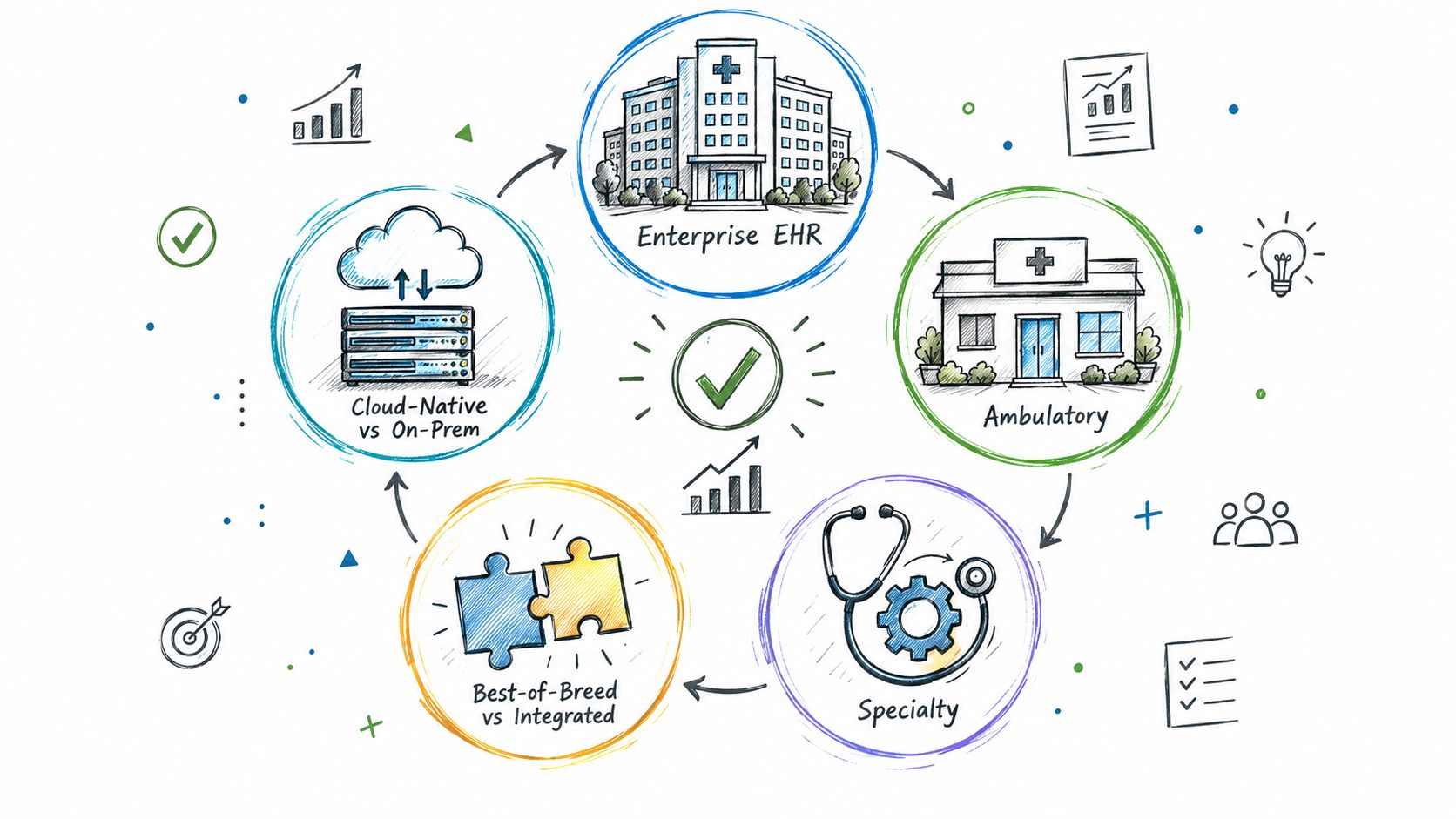
Explore the types of EHR systems by deployment model, care setting and scope. Compare integration options, trade-offs and selection tips for healthtech teams.
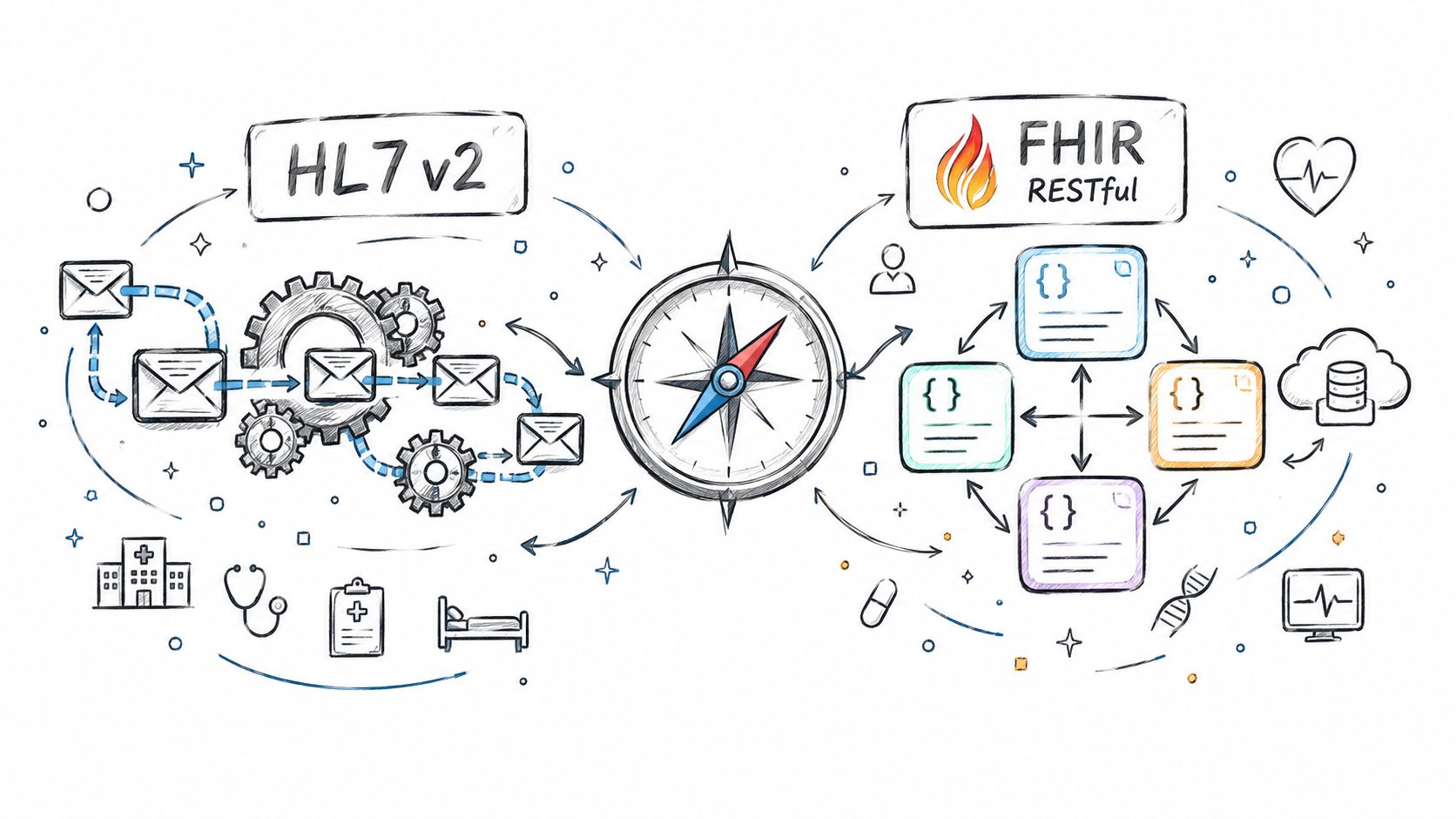
Compare Fhir vs. hl7 standards for healthtech integration. See how HL7 v2 and FHIR differ in use, mechanics, regulation, and real-world architecture.
Connect with our team to explore how AI expertise can transform your business.