AI in Healthcare
HIPAA-Compliant AI: How to Use LLMs With PHI Safely
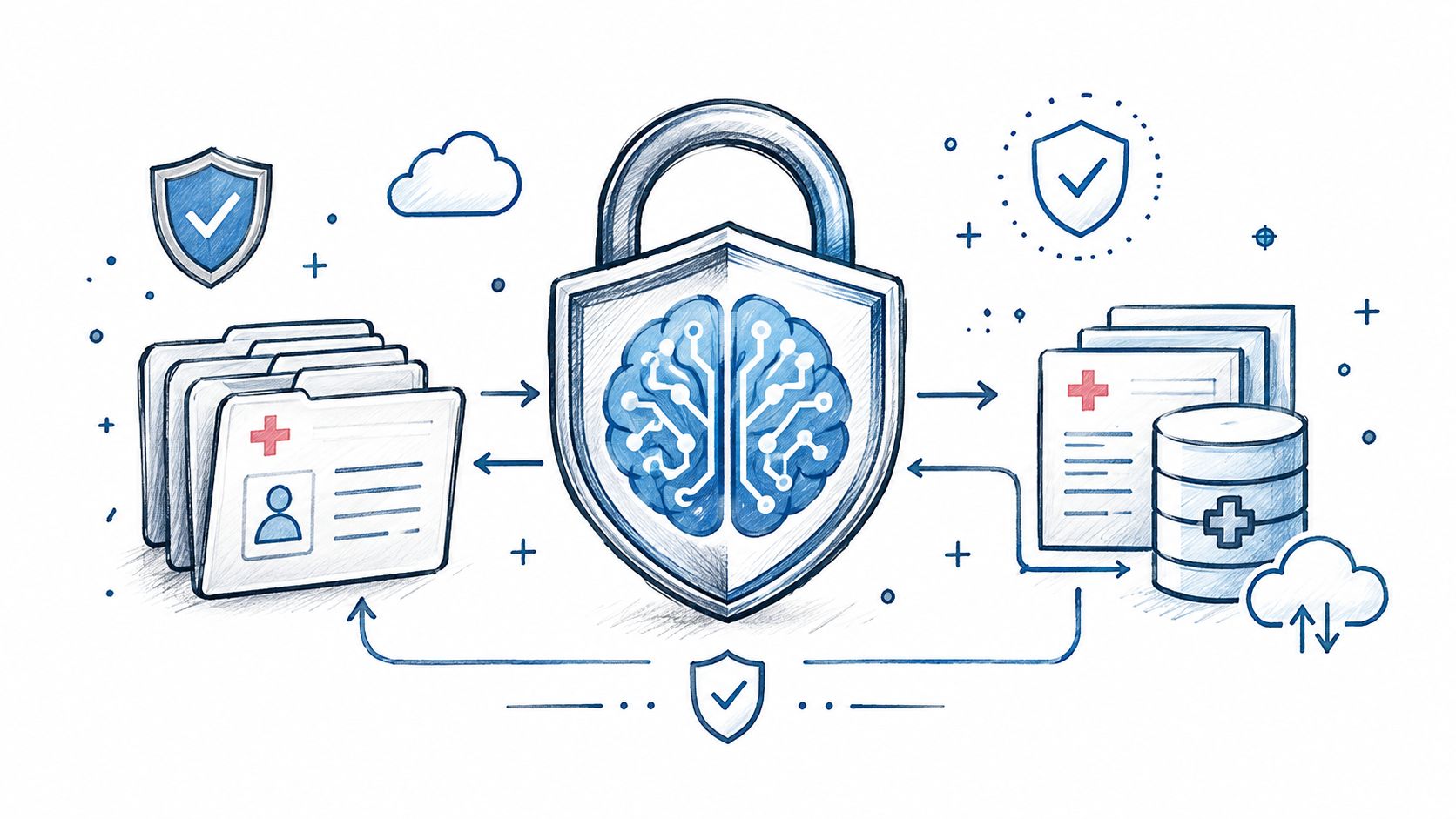
How to build HIPAA-compliant AI: when LLM providers need a BAA, data minimization, de-identification, audit controls and a reference architecture.
October 16, 2026Read more
Discover how senior living software drives ROI, improves care, and streamlines operations. Our guide covers core modules, vendor selection, and AI integration.

Your team is probably living this already. Census lives in one system, care plans in another, medication tracking somewhere else, and billing gets patched together at month end. Staff spend too much time re-entering the same resident data, managers chase compliance manually, and leadership still can't answer a simple question fast: where are we losing time, margin, and resident trust?
That's the core reason senior living software matters. Not because vendors promise cleaner workflows. Because fragmented operations create risk, hide revenue leakage, and exhaust caregivers. If you're making your first serious platform decision, treat it like an operating model decision, not a software purchase.

Most operators don't start shopping for senior living software because they love digital transformation. They start because the current setup stops working. Paper-based med workflows create avoidable risk. Spreadsheet staffing creates blind spots. Incident reporting becomes reactive. Family communication turns inconsistent. Then burnout shows up across the building.
That pain is happening inside a market that is no longer early or experimental. Future Market Insights projects the global assisted living software market will grow from USD 304.9 million in 2023 to USD 1.01 billion by 2035, with a CAGR of 10.5%. The same source projects cloud deployment will account for 67.4% of the market by 2025, versus 32.6% for on-premises. That matters because cloud architecture usually makes updates, interoperability, and multi-site scaling easier.
This category has crossed the line from “nice to have” to core infrastructure. Aging populations and the need for operational efficiency are pushing adoption forward, not vendor hype. If you run assisted living, memory care, or a mixed portfolio, your platform now affects care quality, compliance, staffing, and resident experience at the same time.
Point systems can't do that. A unified platform can.
Practical rule: If your executive team still sees senior living software as a back-office purchase, you'll underinvest in implementation and overpay for fragmentation later.
Some operators try to solve the problem with more people and more process discipline. That only works for a while. Eventually the manual handoffs become the bottleneck. A fall incident, pharmacy coordination issue, or missed reassessment exposes just how brittle the operation has become. For teams working on prevention and safety, practical resources on elderly fall prevention strategies can also help frame where software should support frontline action rather than replace it.
Senior living software now sits closer to your operating core than your finance stack. It affects resident safety, occupancy readiness, labor coordination, and audit posture. That's why platform selection needs executive ownership from operations, clinical leadership, finance, and IT together.
If your organization needs support translating these operational problems into a product and integration plan, a team with focused Healthcare AI Services can help assess workflow bottlenecks, data dependencies, and implementation sequencing before you lock into a vendor.

A modern senior living platform should work like a single system of record, not a pile of adjacent tools. Netsmart myUnity is a good example of the architecture buyers should look for. It creates one resident record across care settings, supports transitions with a single chart across the post-acute continuum, unifies patient statements, and enables secure data transfer with hospitals and community providers. That's the right design logic.
The central object is the resident record. Everything else should connect to it.
Clinical documentation, assessments, care plans, ADLs, incident tracking, and eMAR can't sit in separate silos. RealPage's senior living software materials emphasize real-time medication information, alerts through eMAR integration, automated reporting, and caregiver task completion tracking. That matters because modern platforms combine clinical workflow automation with risk monitoring through eMAR, automated fall-risk scoring, and event-driven alerts. Static documentation is weak. Structured data tied to live alerts is far stronger.
A strong care module should support:
Billing errors often start upstream. A care-level change that doesn't flow into billing creates leakage. A move-in record that doesn't sync with service setup creates rework. Scheduling that ignores acuity creates labor imbalance.
This is why “all-in-one” matters only when data is truly connected. CRM, billing, scheduling, compliance, and care planning need to share context. If they don't, you're buying a bundled interface, not an integrated platform.
One resident record should drive many workflows. Care update, service level, family communication, and invoice logic should stay aligned without manual reconciliation.
For some operators, that level of workflow cohesion requires specialized integration or custom healthcare software development, especially when existing pharmacy, finance, or hospital-facing systems won't disappear overnight.
Executives often underrate this area because it sounds “soft.” It isn't. Communication quality affects trust, response time, and move-in confidence. Portals, secure messaging, dining preferences, activity coordination, and family updates all reinforce the resident experience when they pull from the same underlying record.
Here's the simplest test. When a resident's status changes, can your teams update care, notify the right people, and maintain documentation without duplicate entry? If not, your platform architecture is still fragmented.
Most senior living software content ducks the only question leadership cares about: How does this investment pay back in the operation?
CareAcademy's industry analysis makes the point directly. Most content explains what software does but fails to answer how to prove ROI, even though the real value is tied to occupancy, labor productivity, and turnover. That gap is exactly why many buying processes drift into feature comparison instead of business-case discipline.
Don't ask vendors to show “efficiency.” Ask your team which metrics need to move.
A useful ROI model usually starts with four lines of inquiry:
That's how you build a real board-ready case. Every module should map to a measurable operational outcome.
Hard ROI hits the P&L or protects revenue. Soft ROI improves experience, speed, or visibility. Both matter, but they are not the same thing.
| ROI type | What to look for |
|---|---|
| Hard ROI | Better revenue capture, cleaner billing, lower manual rework, improved labor control |
| Operational ROI | Faster handoffs, less duplicate entry, better audit readiness, fewer missed tasks |
| Experience ROI | Better family communication, more consistent resident service, clearer care coordination |
The mistake is treating all benefits as equally financial. They're not. If you want approval, show which gains are directly measurable and which ones reduce strategic risk.
A platform without a KPI framework quickly becomes an expensive digital filing cabinet. Define the target workflow, the current failure point, the owner, and the metric before contract signature.
If you want a structured way to model those choices, a Custom AI Strategy report can help teams assess use cases, prioritize workflows, and shape the investment thesis before committing budget. That kind of analysis is more valuable than another polished demo.
Vendor selection usually goes wrong in one of two ways. Teams buy the strongest feature list and ignore implementation complexity. Or they buy the safest incumbent and lock themselves into weak architecture for years.
Use a weighted checklist. Make vendors earn the score.
| Evaluation Area | Key Questions to Ask | Weight (1-5) |
|---|---|---|
| Technical fit | Does the platform support cloud deployment, role-based access, mobile workflows, and secure interoperability with pharmacy, hospital, and finance systems? | 5 |
| Data model | Is there a single resident record, or are modules loosely connected with separate data stores? | 5 |
| Clinical workflow | Can the system support eMAR, assessments, care plans, incident tracking, and reassessment triggers in one workflow? | 5 |
| Operations and billing | Do service changes flow into billing and reporting without manual reconciliation? | 4 |
| CRM and occupancy support | Can sales, move-in coordination, and resident onboarding run in one connected workflow? | 4 |
| Reporting | Do executives get usable dashboards for care, staffing, billing, and risk, or just static exports? | 4 |
| Training and support | What does onboarding actually look like for administrators, nurses, med techs, and caregivers? | 5 |
| Implementation risk | Who handles migration, interface setup, testing, rollback planning, and go-live support? | 5 |
| Vendor viability | Is the roadmap clear, and does the company show commitment to senior living-specific workflows? | 3 |
| Total cost of ownership | What will you pay for implementation, integrations, training, support, and future configuration work? | 5 |
Don't let them hide behind slides. Make them walk through your messy workflows.
Ask them to demonstrate:
If a vendor can't show your real workflow cleanly, they probably can't implement it cleanly either.
Future-proofing matters too. Teams evaluating platforms with automation or AI ambitions should look at how the vendor supports extensibility, APIs, and product evolution through ai assisted software development, not just current-state features.

The most dangerous phrase in a software sales cycle is “easy implementation.” In senior living, deployment touches resident care, med workflows, compliance processes, staffing habits, and external partners. There is nothing naturally easy about that.
ECP's industry commentary highlights the neglected part of the buying decision clearly. A major challenge is deploying software without increasing staff burden, especially when data migration, staff training, and pharmacy and EHR integration are involved. That's the reality most feature pages skip.
A bad rollout doesn't just frustrate admins. It slows caregivers, creates charting delays, and causes people to create shadow processes on paper. Once that happens, trust in the platform collapses.
The safest implementation pattern is usually phased, not heroic. Start with high-friction workflows where the value is obvious and the process can be standardized. Don't launch every module across every building on day one unless your organization is unusually disciplined.
A practical rollout usually includes:
Interoperability is not a later-phase technical detail. It is part of vendor fit. If your platform won't exchange data reliably with pharmacies, referral partners, hospital systems, or finance tools, your staff will become the integration layer.
That's expensive and fragile.
For organizations with complex environments, external implementation support can help define interface logic, migration sequencing, and adoption planning. Teams building that bridge work often need an AI Product Development Workflow plus targeted internal tooling to manage data mapping, validation, and exception handling across systems.
Buy software that removes handoffs. Don't buy software that forces your staff to become human middleware.

AI in senior living is useful when it sharpens operations or care decisions. It's useless when it's just a chatbot pasted onto weak workflow design.
PointClickCare's 2025 survey found that 35% of respondents named resident satisfaction as their top technology investment priority. That matters because the strongest AI use cases are the ones that improve the resident experience while reducing staff friction.
The practical opportunities are straightforward.
This only works if your data is clean, your workflows are stable, and your governance is explicit.
A vendor saying “we have AI” tells you almost nothing. Ask what data the model uses, what action it triggers, who validates it, and how it fits inside daily operations. If they can't answer those four questions, it's probably AI-washing.
Watch for three failure modes:
| Pitfall | What it looks like |
|---|---|
| Weak data foundation | Incomplete documentation, inconsistent coding, poor interoperability |
| Black-box recommendations | Staff can't understand why the system made a recommendation |
| Added burden | AI creates more alerts, more screens, or more review work without clear operational value |
As we explored in our AI adoption guide and related real-world use cases, the highest-value AI projects usually start narrow. Pick one workflow with measurable pain, prove adoption, then expand. For teams ready to operationalize that path, AI Automation as a Service is one way to build targeted automation without rebuilding the entire stack at once.
It depends on data quality, integration needs, and how many workflows you're changing at once. The biggest mistake is forcing an all-at-once rollout when the organization isn't ready. A phased deployment usually protects care continuity better than a big-bang launch.
Prioritize the workflows that create the most operational drag or risk. For many operators, that means care documentation, eMAR, incident tracking, billing alignment, and scheduling. Don't start with cosmetic features. Start where bad process already costs you time, money, or trust.
Not automatically. The right answer is usually the platform that reduces handoffs and duplicate entry most effectively. In some organizations, that will be a unified suite. In others, it will be a core system plus a small number of well-integrated specialized tools.
Ask them to tie each claimed benefit to a workflow, owner, and KPI. If they can't explain how the product affects occupancy, labor productivity, turnover, revenue capture, or compliance effort, the ROI story is probably generic.
Short, role-based training works better than long general sessions. Caregivers, med techs, nurses, executive directors, and billing staff each need workflow-specific instruction. You also need local champions who can reinforce the new process after go-live.
Only if the AI supports a specific operational use case you can govern. Don't buy future promises. Buy current workflow value, solid data architecture, and a roadmap you can verify. AI should extend a stable platform, not distract from basic execution.
Senior living software can absolutely improve care delivery and operating performance. But the payoff only shows up when the platform fits your workflows, your integrations are planned properly, and leadership measures the right outcomes from day one.
If you're evaluating options, pressure-test the workflow, not the marketing. If you're implementing, protect staff time as aggressively as you protect budget. And if you're considering AI, insist on use cases that solve a real operational problem.
Ekipa AI can help operators and product teams turn that evaluation into a practical roadmap through AI strategy consulting, workflow design, and healthcare-focused product planning. If you need a clearer view of priorities, requirements, or execution options, review the broader AI tools for business, explore SaMD solutions, or connect with our expert team.
How to build HIPAA-compliant AI: when LLM providers need a BAA, data minimization, de-identification, audit controls and a reference architecture.
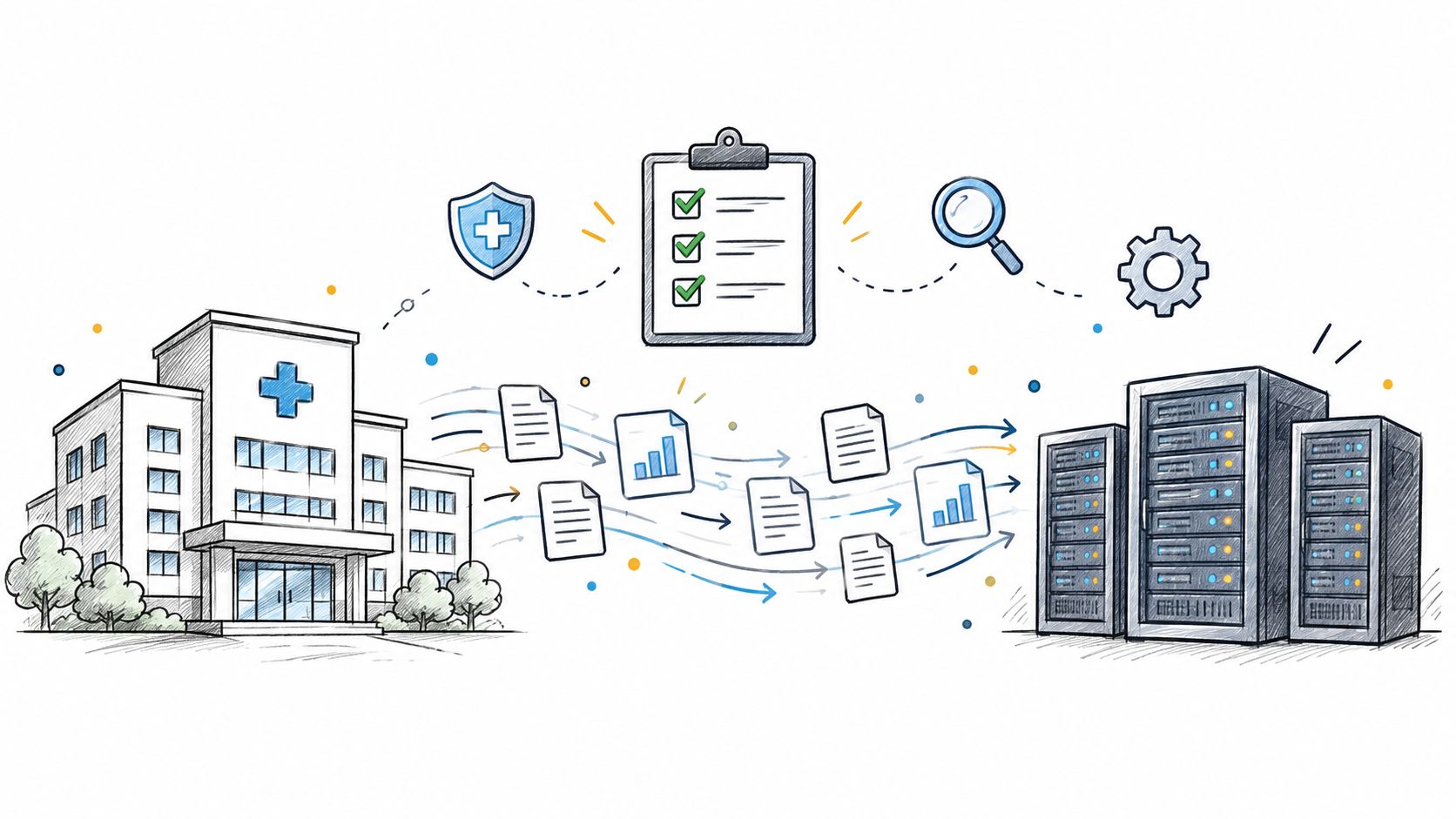
Practical data migration planning guide for healthcare teams. Scope, mapping, compliance, validation, cutover and rollback decisions explained end to end.
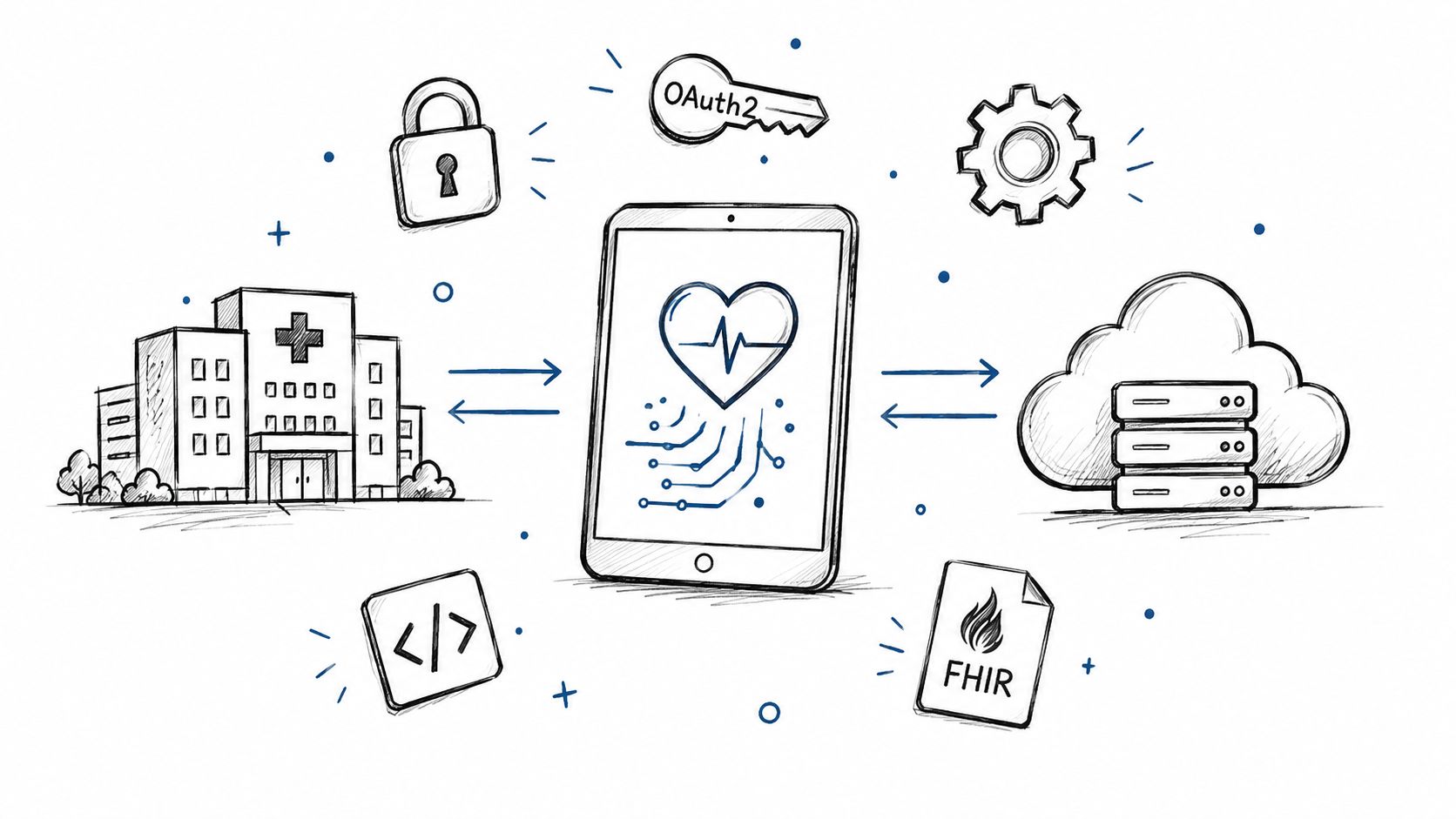
Smart on FHIR guide for healthtech engineers. Learn the OAuth 2.0 launch model, scope syntax, backend services, and US regulatory requirements.
Connect with our team to explore how AI expertise can transform your business.