AI in Healthcare
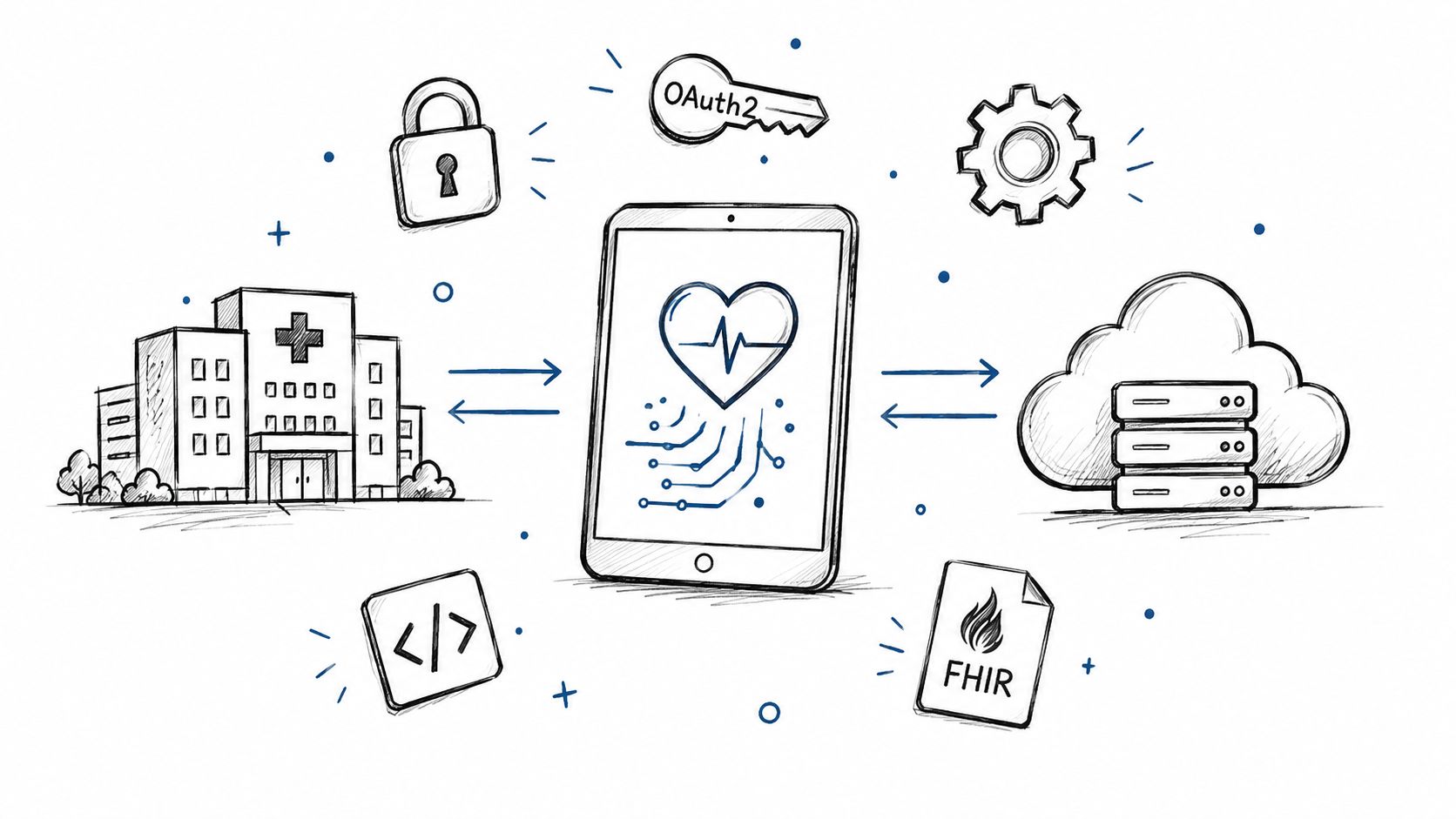
Smart on FHIR: What It Is and How It Works in Practice
Smart on FHIR guide for healthtech engineers. Learn the OAuth 2.0 launch model, scope syntax, backend services, and US regulatory requirements.
October 14, 2026Read more
Evaluate & implement caregiver scheduling software for peak efficiency. Guide covers requirements, vendor comparison, and ROI measurement. Boost your agency

You're probably dealing with some version of the same scene every week. A caregiver calls out before the morning shift. A client needs a visit moved. Someone in the office is checking texts, paper notes, spreadsheets, and a scheduling app that doesn't talk to payroll. By noon, the team has filled the open visits, but nobody's fully sure whether travel time still makes sense, whether a caregiver just crossed into overtime, or whether the family got the update.
That's the point where caregiver scheduling software stops being a software category and starts becoming an operating model decision. If the system only helps you place names into time slots, it won't hold up under growth, compliance pressure, or retention problems. If it gives you live visibility, mobile workflows, constraint-based assignment, and room to layer in automation later, it can become the control center for the agency.
Manual scheduling breaks in predictable ways. It breaks when visit volume rises, when caregivers have narrow availability windows, when same-day changes stack up, and when one coordinator becomes the unofficial memory bank for the whole agency. Most agencies don't feel this all at once. They feel it as friction. More callbacks. More exceptions. More rework.
That pressure is structural, not temporary. The U.S. Bureau of Labor Statistics projected 22% growth in employment of home health and personal care aides from 2022 to 2032, which puts more pressure on agencies to coordinate larger teams in the field, as noted by this home care scheduling analysis.
A lot of buyers still treat caregiver scheduling software like a digital calendar replacement. That's too small a frame. In practice, the scheduling layer affects caregiver retention, client communication, travel efficiency, overtime exposure, and whether the back office can scale without hiring around broken process.
If you're still using basic templates in parts of the workflow, there's nothing wrong with that. For families or very small teams, it can help to organize care tasks with this template before moving to a full agency platform. But once you're coordinating multiple caregivers, territories, and last-minute changes, templates stop being enough.
Scheduling is where staffing reality meets client expectation. If the system fails there, every downstream function gets harder.
The software you choose determines whether schedulers spend their day dispatching care or cleaning up avoidable mistakes. It also determines whether caregivers can see updates on mobile, request time off in the same system, and handle shift changes without forcing the office to mediate every move.
For agencies thinking beyond immediate operations, this sits squarely inside broader Healthcare AI Services. The right platform gives you a stable base for automation later. The wrong one locks you into manual work with a modern interface on top.
Most failed software selections fail before the first demo. The team hasn't defined what problem they're trying to solve, so every vendor presentation sounds plausible. That's how agencies buy polished dashboards and then discover the platform can't handle their real scheduling rules.
Modern caregiver scheduling tools are much more capable than the paper binders and spreadsheets they replaced. With mobile and cloud adoption in the 2010s, these systems added real-time updates, shift swapping, and automated notifications. Celayix also notes that roughly 25% of caregivers use technology to manage caregiving chores, which shows both progress and a lot of room for better digital coordination, as summarized in this home healthcare scheduling overview.

Map the current process from intake to completed visit to payroll handoff. Don't keep this at a high level. Write down where schedulers get availability data, how changes are communicated, who updates the client record, who checks compliance, and where the process still depends on texts, memory, or side spreadsheets.
Look for specific failure points:
Agency leadership usually cares about utilization, compliance, and growth. Schedulers care about speed and exception handling. Caregivers care about mobile clarity, time-off requests, and whether the system respects real availability. If you only collect requirements from leadership, you'll miss the operational friction that kills adoption.
A simple checklist should separate must-haves from nice-to-haves. That sounds obvious, but it forces discipline.
Practical rule: If a requirement affects payroll accuracy, visit completion, caregiver adoption, or compliance, treat it as non-negotiable.
A formal AI requirements analysis mindset helps. Don't only ask what the agency needs today. Ask what data the future system should capture, what decisions you want automated later, and where AI could realistically add value once the operational basics are stable.
That future-proofing matters. If you pick a tool that solves today's calendar problem but blocks integration and automation later, you'll end up replacing it just when the agency starts to scale.
Vendor demos are designed to make systems look equally capable. The way to cut through that is to score each platform against the work your team performs. In home care, that means less attention on visual polish and more attention on constraints, exceptions, and integration depth.
One feature area gets missed far too often. Scheduling software must do more than fill open shifts. It should support labor-law and fatigue-risk rules such as minimum rest periods, travel time limits, and overtime caps. That changes the system from a dispatch tool into a retention tool, as discussed in this analysis of scheduling software that supports clinicians as well as operations.
Ask vendors to show how they handle a real-world exception, not a perfect schedule. Give them a scenario: a caregiver calls out, the replacement needs a specific skill set, the client visit has a fixed window, and the best replacement is close to overtime. Then watch the workflow.
The important questions are usually operational:
For some organizations, a packaged platform won't fit every workflow. That's where custom healthcare software development can become relevant, especially when you need specialized integrations or highly specific care models.
| Feature Area | Must-Have Capabilities | Vendor A Score (1-5) | Vendor B Score (1-5) |
|---|---|---|---|
| Scheduling engine | Rule-based assignment, real-time changes, conflict alerts | ||
| Mobile caregiver experience | Schedule view, requests, shift swaps, notifications | ||
| Compliance support | EVV workflows, auditability, permissions | ||
| Payroll and billing integration | Clean handoff, reduced reconciliation work | ||
| Labor and fatigue controls | Rest windows, overtime caps, territory limits | ||
| Reporting and visibility | Live dashboards, exception monitoring, branch-level views | ||
| Integration readiness | API access, data export, compatibility with core systems | ||
| Scalability | Multi-location support, centralized control with local flexibility |
Leave management often exposes whether the scheduling platform is operationally mature. If your HR or staffing process still handles leave outside the scheduling workflow, review adjacent approaches like care home leave management software to understand how time-off workflows should feed into roster planning rather than sit beside it.
A vendor that says “we can configure that” should be asked to show it live. If they can't demonstrate the workflow, assume you'll be the one absorbing the workaround.
Most AI claims in scheduling are inflated. Good AI in this category isn't magic. It's disciplined automation applied to messy operating conditions. The value shows up when the system helps the team make better assignments faster, with fewer conflicts and less manual intervention.

AxisCare notes that scheduling software can reduce costs by decreasing no-shows and cancellations through reminders, while Caresmartz360 highlights AI-powered scheduling that matches caregiver skills, availability, and client preferences to reduce conflicts, as described in this overview of home care scheduling software benefits.
The first useful layer is better matching. That means combining skill fit, availability, service territory, visit window, and caregiver preferences into a ranked recommendation instead of handing a scheduler a blank slate.
The second layer is exception handling. When a shift opens unexpectedly, the software should narrow the replacement pool quickly and surface the trade-offs. Who is qualified, close enough, available, and still within policy constraints?
The third layer is workflow automation. Notifications, approvals, reminders, and routine follow-ups shouldn't depend on someone in the office remembering to send them.
A strong AI-ready platform has clean operational data, consistent rules, and enough integration depth to act on what it learns. Without that, “AI” becomes a thin recommendation layer on top of fragmented process.
AI Automation as a Service can make sense as an extension model. Agencies sometimes have a core scheduling platform already, but they need automation around intake, exception triage, matching logic, or reporting workflows. That's a valid path if replacement isn't practical.
If you want a better sense of what's realistic versus aspirational, reviewing real-world use cases is usually more useful than feature pages.
AI only improves scheduling when the agency has defined what “good assignment” actually means. If the rules are unclear, the software will automate inconsistency.
Selection gets the attention. Implementation determines the outcome. I've seen agencies buy capable software and still struggle because they loaded poor data, skipped role-based training, and tried to switch every branch at once.
A practical workflow starts with a master schedule, then turns that into assignable shifts that can be re-optimized as conditions change. Celayix also notes that effective tools let caregivers review schedules, request time off, and swap shifts via mobile apps, which matters because home care runs on rapid response, not static plans, as explained in this guide to mastering caregiver scheduling.

Bad data becomes expensive data once it's inside a live system. Before migration, clean caregiver profiles, service codes, client records, availability rules, territories, and pay rate logic. Standardize names and statuses. Remove duplicate records. Decide which historical data needs to move and which should stay archived.
The migration plan should answer four things:
Schedulers, caregivers, branch managers, and finance staff use different parts of the system for different reasons. A single generic training session won't stick. Build short role-specific sessions around the tasks each group performs every day.
Useful rollout habits include:
The resistance point usually isn't the software itself. It's the fear that the new system will expose errors, add clicks, or remove local workarounds people rely on. Name that directly. Explain what is changing, what is not, and how success will be measured.
A structured AI Product Development Workflow is useful here because implementation in this context is both technical and behavioral. Process, permissions, data quality, and adoption all matter at the same time.
Rollouts fail when leadership announces a new system but doesn't redefine the operating rules around it.
If you can't show operational improvement after launch, the software will be viewed as an expensive replacement for old habits. The strongest gains from caregiver scheduling software are usually operational. Fewer no-shows, less scheduling rework, cleaner coordination with billing, and fewer conflicts in the field matter more than a glossy dashboard.
Track a concise set of measures for the first reporting cycle. Too many agencies build dashboards nobody uses.
Group the measures into three buckets:
Operational efficiency
Financial control
Workforce and service quality
Start with the operational improvements you can observe directly. If reminders reduce no-shows, if schedulers spend less time on manual reshuffling, and if billing handoffs are cleaner, those are concrete gains. The benchmark system isn't just scheduling visits. It integrates with billing, supports EVV, and scales across locations, as noted earlier in the linked vendor analysis.
A simple ROI discussion usually includes:
For organizations that want to formalize this work for leadership, a Custom AI Strategy report can help structure the business case. If you need implementation or evaluation support, our expert team is the right place to start.
You've outgrown it when schedule changes rely on phone trees, side spreadsheets, or one experienced coordinator who keeps everything in their head. Another sign is when payroll, EVV, and scheduling no longer line up cleanly. If the team spends more time reconciling than planning, the current process won't scale.
Ask for an exception scenario, not a standard workflow. Have them demonstrate a same-day callout, reassignment based on skills and territory, a caregiver shift swap, and the downstream effect on approvals or payroll. Also ask how mobile users receive and confirm changes.
No. Operational discipline matters more than advanced labeling. But AI-readiness does matter on day one. Choose a platform with structured data, clear rules, and integration options so you can add smarter automation later without replacing the core system.
Three issues show up repeatedly. Dirty data, weak training, and unclear ownership after launch. Agencies often underestimate how much standardization is needed before migration. They also assume a short kickoff session counts as training. It doesn't.
That depends on your operating model. If your agency needs speed, simplicity, and fewer handoffs, an integrated platform is usually easier to run. If you already have specialized systems that work well, integration may be the better route. The key question is where work gets duplicated. Every manual handoff is a future problem.
If caregiver scheduling software is becoming a strategic decision for your agency, not just a back-office purchase, Ekipa AI can help you evaluate AI-readiness, workflow fit, and implementation risk before you commit to a platform. Teams that need support across ai assisted software development, SaMD solutions, or broader AI tools for business can use that process to make the scheduling layer work as part of a larger operating system, not as another disconnected app.
Smart on FHIR guide for healthtech engineers. Learn the OAuth 2.0 launch model, scope syntax, backend services, and US regulatory requirements.
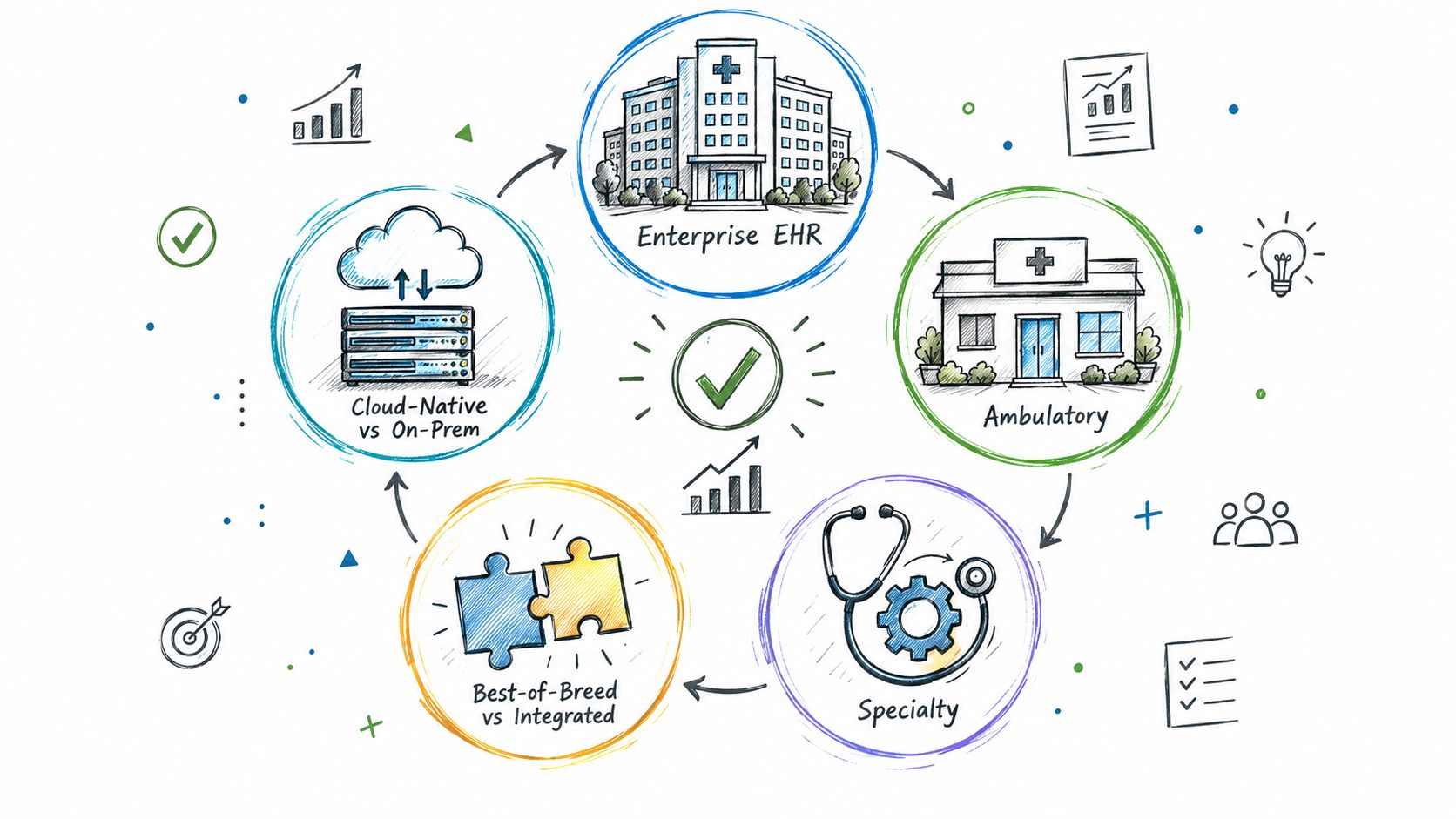
Explore the types of EHR systems by deployment model, care setting and scope. Compare integration options, trade-offs and selection tips for healthtech teams.
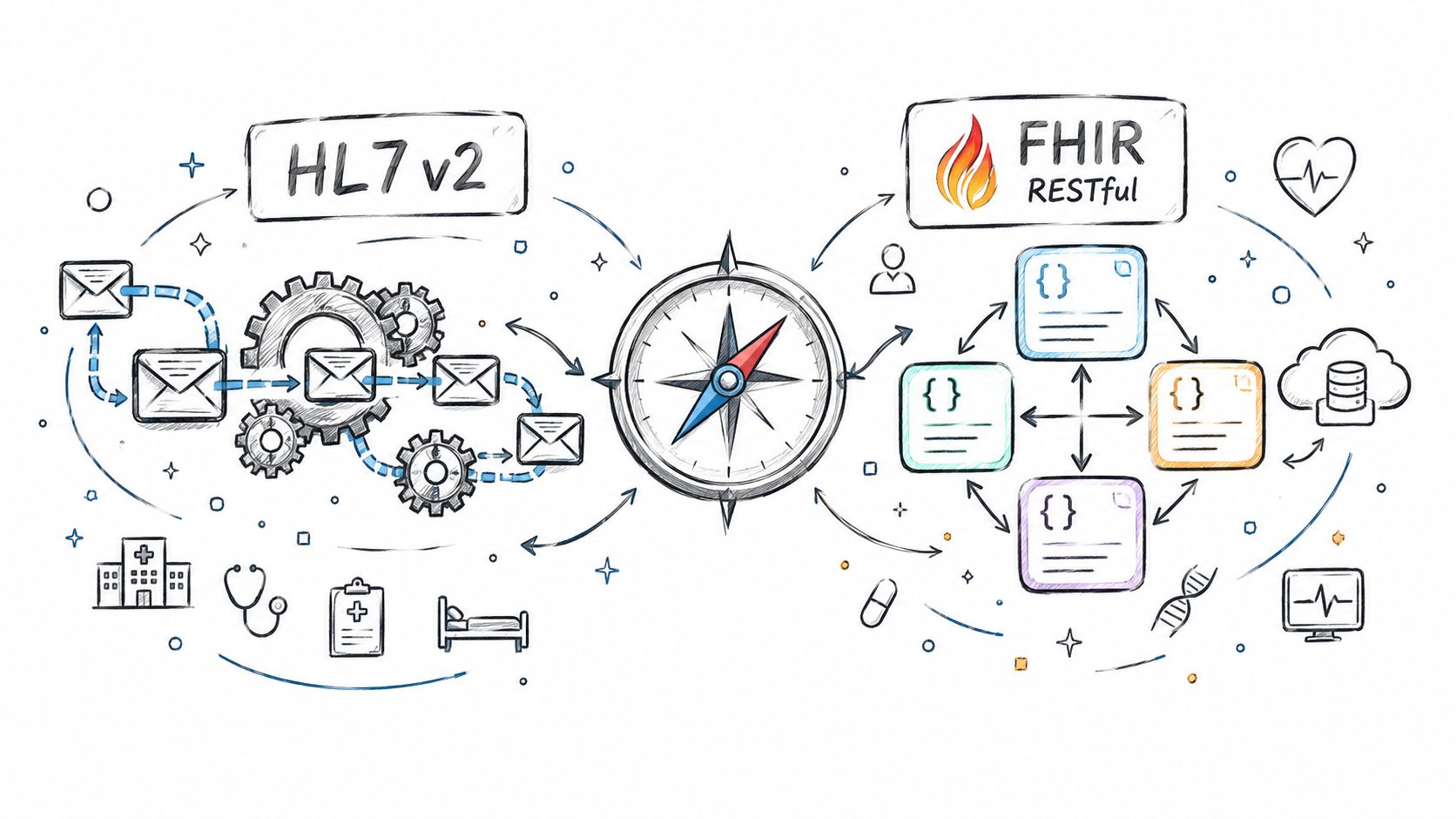
Compare Fhir vs. hl7 standards for healthtech integration. See how HL7 v2 and FHIR differ in use, mechanics, regulation, and real-world architecture.
Connect with our team to explore how AI expertise can transform your business.