
AI in Healthcare
HIPAA-Compliant AI: How to Use LLMs With PHI Safely
How to build HIPAA-compliant AI: when LLM providers need a BAA, data minimization, de-identification, audit controls and a reference architecture.
October 16, 2026Read more
Explore healthcare scheduling automation with a technical lens. Learn about EHR integrations, AI triage, and ROI metrics for health systems.

A 2026 NIH-hosted study reported that intelligent appointment scheduling reduced booking time from 155 minutes to 5.73 minutes, a 96.3% reduction, while human intervention fell 70% and no-shows dropped 50.7% in primary healthcare centers. Read the study That result reframes healthcare scheduling automation. It isn't merely a patient portal feature or a faster way to fill an empty slot. Properly designed, it becomes an operating layer that coordinates demand, clinical rules, provider capacity, patient communication, and EHR data.
The hard part is rarely the booking interface. The difficult work sits behind it: encoding specialty-specific constraints, resolving conflicting calendars, handling cancellations, preserving auditability, and integrating with systems that weren't designed for real-time orchestration. This guide focuses on those realities, including the trade-offs that determine whether automation scales or creates another queue of manual reconciliation.
The strongest business case for healthcare scheduling automation comes from time returned to staff and capacity made visible to patients. The NIH-hosted study cited above is striking because it measures the booking process itself, not just patient satisfaction. Reducing a booking workflow from 155 minutes to 5.73 minutes changes what an access team can handle, how quickly patients receive care, and how much administrative work remains trapped in phone calls and inboxes.
That impact compounds when automation responds to changes in demand. A cancellation can trigger an outreach workflow, a newly available slot can be matched against eligible patients, and a patient can receive a booking option without requiring a staff member to restart the process manually. The value comes from continuous coordination, not from digitizing a paper form.

An NIH-indexed case study found that automated self-scheduling represented 6.9% of kept appointments overall, with its share increasing from 4.0% to 14.9% of kept appointments during the study period. The same study recorded 156,085 appointments made through automated self-scheduling. Of those appointments, 59.6% were kept, 2.7% were missed, 37.6% were canceled, and 0.1% involved patients leaving without being seen. Review the self-scheduling case study
Those figures don't prove that every organization should expose every appointment type to self-booking. They do show that direct digital access changes how patients enter the scheduling system. Once patients can interact with availability directly, the organization gains a measurable demand signal and more opportunities to manage cancellations, waitlists, and open capacity.
A separate NIH review identifies advantages associated with automated self-scheduling, including arrival rates, labor savings, and patient satisfaction. Explore the review of automated self-scheduling The practical implication is clear: scheduling should be treated as strategic infrastructure, alongside patient access, revenue-cycle, and clinical operations systems. Health systems evaluating Healthcare AI Services should assess scheduling as an end-to-end operating capability, not an isolated portal enhancement.
Practical rule: Automate the decision flow behind the appointment, not just the form used to request it.
A production scheduling platform needs more than a calendar API. It needs a coordinated set of services that can answer five questions safely: What care does this patient need? Which provider and location are eligible? What capacity is available? What constraints apply? What should happen when the schedule changes?
The first component is a real-time availability engine. It should represent provider calendars, rooms, equipment, visit types, duration, preparation requirements, and booking horizons. A static list of open times becomes unreliable as soon as one appointment is canceled or a provider changes availability.
The second is a clinical and operational rules engine. Rules may depend on specialty, referral status, payer, age, procedure, provider preference, required equipment, or sequencing between visits. A dermatology follow-up and a cardiac diagnostic procedure shouldn't share the same booking logic just because both are appointments.

The EHR integration layer is where many projects become operationally fragile. Modern Scheduling guidance from CMS calls for appointment discovery, booking, and management in real time through open, standardized FHIR APIs using the Schedule, Slot, and Appointment resources. Review CMS Modern Scheduling guidance
FHIR can provide a durable interoperability mechanism, but the implementation still needs careful handling of authentication, retries, idempotency, conflicting updates, and incomplete source data. A system that creates a booking in one layer before the EHR confirms it can produce duplicate appointments or false availability. The safest pattern treats the EHR transaction as authoritative and records every state transition.
An event-driven design is more resilient than static booking rules. Cancellations, no-shows, authorization updates, and newly released slots should publish events that prompt the scheduling engine to recompute eligible options. A real-time outpatient scheduler simulation reported mean waiting time falling from 66.3 ± 18.7 minutes to 29.3 ± 9.3 minutes, a 56% reduction, while cycle time fell from 120 ± 19.7 minutes to 83.3 ± 6.7 minutes. Read the real-time scheduler analysis
AI can rank likely appointment options, classify referral information, or predict which patients may need outreach. It shouldn't override clinical policy. The rule engine should define hard constraints, while predictive models support prioritization and recommendations.
Patient communication belongs in the same architecture. SMS, voice, email, and portal interactions need preference management, consent handling, response capture, and escalation paths. Staff should see why a booking was accepted or rejected, which rule blocked it, and what action remains available.
For organizations building adjacent workflow automation, the architectural test is simple: can the system explain every booking decision and recover cleanly when the underlying schedule changes?
Automation doesn't automatically reduce no-shows. It can make reminders more consistent, but attendance depends on channel, timing, patient circumstances, appointment lead time, and the way the organization handles cancellations and rebooking.
A randomized outpatient study of 13,505 appointments found no-show rates of 13.6% with staff reminders, 17.3% with automated reminders, and 23.1% without a reminder. Review the randomized reminder study00108-7/fulltext) The result matters because it separates automation from workflow quality. A poorly designed automated message can underperform a well-run staff process.
Other evidence is equally contextual. A 2022 Chilean primary-care study found that automated reminders didn't change visits among patients eligible to receive reminders, while visits from ineligible patients increased by 5.0% in the first year and 7.4% in the second year. Read the Chilean primary-care study That pattern suggests that cancellation and rebooking logic may create capacity beyond the patients who receive the original reminder.
No-show reduction is only one possible objective. A scheduling team may need to prioritize faster access, better fill rates, equitable access, or reduced call-center workload. Optimizing one metric can damage another. For example, aggressively filling canceled appointments may favor patients with reliable digital access while leaving other groups behind.
A systematic review of open-access appointment systems found that 10 of 16 studies, or 62.5%, reported a significant decrease in outpatient no-show rates after opening scheduling access. Read the systematic review That evidence supports open access in appropriate settings, but it doesn't justify removing staff support or applying one booking model across every specialty.
The better design combines prediction with targeted action. A model can identify patients who may benefit from a reminder, a confirmation request, an earlier-slot offer, or a staff call. It should also expose uncertainty and allow teams to monitor whether interventions distribute access fairly.
Attendance is a workflow outcome, not a feature outcome. Measure the entire path from booking to confirmation, cancellation, rebooking, and arrival.
A safe rollout starts with workflow discovery, not vendor selection. Map how referrals arrive, who validates them, where authorization is checked, how staff identify eligible slots, and what happens when a patient can't accept the first option. Include exception paths, because those paths often carry the operational risk.
Define a narrow use case with a clear boundary. A low-risk follow-up appointment may be suitable for an early pilot, while a high-acuity procedure requiring multiple prerequisites may need a longer period of rule modeling and human review.
Document the source of truth for provider availability, visit types, patient eligibility, and appointment status. Identify every manual handoff and measure the baseline before changing the workflow. Without that baseline, teams can't distinguish automation impact from normal variation.
Build the integration layer around supported APIs where possible, including the FHIR Schedule, Slot, and Appointment resources described by CMS. Add transaction logging, retry handling, duplicate protection, and reconciliation queues for records that fail to synchronize.
Clinical staff should review rules before the pilot begins. A rule that looks technically simple, such as requiring a referral, may have exceptions by payer, location, or provider. Encode those exceptions explicitly rather than hiding them in application code.

Start with one location, specialty, or appointment type. Give staff a visible override path and explain why the system made each recommendation. During rollout, monitor booking failures, manual corrections, duplicate records, patient complaints, and access patterns across patient groups.
Compliance needs to be designed into the workflow. Protect health information with appropriate access controls, maintain audit trails for automated decisions, define retention policies, and establish a process for reviewing model behavior. A regulatory compliance partner can support the governance work, but accountability still belongs with the organization operating the system.
Optimization should continue after launch. Use production events to refine rules, identify recurring exceptions, and determine where AI adds value versus where deterministic logic is safer. Teams looking for structured AI Product Development Workflow support should insist that deployment planning includes clinical validation, integration testing, and operational ownership.
There isn't one correct architecture for every health system. The right choice depends on the stability of existing workflows, the variety of clinical rules, internal engineering capacity, and the consequences of a scheduling error.
| Approach | Implementation Speed | Customization | Maintenance Burden | Best For |
|---|---|---|---|---|
| Vendor scheduling platform | Usually faster to deploy | Constrained by configuration and vendor roadmap | Shared vendor updates, local configuration remains | Organizations with standard workflows and limited engineering capacity |
| Custom scheduling engine | Slower because the organization owns design and integration | High, including specialty-specific logic | High, with responsibility for testing and support | Complex multi-specialty environments with strong technical teams |
| Rule-based automation | Fast for stable, explicit workflows | Precise within known constraints | Rules require governance as policies change | Appointment types with clear eligibility and booking conditions |
| AI-assisted scheduling | Depends on data and validation readiness | Flexible for prioritization and prediction | Requires monitoring, retraining, and human oversight | High-volume workflows where ranking and forecasting support decisions |
| Hybrid architecture | Moderate, depending on integration scope | Balances reusable services with local rules | Requires clear ownership across components | Health systems needing interoperability and specialized clinical logic |
A vendor platform can reduce initial integration work, but buyers should test its handling of exceptions rather than accept a feature checklist. Ask how it represents blocked slots, overlapping resources, referral prerequisites, provider-specific rules, failed transactions, and audit history. “FHIR compatible” should lead to a technical demonstration of actual Schedule, Slot, and Appointment behavior, not a marketing statement.
Custom development offers control, but it creates a long-term obligation. Someone must own versioning, monitoring, security patches, EHR changes, rule review, and support for every participating site. A custom healthcare software development partner may help with that capacity, but the health system still needs an internal product owner who understands the clinical operating model.
Rule-based systems often outperform AI when the policy is explicit and safety-sensitive. AI is more useful when the problem involves prioritization, uncertain data, or forecasting. The hybrid pattern is usually the most defensible: deterministic constraints reject unsafe options, while AI ranks acceptable choices and routes ambiguous cases to staff.
For teams evaluating a healthtech engineering partner, the decision should center on ownership and operating complexity, not only implementation speed. A platform that launches quickly but requires constant manual correction isn't faster in practice.
No-show rate is easy to explain, which is why it often becomes the headline KPI. It isn't sufficient. A system can reduce missed visits while making access slower, shifting work to staff, or excluding patients who need assisted scheduling.
Start by recording the current state for each workflow. Useful measures include time from referral readiness to booked appointment, days to third-next-available, booking completion time, percentage of appointments requiring manual intervention, call volume, abandoned requests, cancellation recovery, and patient satisfaction. Track the same measures by specialty, site, appointment type, and access channel.
The scheduling engine should expose operational events, not only final outcomes. A dashboard needs to show how often the system found no eligible slot, how often a rule blocked a booking, how often an integration failed, and how often staff overrode a recommendation. Those signals identify whether the problem is capacity, policy, data quality, or system behavior.

Run a controlled pilot where feasible, using a comparable workflow or location as a reference. Don't change reminder content, booking access, staffing, and triage logic simultaneously if you need to understand which intervention affected results.
Calculate ROI from both direct and indirect effects:
A waitlist process described in the scheduling evidence moved up about one quarter of waitlisted appointments. 95% of rescheduled visits were earlier, with a median wait-time reduction of 15 days. Review the scheduling automation evidence Those outcomes illustrate why fill rate and access speed deserve equal attention beside no-shows.
Treat the dashboard as a control system. Review it with operations, clinical leaders, access staff, and engineering, then adjust rules and interventions based on observed behavior.
The most expensive scheduling mistakes usually happen before implementation. A team chooses a platform, exposes availability, and discovers later that provider preferences, referral requirements, payer rules, and room constraints were never modeled together.
Another failure starts with an impressive AI demonstration. The model recommends plausible slots, but staff can't tell why a slot was selected, the EHR rejects an update, or a patient books an appointment without completing a prerequisite. Trust disappears when people must inspect every automated transaction.
Document one appointment journey from intake to arrival. Mark every decision, data source, exception, and manual handoff. Then choose a workflow where the rules are sufficiently understood to test, but the operational burden is meaningful enough to measure.
Use a short readiness checklist:
Teams with an existing automation footprint can assess adjacent AI tools for business, while organizations earlier in the process may need AI requirements analysis before selecting technology. A focused Custom AI Strategy report can also help connect operational priorities to an implementation sequence.
Ekipa AI offers healthcare engineering support for EHR integrations, clinical workflow automation, and AI-enabled scheduling systems. Organizations can review its real-world use cases and meet our expert team when assessing delivery capability and governance needs.
If your scheduling workflow is creating manual reconciliation, delayed access, or unused capacity, start with a structured workflow and integration assessment rather than another scheduling interface. Visit Ekipa AI to discuss the clinical rules, EHR constraints, and measurable operating outcomes your automation program needs to support.
How to build HIPAA-compliant AI: when LLM providers need a BAA, data minimization, de-identification, audit controls and a reference architecture.

Practical data migration planning guide for healthcare teams. Scope, mapping, compliance, validation, cutover and rollback decisions explained end to end.
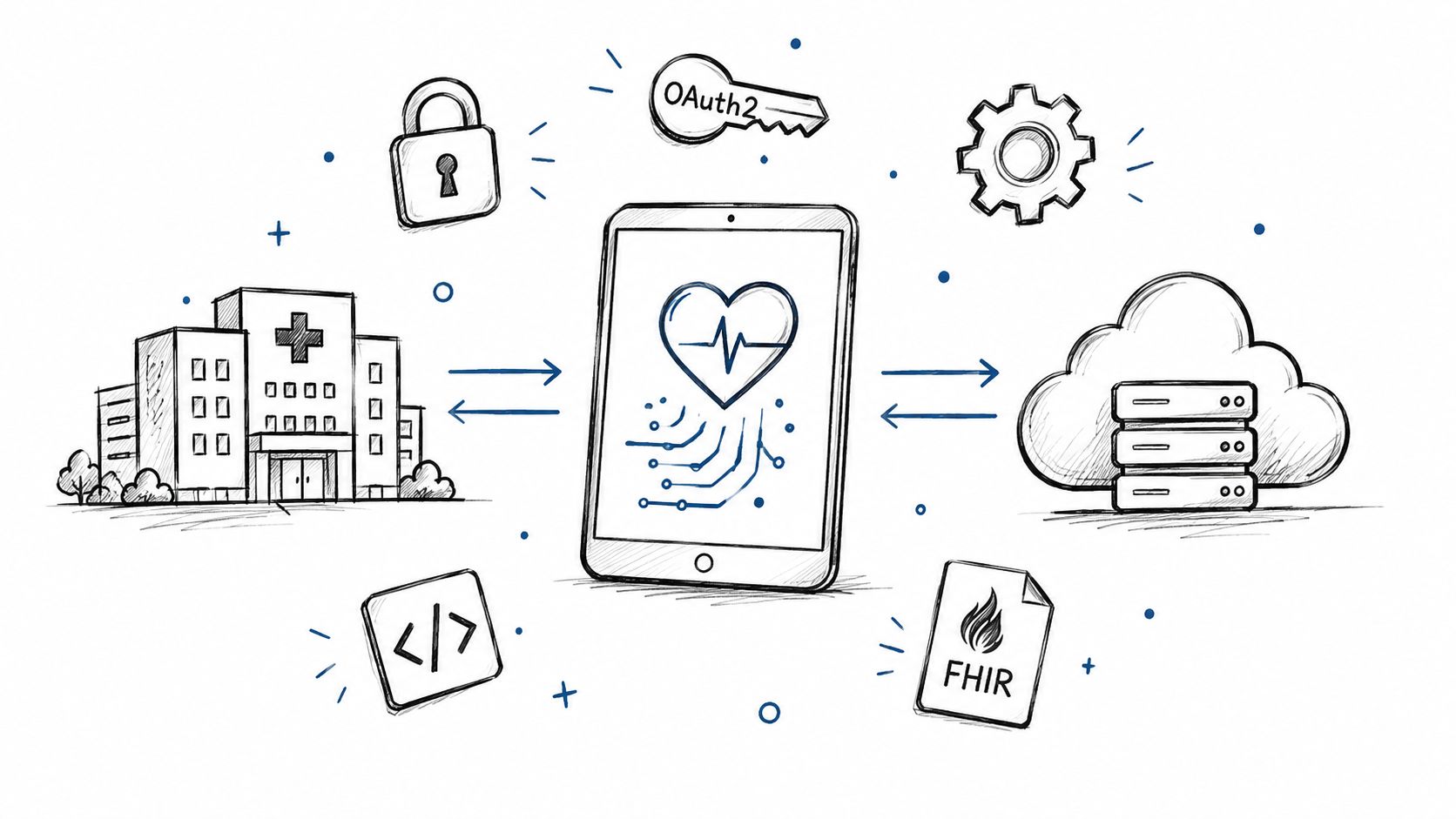
Smart on FHIR guide for healthtech engineers. Learn the OAuth 2.0 launch model, scope syntax, backend services, and US regulatory requirements.
Connect with our team to explore how AI expertise can transform your business.