AI in Healthcare
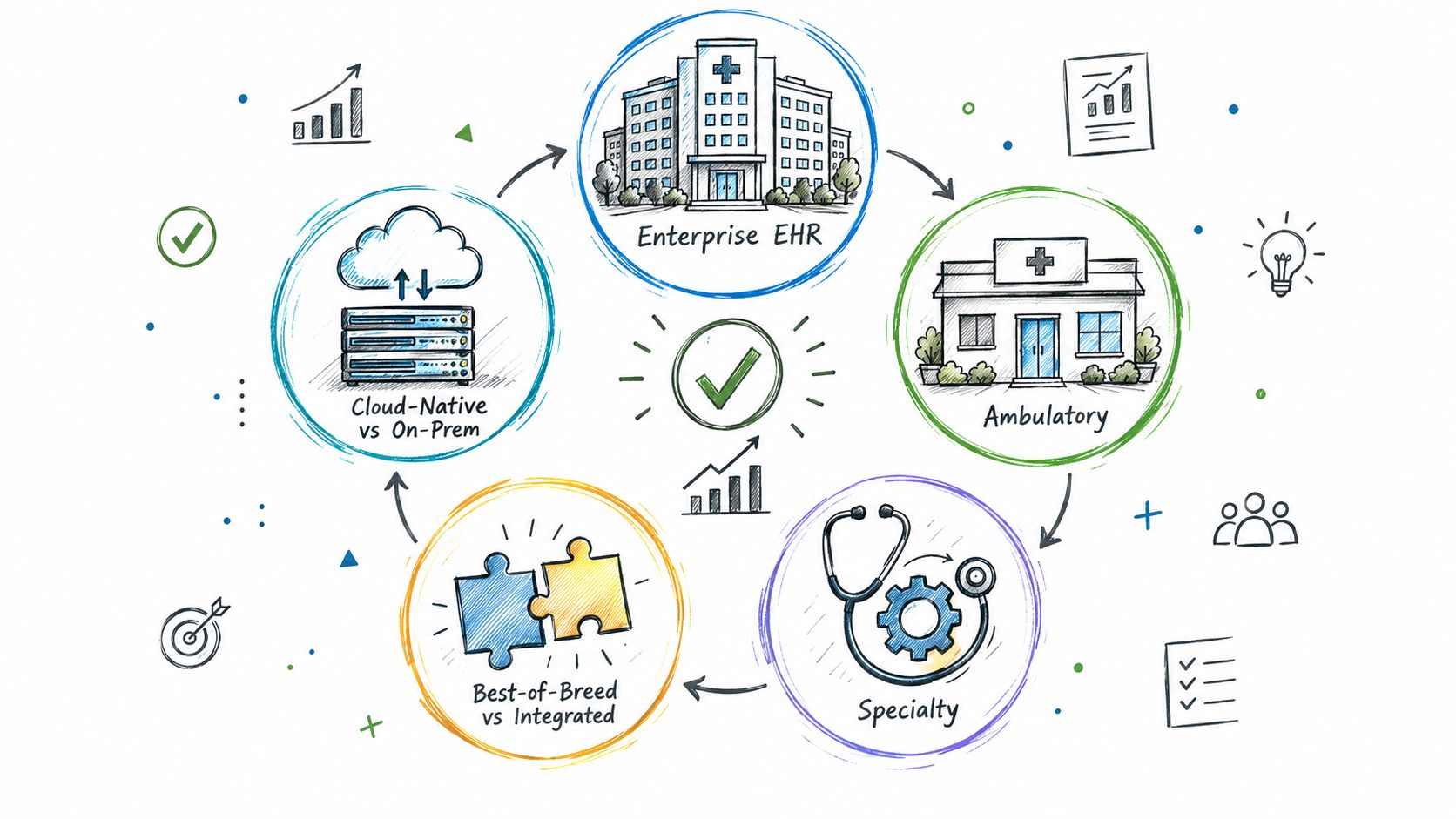
Types of EHR Systems: A 2026 Buyer's Guide
Explore the types of EHR systems by deployment model, care setting and scope. Compare integration options, trade-offs and selection tips for healthtech teams.
October 13, 2026Read more
Smart on FHIR guide for healthtech engineers. Learn the OAuth 2.0 launch model, scope syntax, backend services, and US regulatory requirements.
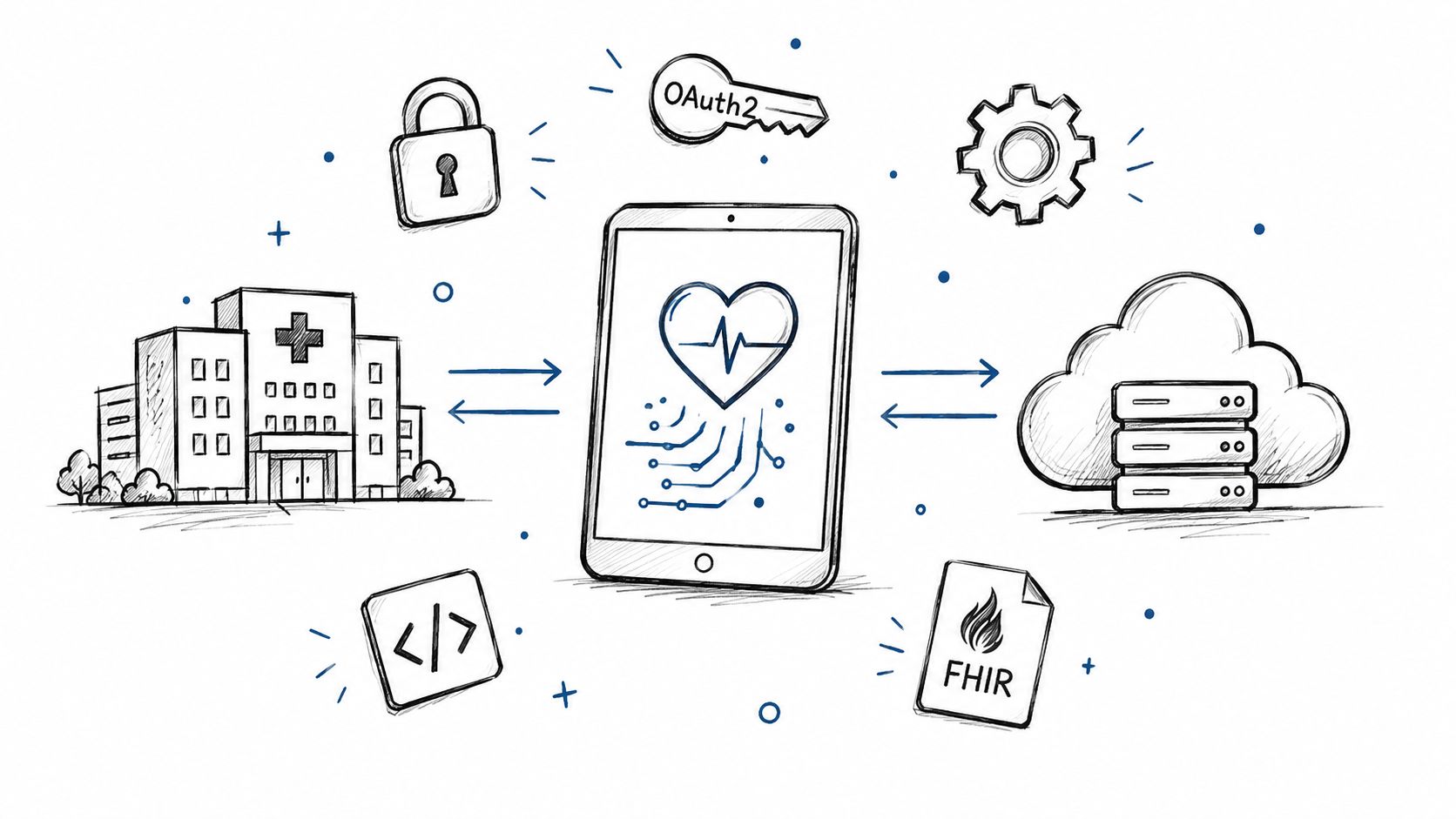
SMART on FHIR started as the SMART Health IT project at Boston Children's Hospital, and HL7 now publishes it as the SMART App Launch Implementation Guide, a set of OAuth 2.0-based patterns for apps that connect to FHIR servers SMART Health IT HL7 SMART App Launch. In the United States, ONC certification criterion 170.315(g)(10) requires certified EHRs to support SMART App Launch for standalone patient apps and clinician apps launched from the EHR ONC standardized API and SMART capability sets. The engineering problem is simple to state and hard to solve cleanly, a SMART login can succeed while the app still fails at a specific hospital because registration, scopes, and data behavior vary site by site.
FHIR defines the data model and REST API. SMART on FHIR defines the launch, identity, and authorization layer that lets an app use those APIs in a controlled way. That split matters because an app needs more than a URL and a token. It needs the correct server, the right patient or user context, and the permission scope that matches the workflow. HL7's implementation guide makes that boundary explicit, and it treats SMART as a reusable integration pattern rather than a proprietary connector HL7 SMART App Launch FHIR R4.
SMART adds discovery through the /.well-known/smart-configuration document, authorization through OAuth 2.0, and launch context such as the selected patient or initiating user app launch details. It also standardizes how apps request permission with scopes, and how a server returns only the data that was granted scopes and launch context.
That is why SMART is more than a label for APIs. It gives healthtech teams a repeatable way to build clinician tools, patient apps, portals, and background services without rewriting the integration logic for every EHR. For a practical view of the delivery trade-offs, see Wonderment Apps healthcare engineering insights, and our own healthcare delivery work sits in Ekipa's healthcare practice.
Practical rule: treat SMART as the control plane for app access, not as the whole interoperability story.
A team can pass a SMART authentication flow and still fail on the first real customer because one EHR omits a field, encodes a concept differently, or exposes only part of the workflow the app expects.
That is the gap that shows up in production. A token can be valid while the app still cannot find a usable Observation because the hospital does not populate the category coding the workflow depends on.
SMART on FHIR uses two authorization models, and teams cause trouble when they treat them as interchangeable. SMART App Launch serves interactive apps that need a user context. SMART Backend Services serves headless system-to-system services that do not act on behalf of a user at the API layer backend services.
| Criterion | SMART App Launch | SMART Backend Services |
|---|---|---|
| Client type | Public or confidential, depending on the app design | Confidential system client |
| User involvement | Yes, a clinician or patient is in the flow | No direct user involvement |
| Authentication method | OAuth 2.0 authorization with launch context, often with PKCE and asymmetric client auth in SMART v2 client authentication | Client credentials with signed client authentication |
| Typical use cases | Chart-embedded tools, patient apps, portal launch, clinician workflows | Nightly sync jobs, integration engines, scheduled services |
| Token handling | Token may carry patient, encounter, or fhirUser context |
Token carries system scope only, no user context |
| Operational risk if misused | A background task can inherit a user flow it should never depend on | A clinician-facing app can be given broader backend privileges than it needs |
The boundary is operational, not just cryptographic. A clinician-facing app should request only the scopes and context it needs, while a scheduled job should not pretend to be a user just to make implementation easier. In production, that difference shows up in audit logs, support triage, and revocation. If a user token is revoked, the app may need to re-run the human authorization flow. If a backend credential is rotated, the service owner should update the client key or secret and retry the integration path, not send a clinician back through login.
If you are comparing this with enterprise identity design, DOM Studio's explanation of setting up enterprise SSO is a useful adjacent read because it separates user authentication from application authorization.
SMART App Launch depends on launch context from an EHR session or standalone patient launch. Backend Services does not. The token handling, audit trail, revocation logic, and support process should therefore be designed differently from the start. A background sync should fail closed if the service credential is invalid, while a chart-embedded app should degrade around missing launch context instead of assuming system access. That separation is easier to design up front than to retrofit after a security review.
Our integration work at Ekipa often starts by mapping those boundaries in EHR software development planning and EHR integration API design.
Practical rule: if a job has no human in the loop, do not force it through a human launch flow.
The EHR launch starts with two query parameters, iss and launch. iss identifies the FHIR server base URL, and launch is an opaque value the EHR uses to preserve session context app launch details. From there, the app discovers the authorization server through /.well-known/smart-configuration, requests permission, receives a code, exchanges that code for a token, and then uses the token to call the FHIR API.
A clinician clicks the app inside the chart, and the EHR redirects the browser to the app's launch URL with iss and launch. The app reads the SMART configuration document from the server metadata endpoint, which tells it where the authorization and token endpoints live. Then it sends the browser to the authorization endpoint with the requested scopes, a state value, and a PKCE challenge.
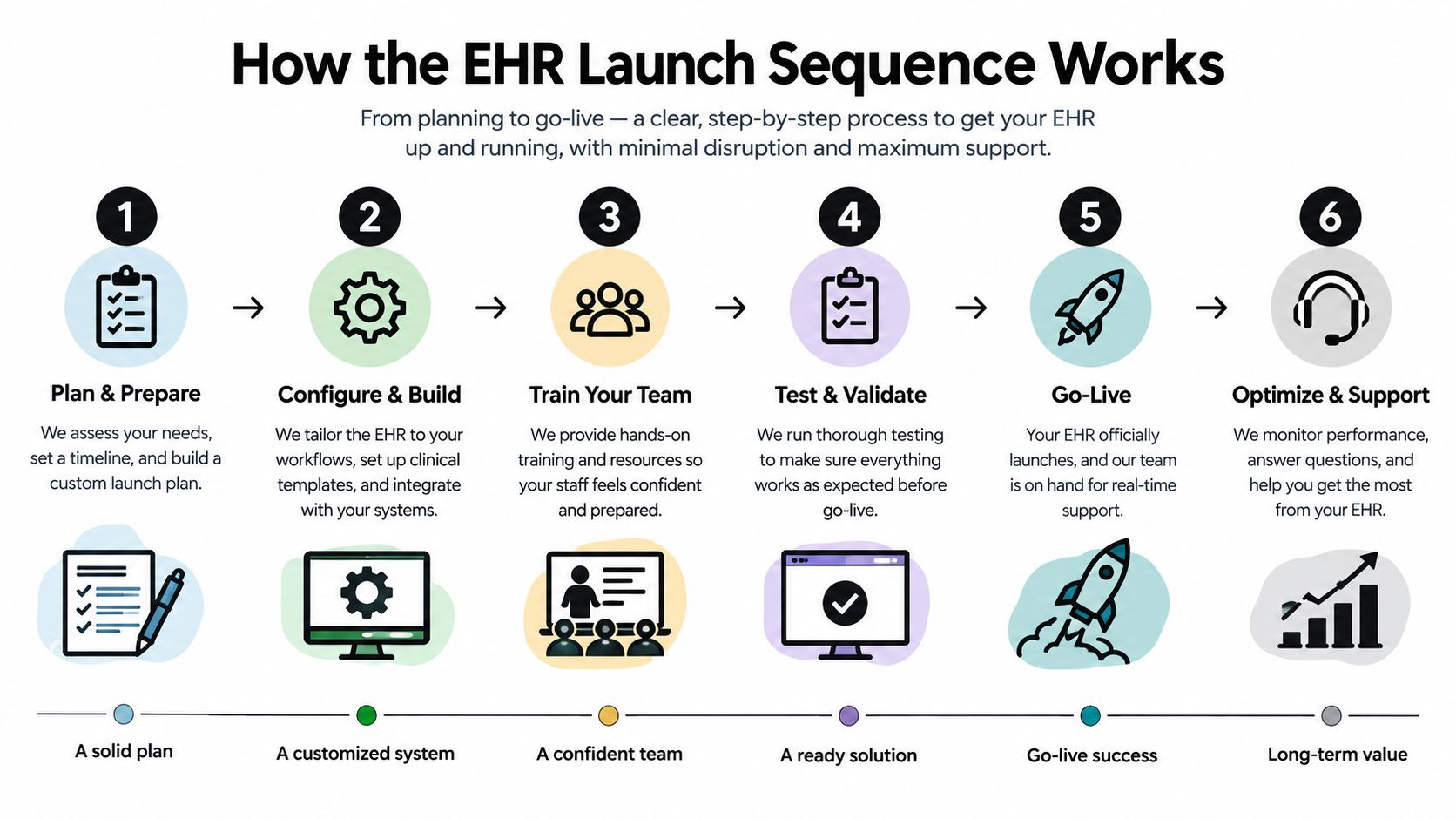
The authorization server redirects back with an authorization code. The app exchanges that code for an access token and may also receive launch context such as patient, encounter, and fhirUser depending on the flow and the server's configuration scopes and launch context. From there, the app sends Authorization: Bearer <access_token> on each FHIR request, and the resource server enforces the granted scope HL7 launch flow.
Log the granted launch context with the token. When support tickets arrive, context is what you will debug, not the token itself.
Standalone launch follows the same OAuth pattern, but the app starts outside the EHR and asks for patient context explicitly. In practice, that means the app cannot assume the chart is already open. It has to obtain the right patient context through the launch and authorization steps instead of inheriting it from the EHR session.
Validate iss before you trust the redirect, use the discovery document instead of hard-coding endpoints, and treat missing or expired tokens as normal failure cases. The resource server still has to check the token on every request. Receiving patient=123 never means “read everything about patient 123” unless the scope and server policy also allow it.
SMART App Launch 2.0 uses a structured scope format, <context>/<ResourceType>.<operations>[?param=value], and that is what makes permission requests precise instead of broad HL7 scope syntax. The context can be patient, user, or system, the resource type narrows what can be touched, and the action letters describe create, read, update, delete, and search. In practice, that lets a team ask for only the access a workflow needs, then verify at runtime that the server granted exactly that access.
| Scope | Meaning |
|---|---|
launch |
Receive EHR launch context |
launch/patient |
Request a patient on standalone launch |
openid |
Request identity information |
fhirUser |
Request the signed-in user as a FHIR resource |
offline_access |
Request a refresh token |
patient/Observation.rs |
Read and search Observation resources for the patient in context |
user/Encounter.rs |
Read and search Encounter resources available to the signed-in user |
system/Encounter.rs |
Read and search Encounter resources for a backend service |
Older v1 syntax was broader and less expressive. In production code, the risk is not just over-permissioned access. Read the scope value returned in the token response and assert it against every request, servers routinely grant less than you asked for. The resource server has to enforce that scope on every call.
patient or user context matches the request.scope value in the token response, not the one you asked for.Practical rule: a narrower token grant is normal, not an error.
For teams building permission-heavy clinical apps, the same discipline applies in other authorization systems too. Foo Guard's write-up on checking OpenAI agent permission limits is a useful parallel for validating what the server granted instead of what the client expected.
ONC's 170.315(g)(10) criterion is a major US reason SMART on FHIR became the default integration path for certified EHRs. The certification page spells out the required capability sets, including SMART App Launch 2.0.0, Patient Access for Standalone Apps, and Clinician Access for EHR Launch ONC standardized API and SMART capability sets. Vendors therefore have to expose the launch and authorization behavior, but that does not mean a hospital has turned it on for your app, or that its admins have approved the same scopes you tested elsewhere.
Certification confirms the EHR supports the SMART launch pattern. It does not confirm that a site has registered your redirect URI, approved your app, or aligned scope approval with your deployment environment. Those steps sit with the vendor, the customer, and the implementation team, and they often move on different timelines.
The practical consequence is simple. A SMART app developer can assume the flow exists, but not that a given customer has activated it or that the customer's administrators will treat every environment the same. Production work still needs per-site registration, review, and testing, even when the standard is required. A typical onboarding checklist should name the person who approves redirect URI registration, because that sign-off usually sits with an EHR security or interface owner, not the application team.
For builders working on software that may later sit inside regulated clinical systems, our Software as a Medical Device engineering support fits alongside integration work rather than replacing it, because regulatory controls and EHR launch mechanics still have to line up.
A local SMART demo can look correct and still fail in production, because each site decides how much of the standard it turns on. The gate is not token issuance. It is whether the app is registered, approved, and connected to the site's operational rules. That is where interoperability work stops looking like an OAuth exercise and starts looking like systems integration.
A clinician opens an AI documentation assistant from the patient chart. The app and the EHR handle the interactive session, but production behavior depends on what the site has approved, which scopes are allowed, and whether the returned context is usable for the workflow. A token only proves the app authenticated. It does not prove the data is present, mapped cleanly, or safe to act on.
At night, a backend job summarizes notes and reconciles observations. That job should live as a separate service with its own registration, its own signing keys, and its own revocation path. The interactive app and the batch job may share the same product, but they should not share credentials or lifecycle assumptions. A clinician-facing session ends when the user closes the chart. A backend service may need standing access, tighter key rotation, and a different response when access is withdrawn. That split is one of the clearest signs that SMART on FHIR is about more than browser login.
A deployment gate should check more than auth success. Validate per-site registration, activation, scope approval, and data return against the exact EHR instance you plan to support. Site behavior still varies in ways the standard does not remove, so test representative records, missing fields, search behavior, pagination, and error handling before you call the integration ready.
The right implementation partner should be prepared to work through that matrix. Our implementation support covers that kind of registration review, validation, and rollout work.
Practical rule: successful auth is a milestone, not proof that the app can use the data.
Keep scopes narrow, store tokens and signing keys securely, and make access tokens short-lived. Log authorization events and token use in a way that supports HIPAA technical safeguards under 45 CFR 164.312, especially access control, audit controls, and transmission security. For long-running sessions, handle refresh token reuse and expiration as expected failures, not edge cases.
SMART on FHIR gives healthtech teams a standard way to launch apps, authorize access, and pass clinical context without rebuilding every integration from scratch. The hard part starts after the token arrives, because production success still depends on app registration, customer activation, scope approval, and the actual behavior of each EHR site. Teams that design for SMART v2, validate scopes at the resource server, and test against real site capability statements end up with integrations that are safer to operate and easier to support.
If you're building a clinician app, patient app, or backend service that has to work inside real EHR workflows, Ekipa AI can help with SMART on FHIR integration design, implementation, and deployment support.
SMART on FHIR is the standard that tells an app how to discover an EHR, ask for access, get a token, and use that token to read or write FHIR data. FHIR defines the data and API shape, while SMART defines the launch and authorization mechanics HL7 SMART App Launch.
FHIR is the data standard and API layer. SMART on FHIR adds OAuth 2.0 authorization, app launch behavior, and clinical context so third-party apps can connect safely to an EHR FHIR R4 app launch details.
iss mean in a SMART launch?iss identifies the FHIR server base URL for the launch. The app uses it to discover the server's SMART configuration and find the authorization and token endpoints app launch details.
patient, user, and system scopes?patient scopes are limited to the patient in context, user scopes are limited to what the signed-in user can access, and system scopes are for backend services with no user at the API level HL7 scope syntax backend services.
No. Certification means the EHR supports the SMART launch pattern, but each site still controls registration, activation, scope approval, and local data behavior. That's why production testing against each customer's environment still matters ONC standardized API and SMART capability sets.
PKCE helps bind the authorization code to the app that started the flow, and private key JWT is the preferred asymmetric client authentication pattern for confidential clients in SMART v2 client authentication. Together, they reduce the risk of token interception and improve client authentication without relying only on shared secrets.
If you're planning a SMART on FHIR launch, we can help you map the registration flow, scope model, and site-by-site deployment work into something your team can ship. Start with Ekipa AI, then talk to us about the integration path that fits your EHR, your users, and your governance model.
Explore the types of EHR systems by deployment model, care setting and scope. Compare integration options, trade-offs and selection tips for healthtech teams.
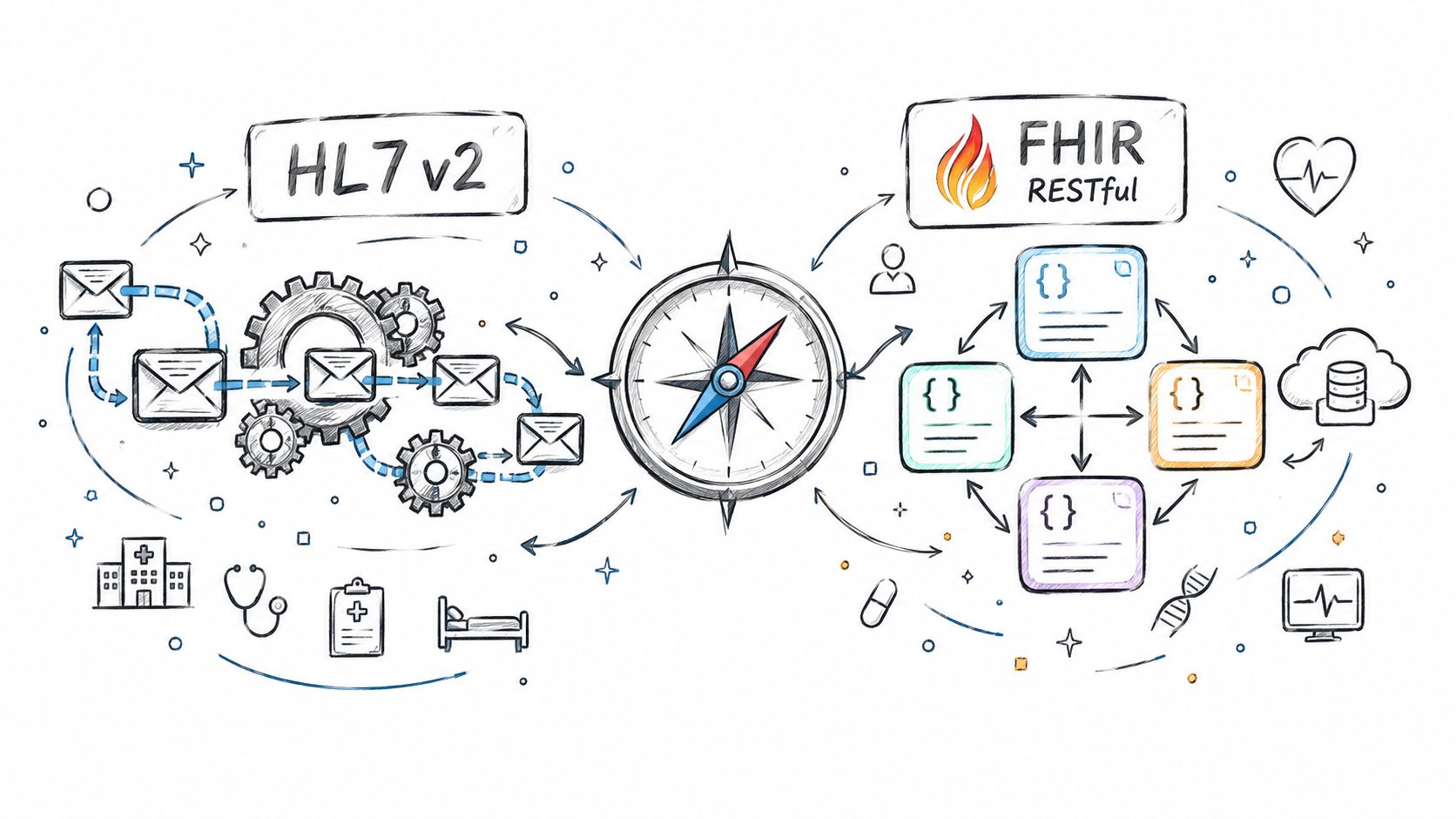
Compare Fhir vs. hl7 standards for healthtech integration. See how HL7 v2 and FHIR differ in use, mechanics, regulation, and real-world architecture.
A practical EMR software development guide covering build vs extend decisions, ONC certification, FHIR integrations, and clinical workflow design.
Connect with our team to explore how AI expertise can transform your business.