AI in Healthcare
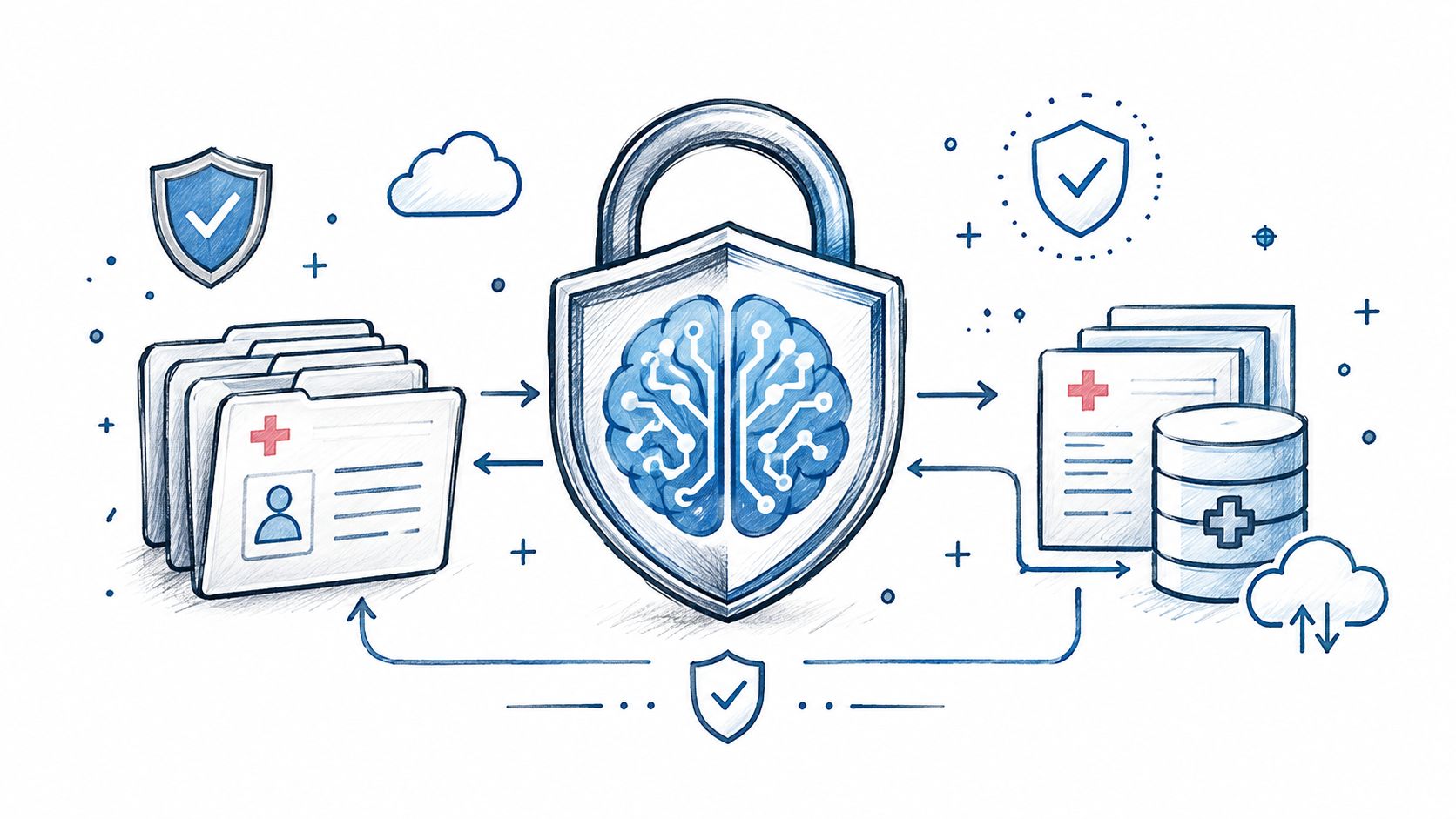
HIPAA-Compliant AI: How to Use LLMs With PHI Safely
How to build HIPAA-compliant AI: when LLM providers need a BAA, data minimization, de-identification, audit controls and a reference architecture.
October 16, 2026Read more
Discover practical home healthcare workflow optimization strategies for 2026, including AI use cases, KPIs, and proven frameworks to improve care delivery.

Home healthcare workflow optimization used to be a back-office exercise. It isn't anymore. A 2024 analysis found that home health timeliness moved from 2.3 days in 2019 to 3.3 days in 2024, which pushes many agencies past the commonly cited three-day target for optimal outcomes, and that gap shows up everywhere, from delayed starts of care to higher coordination friction across the visit lifecycle source.
That timing problem is the signal. The system is bigger than scheduling. It runs from intake to authorization, start of care, visits, documentation, billing, and escalation, and if any one of those steps breaks, the whole throughput chain slows down. The agencies that treat this as a single operational flow, not a pile of disconnected tasks, are usually the ones that find room to grow without adding headcount in lockstep.
The practical move is to map the work as it happens, rank the bottlenecks by revenue leakage and care risk, then choose the smallest automation or process change that removes the constraint. That's the spine of this guide, and it's the only approach that tends to survive contact with the ward, the field, and the billing queue at the same time.
A home health operation can look busy and still be underperforming. The core issue is throughput, not activity. If referrals sit too long before acceptance, if start of care drifts, or if documentation waits on a missing handoff, the whole system slows down and the agency pays for it in delayed care, avoidable rework, and harder billing.
That is why the work has to be managed as one connected flow. Intake, authorization, start of care, visits, documentation, billing, and escalation all affect one another. Improving a single step helps only if it removes a real constraint elsewhere in the chain.
The practical sequence is straightforward:
Practical rule: if a delay shows up in billing, do not assume billing is the root cause. The constraint often started earlier, in intake, handoff, or visit coordination.
The current-state map has to be grounded in how work moves. New York Health Home guidance recommends documenting the current process with input from all participating departments, using a consistent improvement cycle, and assigning a project champion to carry changes into daily practice. It also warns that poor interoperability creates “islands of information” that waste time and money source. In home health, that is not a side note. It is the operating reality.

A short mapping sprint is enough if the team stays disciplined. Start with intake, scheduling, clinical, and billing interviews. Build swimlanes by role instead of by department so the handoffs are visible. Validate the map against three recent referrals, then name the step that blocks the most volume or creates the most rework.
A concrete example makes the pattern easier to see. A referral arrives, intake checks eligibility, scheduling assigns a nurse, the RN completes start of care, the aide documents a change in condition, and billing waits on missing notes before the claim can move. That last delay looks like a billing problem, but the drag often started at the handoff between the field and the office. If you want to spot bottlenecks in field sales, the same discipline applies here. Home health just adds clinical risk to the throughput loss.
Use Healthcare AI Services after the map is honest. AI should support the flow that already exists, not speed up a broken one.
The fastest way to misdiagnose home healthcare workflow optimization is to listen only to the loudest complaint. Scheduling sounds urgent, documentation sounds painful, billing sounds expensive, but the bottleneck is the step that limits flow across the full path, from intake to SOC, from visits to billing, and into escalation. That diagnosis has to use more than anecdote.
A practical benchmark is what a healthier visit lifecycle can look like when routing and scheduling are working well. In one analysis, AI-driven scheduling and route optimization were associated with lower travel time and higher productivity, while decision-support systems were associated with lower travel distance and less workload deviation. That is useful because it shows what happens when the visit system is no longer being throttled by avoidable friction.
Use these four views together, not one at a time.
If you want a plain-English comparison point from another industry, the method used to spot bottlenecks in field sales is a useful analogy. The mechanics are different, but the logic is the same, find where work piles up, not where people complain the loudest.
The output should be a ranked list, not a wish list. Rank the bottlenecks by revenue leakage first, then by patient-risk exposure, then by how easy they are to test. That keeps the team from chasing a flashy scheduling fix while a documentation queue blocks claims.

A useful KPI set for home healthcare workflow optimization does not try to measure everything. It tracks one leading indicator at each stage, so leaders can see whether the end-to-end system is getting faster, cleaner, and less fragile. If a dashboard cannot show that, it is decoration.
The cleanest structure is a KPI tree that follows the work from left to right. Intake should show whether referrals are accepted without friction. Scheduling should show whether capacity is being used well. Clinical operations should show whether start of care and visit cadence stay on track. Revenue should show whether the claim path is getting cleaner. Risk should show whether escalation happens fast enough when something changes.
| KPI Tree for Home Healthcare Workflow Optimization | ||
|---|---|---|
| Stage | Lead Metric | Target Direction |
| Intake | Referral-to-acceptance rate | Up |
| Scheduling | Utilization, on-time-visit rate | Up |
| Clinical | SOC timeliness, visit adherence | Up |
| Revenue | Denial rate, days-to-claim | Down |
| Risk | Incident-to-escalation time | Down |
The point of the tree is decision-making, not reporting. If referral-to-acceptance stays stable but on-time-visit rate weakens, the problem is probably not intake. If utilization looks fine but days-to-claim keeps stretching, the workflow is likely creating rework after the visit is finished. That is where a process view beats a siloed one.
The workflow study in the brief gives a useful benchmark for what process improvement can produce. It reported a 45% reduction in documentation time, a 42.8% reduction in scheduling conflicts, and a 33% higher productivity measure after workflow improvements, with patient wait times falling from 45 minutes to 15 minutes and treatment-plan compliance rising from 68.0% to 97.9% source. Treat those figures as direction, not as a promise. The goal is to build a tighter operating system, not to copy someone else's result.
One practical addition is to pair each KPI with a correction action. If scheduling utilization slips, the response might be route rebalancing or tighter visit stacking. If claim readiness slows, the response might be documentation prompts, cleaner handoffs, or a check for missing signatures. A metric without a response path creates noise.
That is also where workflow automation planning earns its place. The best use cases are the ones that move a specific KPI without shifting risk into another part of the workflow. For some agencies, that means better intake triage. For others, it means fewer billing exceptions, cleaner handoffs, or faster escalation when a visit falls out of sequence.
Review the tree weekly at the operator level, monthly with leadership, and quarterly with the sponsor. That cadence keeps the metrics tied to action instead of leaving them in a slide deck. The same discipline also helps teams decide whether tools like the speech recognition healthcare guide belong in the workflow, or whether the bottleneck is still elsewhere.
AI use-case selection in home health should look like portfolio management, not a vendor tour. Start with the throughput system, intake, SOC, visits, billing, escalation, then decide where automation removes delay without pushing work downstream. Some candidates deserve automation now, some need human-in-the-loop support, and some should wait until the data foundation is cleaner. If you rank them by process impact and operational risk, you avoid buying tools before you have defined the bottleneck.
The shortest practical list comes from the process blocks agencies already automate, including patient onboarding, care plan management, billing and insurance claims, compliance documentation, appointment scheduling, follow-up communications, electronic visit verification (EVV), care plan updates, and compliance reporting source. Those are the places where friction shows up first in the end-to-end workflow. They are also the spots where a bad automation choice can create rework in another team, so the selection process needs to be strict.
A simple grid works well.
Practical rule: start where the workflow is repetitive, the data is structured enough to trust, and the exception path is still easy for a human to override.
That grid should be tied to how the agency moves work. Intake that feeds slow scheduling hurts SOC timing. Scheduling that ignores caregiver availability creates visit churn. Billing automation that cleans up one queue but delays documentation review only moves the problem. Good workflow automation strategies force that trade-off into the open before anyone signs off on the use case.
For teams exploring note capture and clinician-facing workflows, the speech recognition healthcare guide helps separate transcription support from broader workflow automation. That distinction matters. Dictation can reduce friction, but it will not fix a broken handoff or an unclear escalation rule.
The same logic applies to internal build versus external support. If the use case needs deeper system integration, an AI Product Development Workflow can help structure the rollout. If the goal is to reduce office rework, keep the first automation narrow and measurable. In practice, the strongest first move is usually the one that removes one high-volume manual loop without forcing the whole agency to replatform.

A pilot in home healthcare has to work in the field, not just in a test environment. The strongest pilots are narrow enough to manage, but realistic enough to expose the hard parts, especially the handoffs between the office and the caregiver. If the pilot cannot survive on the ward, it will not survive at scale.
A useful design pattern comes from scheduling research in the brief. It uses a two-stage mixed-integer programming approach where Stage 1 builds balanced, overlapping patient groups and assigns provider teams, then Stage 2 sequences the daily visits, and the post-processing step trims penalty costs, adds lunch breaks, and removes unnecessary idle time source. That structure maps cleanly to operations. First build the feasible plan, then sequence the day so the plan is livable.
Start with one site and one cohort. Keep the pilot small enough that supervisors can see every exception, and choose a use case that connects directly to one KPI in the tree above. Define the baseline before the new workflow starts, because without the baseline, every result turns into a debate.
The pilot should include a clear operating cadence:
The strongest gains often sit at the handoff, not inside any single tool. Academic work on post-discharge care describes home-health workflow as a six-step sequence, transitioning from hospital to home, recognizing clinical changes, making decisions, managing symptoms, asking for help, and calling 911. In a qualitative study of 80 participants, home health aides were central across those steps source. That matters because the people closest to minute-to-minute change are often underrepresented when agencies design workflow fixes.
Build the pilot around a shared handoff checklist, a named clinician of the day for escalation, and a clear interoperability rule for where the source of truth lives. If the office keeps one version of the plan and the field keeps another, the pilot will create confusion even when the automation is technically correct.
The same problem appears in cross-setting transitions. Research on transitions from hospital to home says the shift is confusing, communication breaks down across nearly every stakeholder group, and home health aides are often underrepresented in the conversation source. In practice, the workflow has to be designed around the transfer of care, not just the internal staffing board.
If the use case needs deeper system integration, an AI Product Development Workflow can help structure the rollout. If the goal is to reduce office rework, keep the first automation narrow and measurable. The strongest first move is usually the one that removes one high-volume manual loop without forcing the whole agency to replatform.
The pilot succeeds when the field team trusts the next step enough to act without chasing three people for confirmation.
Use the pilot summary to answer three executive questions in plain language. What changed, what got better, and what broke. If the sponsor cannot read the summary in one sitting, the pilot is too complicated.
Workflow changes fail when teams treat training as a one-time event. The better model is an operating cadence that combines people, process, and measurement, because each one reinforces the others. Without that cadence, adoption slips, exceptions get handled off-system, and the old habits come back fast.
The friction points in home health are predictable. Field clinicians hesitate when documentation prompts feel like busywork. Schedulers don't trust AI-built routes if they think the software misses visit timing, visit type, or geography. Supervisors cling to whiteboards when the digital view leaves out the details they use to keep the day on track. Those are workflow design problems, not personality problems.
Training should be tied to the exact moment each role touches the workflow.
A useful training set looks like this:
The handoff layer stays in view. A workflow implementation support approach helps teams keep the office, field, and billing rules aligned while the pilot is still small. When training ignores that handoff layer, teams optimize locally and lose globally.
The continuous improvement cadence should stay simple. Run a monthly KPI review, a quarterly pilot retrospective, and an annual workflow re-audit. That gives the agency a rhythm for catching drift before it becomes a new bottleneck. It also keeps the conversation focused on whether the process still serves the patient journey, not whether a tool is still shiny.
For teams that want to make the rules visible in daily work, internal tooling can surface those rules inside the workflow, and AI Automation as a Service can handle repetitive steps while humans keep control over exceptions. In a complex setting like home care, that split is often more durable than trying to automate everything at once.
A 90-day plan keeps home healthcare workflow optimization grounded. Weeks 1 to 2 are for mapping and stakeholder interviews. Weeks 3 to 4 are for bottleneck ranking and KPI selection. Weeks 5 to 8 are for the pilot. Weeks 9 to 12 are for institutionalizing what worked and retiring what didn't.
| 90-Day Optimization Checklist | ||
|---|---|---|
| Phase | Weeks | Key Outputs |
| Mapping | 1 to 2 | Current-state map, role swimlanes, interview notes |
| Ranking | 3 to 4 | Bottleneck list, KPI tree, pilot candidate |
| Pilot | 5 to 8 | Baseline, control group, workflow test, exception log |
| Institutionalize | 9 to 12 | Updated SOPs, training assets, monthly review cadence |
How do we prioritize AI use cases with a limited budget? Start with the highest-friction, lowest-risk workflow that touches a measurable bottleneck. If a use case doesn't show up in intake, scheduling, documentation, billing, or escalation, it probably isn't your first investment.
How do we handle change resistance in field staff? Show them the exception path, not just the new process. Clinicians adopt faster when they can see where the system helps and where human judgment still matters.
What metrics justify a tech-stack rebuild? Look for persistent handoff delay, rising rework, claim friction, and a workflow that only works when people manually coordinate outside the system. If those patterns stay in place, the stack is carrying the problem instead of solving it.
For organizations that want a healthtech engineering partner, Ekipa AI works across use case definition, workflow design, and implementation so teams can build around the actual throughput system. If your roadmap includes regulated software or adjacent clinical tooling, SaMD solutions and Healthcare AI Services are relevant starting points.
If you're serious about reducing friction across intake, SOC, visits, billing, and escalation, talk with Ekipa AI. Their team can help map the workflow, choose the right AI use cases, and build the operating layer that keeps gains from fading after go-live.
How to build HIPAA-compliant AI: when LLM providers need a BAA, data minimization, de-identification, audit controls and a reference architecture.
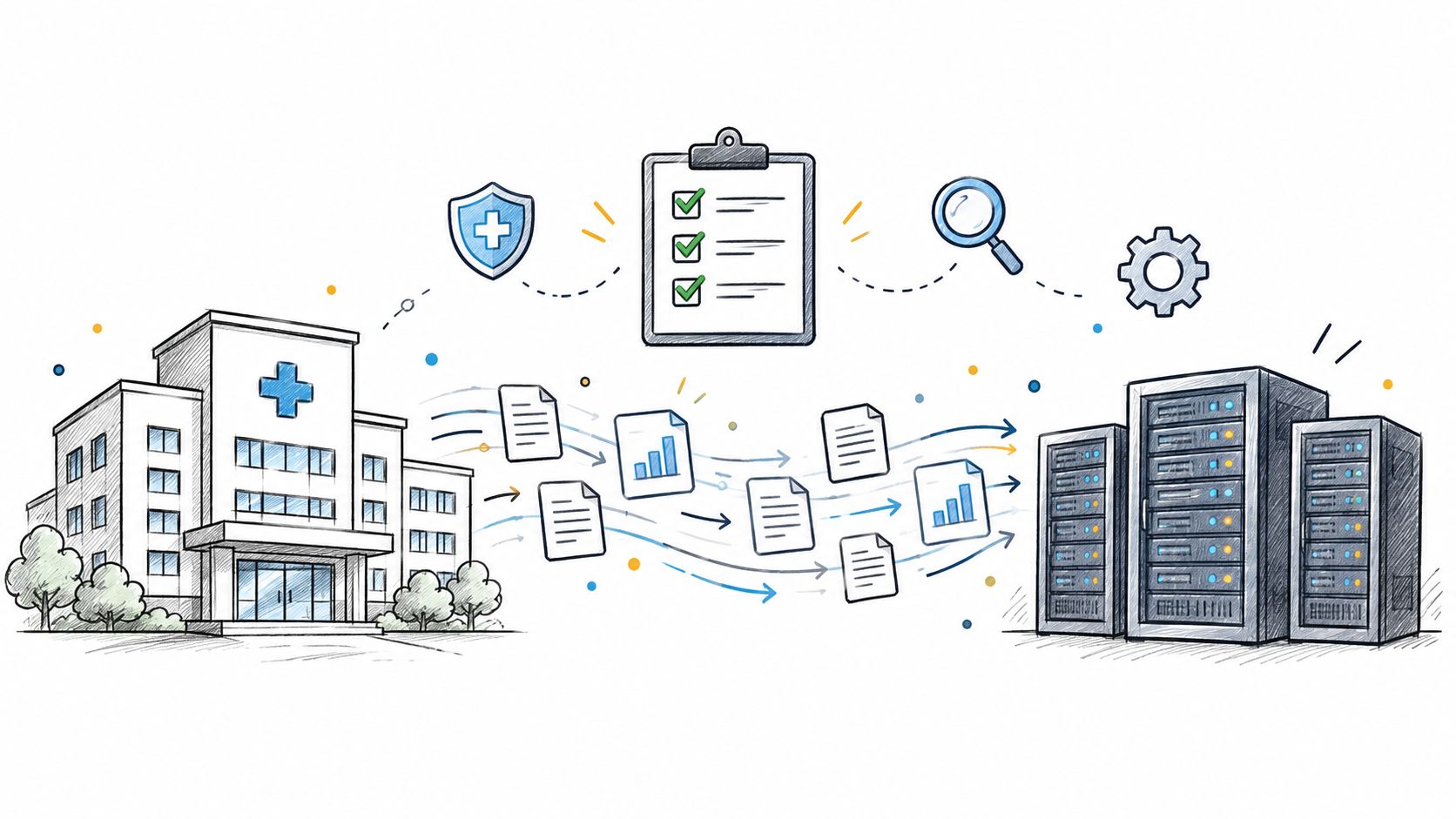
Practical data migration planning guide for healthcare teams. Scope, mapping, compliance, validation, cutover and rollback decisions explained end to end.
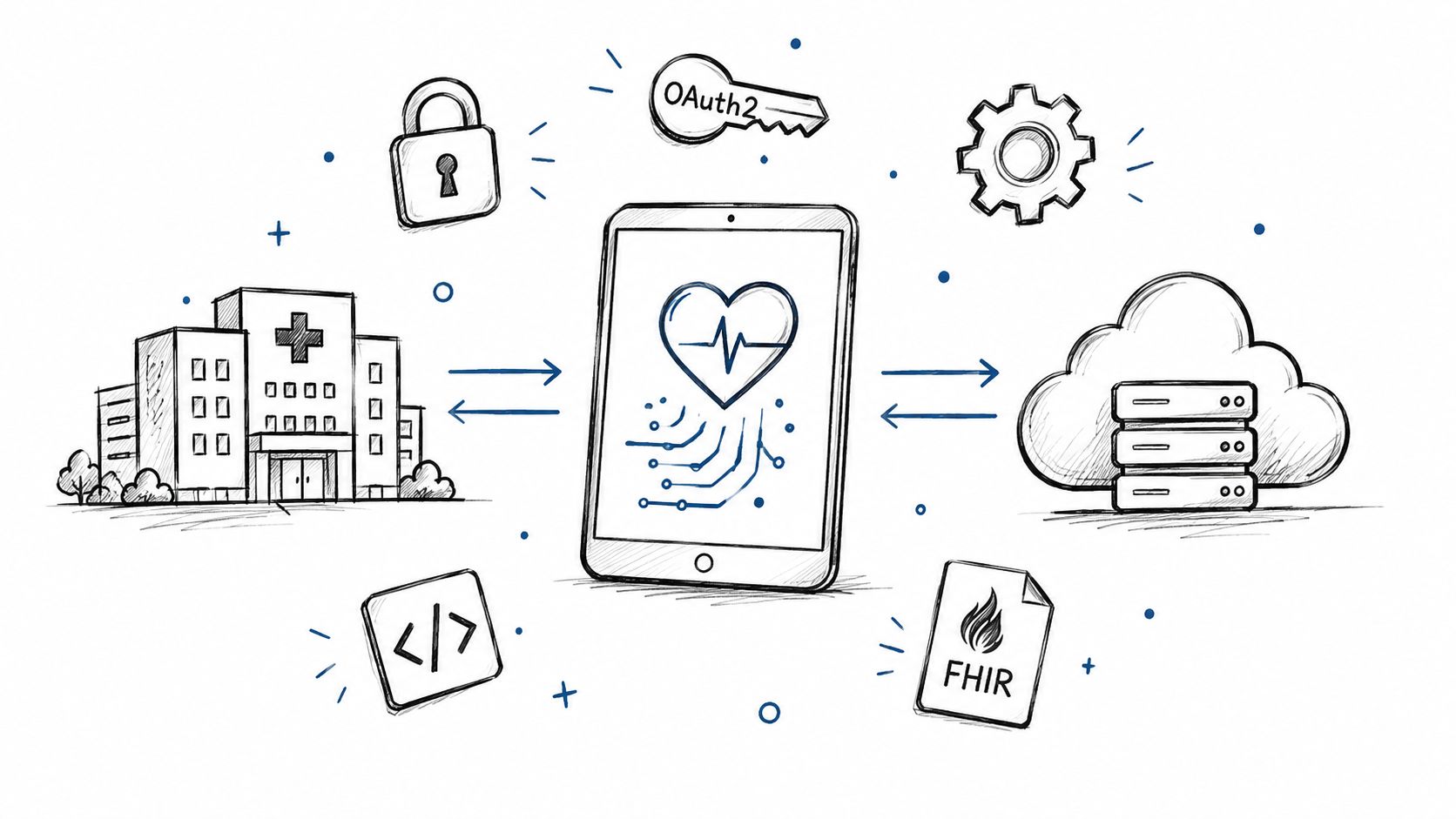
Smart on FHIR guide for healthtech engineers. Learn the OAuth 2.0 launch model, scope syntax, backend services, and US regulatory requirements.
Connect with our team to explore how AI expertise can transform your business.