AI Integration
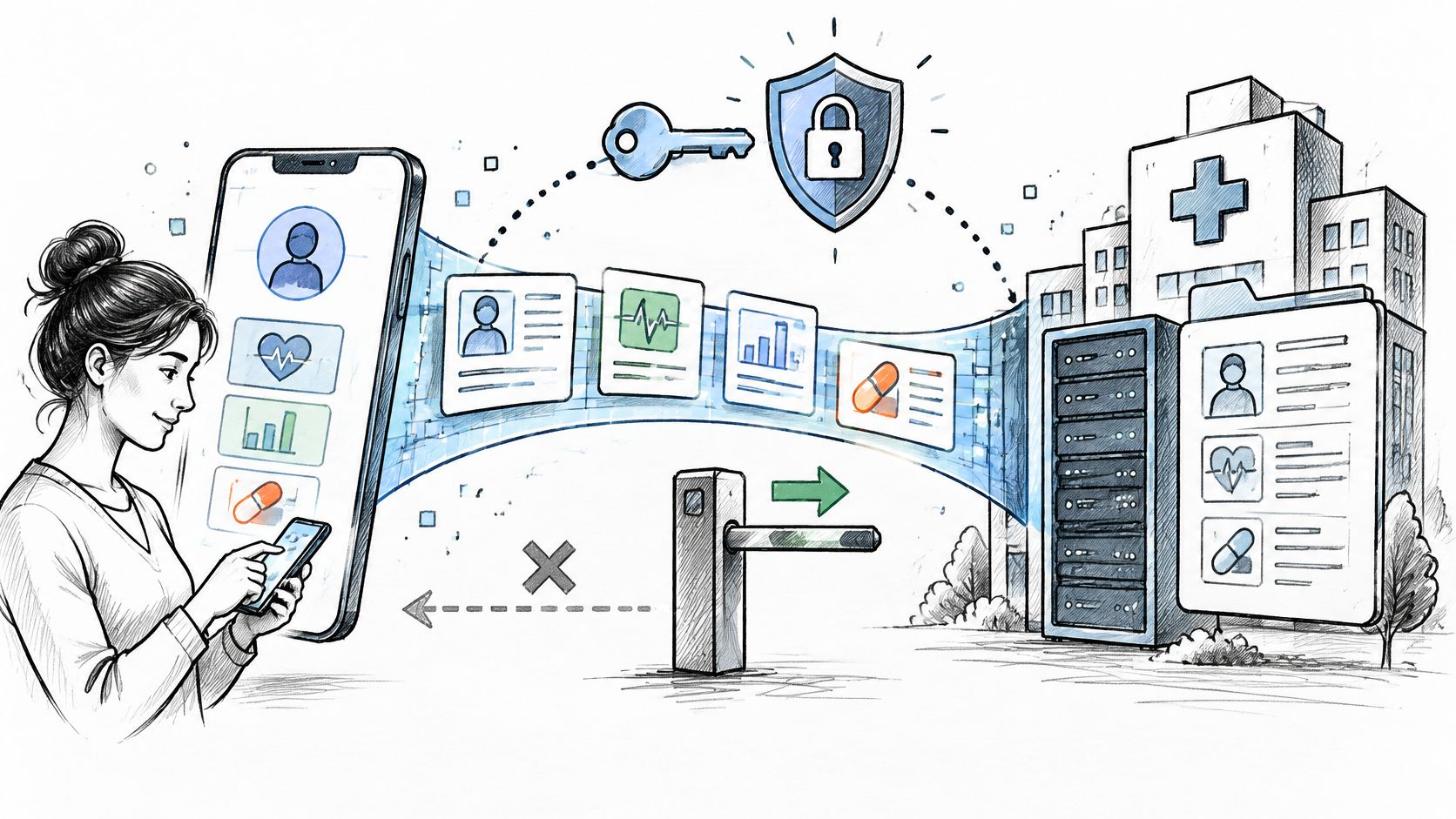
Epic FHIR API: What You Can and Can't Do
Epic FHIR API capabilities and limits for healthtech teams. Covers FHIR R4 resources, SMART on FHIR auth, sandbox testing, write access, and HL7 v2 gaps.
October 23, 2026Read more
Eight practical applications of AI in business, from customer service and forecasting to document processing, with what each needs and where to start.
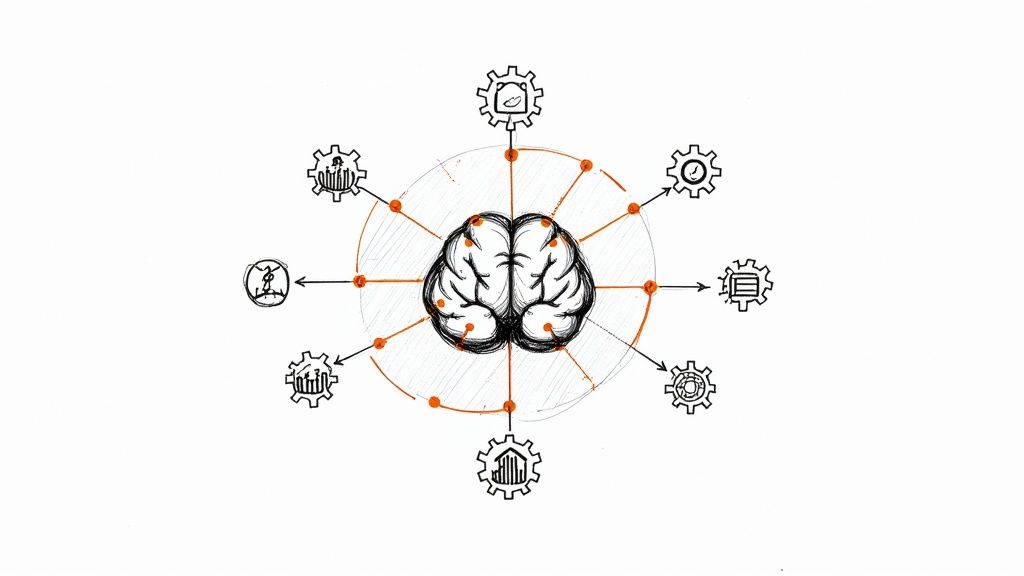
AI is useful in business when it takes on a specific, repeated task: answering routine questions, predicting demand, spotting fraud or reading documents. This article covers eight practical applications, what each one needs to work and how to start small. The aim is not a list of headline projects from the largest companies, but uses a mid-sized business can put in place with today's tools.
AI assistants answer common questions on websites, in apps and by email, and hand more complex cases to a person with a summary of the conversation. Most help desk and CRM platforms now include this. It works best when the assistant answers from your own approved help articles and policies, and when customers can reach a human easily.
What you need: up-to-date help content, a clear handoff to staff, and tracking of resolution rates and customer satisfaction.

Predictive models score leads by likelihood to buy, flag customers at risk of leaving and suggest the next best offer. Marketing teams also use generative AI to draft campaign copy and variations for testing.
What you need: clean CRM data with outcomes recorded, a way to show scores inside the tools sales teams already use, and care with personal data, especially for sensitive predictions that customers would not expect.
Payment providers, banks and online retailers use machine learning to score transactions in real time and stop suspicious ones. Smaller businesses usually get this through their payment processor rather than building it.
What you need: for most companies, the fraud tools in your payment platform, plus a review process for blocked transactions so good customers are not turned away.

Forecasting models predict sales by product, store or region so businesses can order the right stock and plan staffing. Logistics companies use route optimization to cut miles driven. UPS's ORION system is a well-known example of route optimization at scale.
What you need: a few years of sales history, data on promotions and seasonality, and a planner who reviews the forecast instead of accepting it blindly.
AI reads invoices, contracts, claims and forms, extracts the key fields and routes them into the right system. Large language models have made this easier for documents that do not follow a fixed layout.
What you need: a sample of real documents for testing, rules for when a person must review the extraction, and audit logs for regulated documents.
Recommendation systems suggest products, content or next steps based on behavior. Streaming services and online retailers are the best-known users, and e-commerce platforms now offer recommendation features that smaller stores can switch on.
What you need: enough customer interaction data, a way to measure whether recommendations increase sales or engagement, and clear privacy notices.
AI helps write job descriptions, schedule interviews, answer employee policy questions and summarize applications. Automated screening of candidates needs particular care, because biased tools can lead to discrimination claims, and some jurisdictions have specific rules on automated hiring tools.
What you need: human decisions on hiring, bias testing for any screening tool and a check of local employment law.
AI assistants that search company documents and answer staff questions, summarize meetings and draft emails save time across every team. This is often the easiest first project, because tools such as Microsoft 365 Copilot and Gemini in Google Workspace work inside software companies already use. Our guide to AI tools for business compares the main options by use case.
What you need: tidy document permissions, so the assistant only shows people what they are allowed to see, and a short policy on what data staff can enter.
| Application | Typical effort | Good first project if |
|---|---|---|
| Internal knowledge and productivity | Low | You use Microsoft 365 or Google Workspace |
| Customer service assistants | Low to medium | You have good help content and high volumes of similar questions |
| Document processing | Medium | Staff spend hours keying data from documents |
| Sales and marketing predictions | Medium | Your CRM data is clean and outcomes are recorded |
| Demand forecasting | Medium to high | Stock or staffing errors are costly |
Pick one application, set a measure of success, run a pilot for a few weeks and expand only if the results are clear. Companies that want help automating processes across their systems can see our approach on the AI automation page.
The practical applications of AI in business are mostly about doing routine work faster and making better predictions from data you already have. Start with a task that is frequent, measurable and low-risk, keep a person in the loop where mistakes matter, and grow from there.
If you are planning AI or automation work, book a consultation with Ekipa's engineers.
Customer service assistants, sales and marketing predictions, fraud detection, demand forecasting, document processing, recommendations, HR support and internal productivity tools.
Usually an AI assistant built into software you already use, such as Microsoft 365 or Google Workspace, for drafting, summarizing and searching documents.
Not for most uses. Many AI features come built into help desk, CRM, payment and office software. Custom models need specialist skills.
Wrong answers stated confidently, privacy problems if sensitive data is shared with the wrong tool, and bias in decisions about people, such as hiring. Human review and clear policies reduce these risks.
Set a measure before you start, such as time saved per task, resolution rate or forecast accuracy, and compare it with the results from before the pilot.
Epic FHIR API capabilities and limits for healthtech teams. Covers FHIR R4 resources, SMART on FHIR auth, sandbox testing, write access, and HL7 v2 gaps.
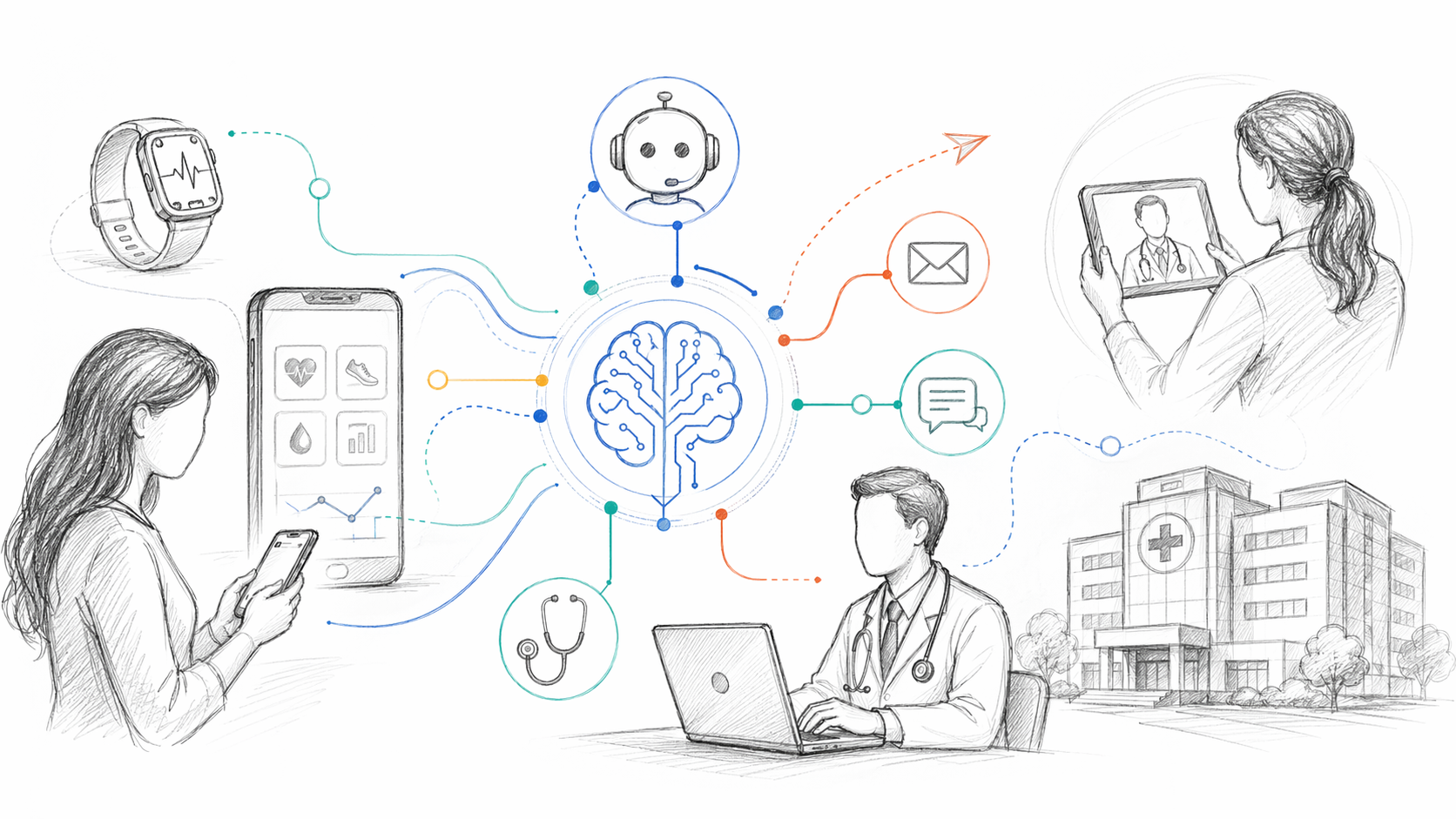
Our guide to AI for patient engagement: conversational assistants, intake, messaging, personalization, platforms and measurement.
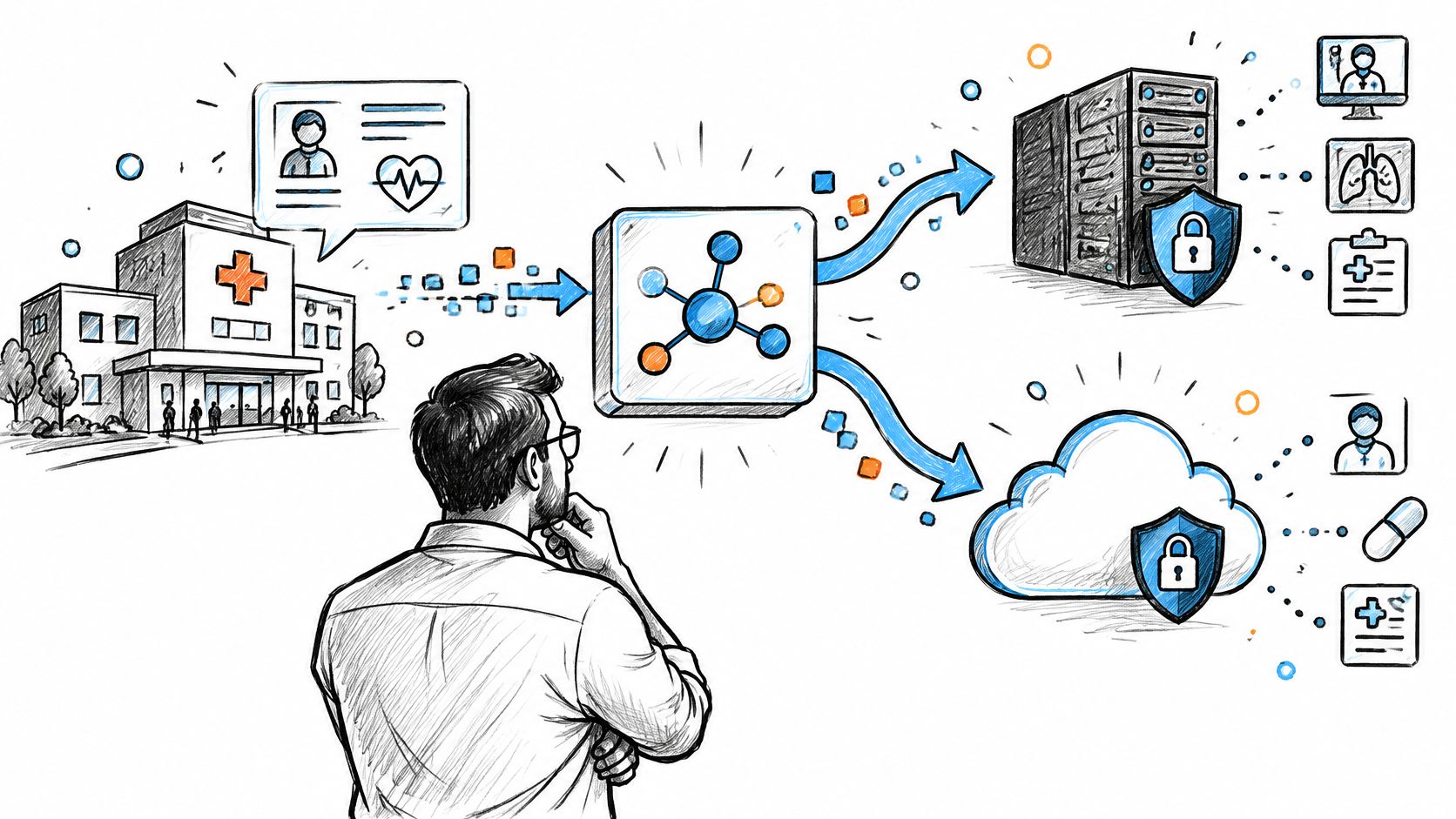
Compare Mirth Connect alternatives after the licensing change, from Open Integration Engine and BridgeLink to commercial engines and cloud HL7 and FHIR services
Connect with our team to explore how AI expertise can transform your business.