AI in Healthcare
HL7 V2 to FHIR Migration Roadmap
A practical HL7 v2 to FHIR migration roadmap: side-by-side running, segment-to-resource mapping, tooling, semantic testing and safe retirement of old feeds.
October 18, 2026Read more
How to integrate with Epic EHR: FHIR vs HL7 v2, Epic developer programs, hospital approval, sandbox-to-production gates and the blockers that stall teams.
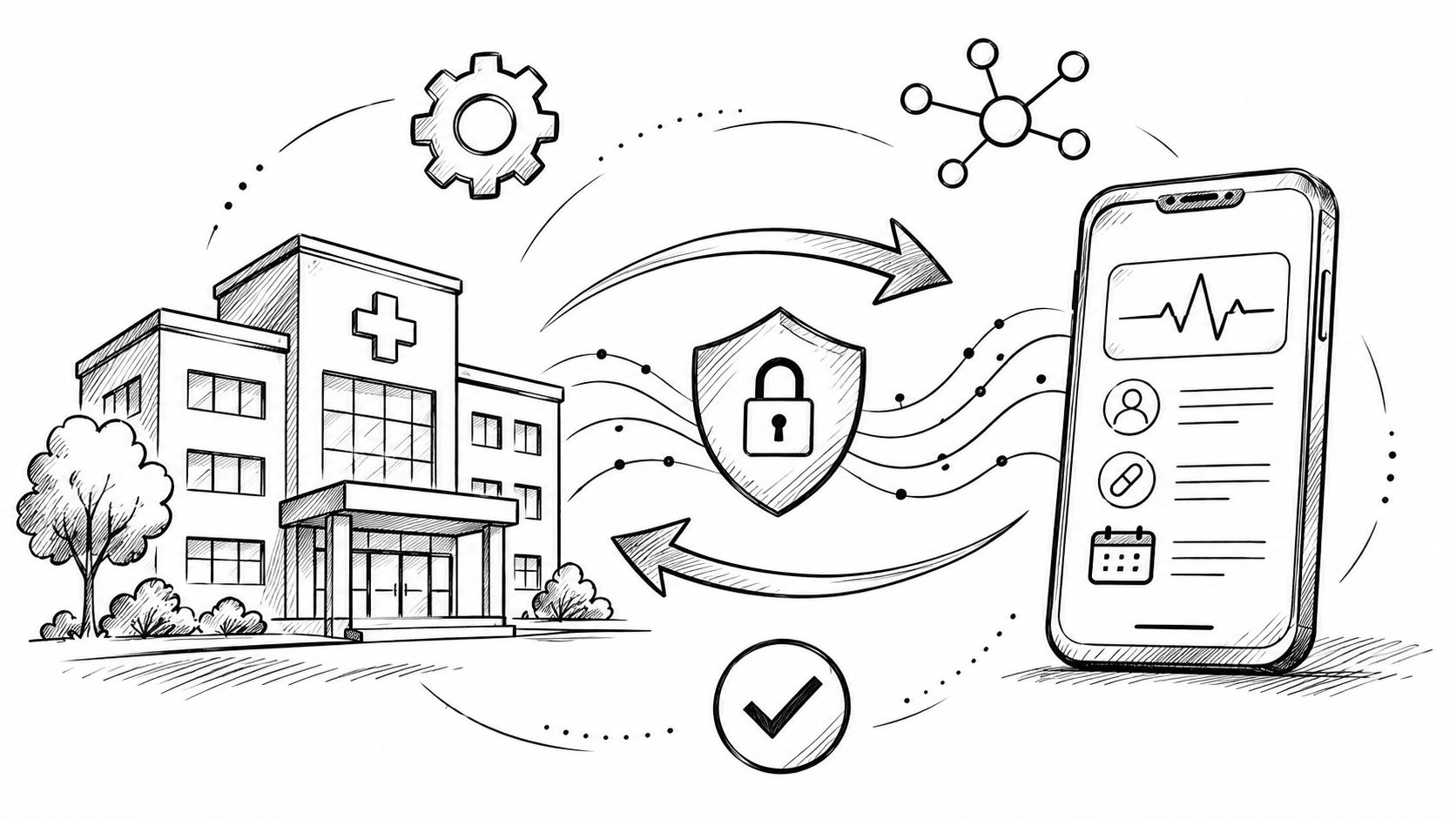
Epic held 43.7% of the U.S. acute-care hospital EHR market by hospital count and 56.9% by beds in 2025, according to KLAS data reported by Becker's Hospital Review. For a healthtech company, the hard part of Epic EHR integration usually isn't writing an API client. It's getting the right workflow, security approvals, and customer-specific activation in place.
We recommend starting with the workflow and integration pattern, then moving through defined approval and validation gates before production. This guide covers the options, Epic's developer programs, hospital responsibilities, sandbox-to-production testing, schedule drivers, and common blockers.
Epic's scale shapes both product strategy and integration architecture. The same report says Epic added 77 hospitals and 18,679 beds in 2025, making access to Epic customers commercially important for many digital-health products. But each customer's configuration, governance process, permissions, and legacy interfaces can differ, so one working connection doesn't establish that your product is ready for every Epic environment.
That distinction changes how a CTO should plan. Treat each health system as a separate deployment with its own approval path and production validation, rather than assuming that a successful sandbox test or another customer's configuration will carry over. API work matters, but security review, clinical validation, and site activation often determine when a product can go live.
Start with the clinical task your software supports. Identify who uses it, what information it needs, whether it reads or writes data, and how the application enters the user's workflow. Those answers drive the choice of FHIR APIs, HL7 v2 interfaces, or SMART on FHIR launch.
Ekipa's healthcare system integration services address the engineering and workflow work involved in connecting healthcare software to provider systems. For your own kickoff, make the first deliverable a workflow and data-flow definition, not a list of endpoints.
Choose the connection pattern based on the job the software needs to perform. FHIR R4 supports resource-based API access, HL7 v2 supports message-based exchanges, and SMART on FHIR defines how an application can launch with Epic context and obtain authorization. SMART on FHIR is an app-launch and authorization pattern, not a replacement for deciding which underlying data interface the workflow requires.
Epic documents SMART on FHIR and OAuth 2.0 support, including EHR launch, standalone launch, and backend-services integrations. EHR launch fits a clinician-facing application that needs context passed from Epic. Standalone launch begins outside the EHR, which can fit patient-facing workflows. Backend services support system-to-system access without an interactive user session.
| Pattern | Best for | Auth model | Typical latency |
|---|---|---|---|
| FHIR R4 APIs | On-demand access to supported clinical resources | OAuth 2.0, with access shaped by granted scopes | Request and response |
| HL7 v2 interfaces | Message feeds such as admissions, orders, and results | Agreed interface and customer-specific configuration | Event-driven, subject to interface setup |
| SMART on FHIR app launch | An application launched in clinician or patient context | SMART on FHIR authorization built on OAuth 2.0 | Interactive launch, followed by API calls |
Use the pattern that matches the data flow, and don't add interfaces just because they're available. For example, a product that needs a clinician to open an app in patient context may need SMART launch plus FHIR resource access. A workflow built around incoming events may need HL7 v2 instead of repeated API requests.
For each clinical workflow, document data direction, expected timing, authorization, and failure behavior before committing to an implementation.
Begin with open.epic, Epic's free public developer resource for FHIR API documentation and a sandbox. Use it to check available documentation, register an application as needed, and prove the basic technical path before taking on a paid program. A public sandbox is valuable for development, but it doesn't authorize access to a hospital's production environment.
Epic's Vendor Services and Connection Hub announcement describes the program launched in January 2023. Vendor Services is a paid program that provides tutorials, expanded sandboxes, and technical support. Epic sets its fees, and they can change, so confirm current terms directly rather than building a business case around an assumed price.
Showroom replaced the old App Orchard and App Market naming. Its tiers serve different purposes:
Connection Hub supports self-attested listings and requires at least one live Epic customer connection. A listing isn't an Epic endorsement.
Toolbox requires Vendor Services enrollment.
Workshop is usually invite-only.
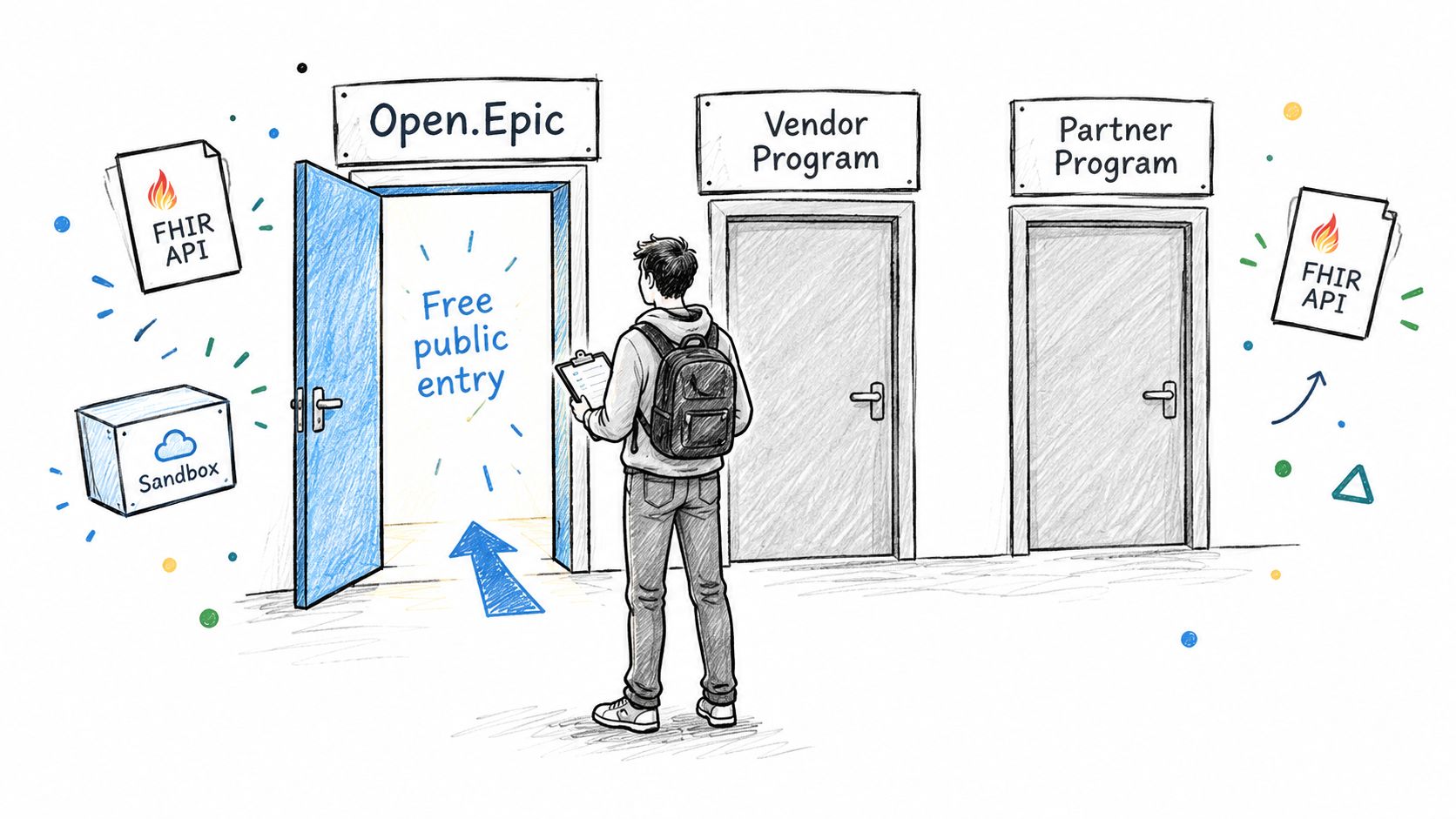
Choose a program for a concrete need, such as expanded testing resources or support, not for the assumption that enrollment activates an integration. A Showroom listing doesn't switch on an app at a health system. Each Epic customer must approve and enable the application in its own environment.
The provider customer owns local approval and production enablement. Your team should make the review easier by supplying a clear data-flow diagram, requested resources and scopes, security documentation, and a description of how the integration behaves when data or authorization is unavailable.
A business associate agreement (BAA) may be required depending on the parties' roles and data flows. The customer's privacy and security teams determine their review requirements; their clinical stakeholders assess workflow risks. Your engineering and compliance owners should provide evidence that the product meets the agreed controls, including access restrictions, audit logging, and safe handling of failures.
The customer's Epic and IT teams also need to approve the app and configure its access in their environment. That approval is distinct from registering the application or publishing a Showroom listing. Plan for the customer to control production enablement and to confirm the exact launch and access model.
Scope design belongs in that approval conversation. Epic's OAuth token response includes a scope parameter that determines which FHIR resources the app can access and which actions it can perform, as described in the FHIR R4 metadata documentation. A valid bearer token alone doesn't prove that the application has permission to read or write a particular resource. The customer and vendor should agree on user-scoped or system-scoped access, then verify that the returned scopes match the approved use case.
Use five measurable gates to keep technical proof, customer governance, and launch readiness aligned. Each gate needs an owner and an exit condition. Published experience with an Epic-connected clinical data integration ranged from under one month to more than four years, with a median of eight months (study). That spread is a strong reason not to promise a generic timeline before the target workflow and customer process are understood.
Sandbox proof. Engineering confirms authentication and retrieves the core FHIR resources the product needs. The exit evidence is a repeatable test that records the requested resources, returned data, and expected authorization behavior.
Workflow prototype. Product and clinical stakeholders test representative clinician or patient journeys. The prototype should show how the user enters the workflow, what context the application receives, and what happens when data is missing.
Security, privacy, logging, and clinical-safety review. Engineering and compliance provide the customer with the agreed evidence, such as access controls, audit records, and failure handling. The customer's reviewers document their approval and any required changes.
Partner-site validation. The customer's technical and clinical owners validate the integration against real configuration, permissions, terminology, and workflow behavior. Passing the sandbox gate doesn't substitute for this site-specific test.
Monitored go-live. The vendor and customer monitor the initial production workflow, reconcile data, and confirm rollback procedures. Define who responds to failures and how each party will decide whether to pause or expand the deployment.
Ekipa's implementation support page describes work integrating AI into existing healthcare systems. Whatever delivery team you use, keep the gates explicit: a technical pass should not be treated as security approval, and a customer's approval should not be treated as a completed production test.
Production delays tend to come from assumptions that passed early testing without being checked against the customer's actual environment.
Assuming the sandbox matches production. Test again with the customer's configuration and permissions. Track authorization success and API errors by resource so gaps are visible during validation.
Requesting excessive scopes. Tie every requested scope to a documented workflow need. Compare the approved request with the scopes returned in the token response.
Treating FHIR as identical across sites. Validate supported resources, interactions, and security configuration for each customer. Epic publishes a FHIR R4 CapabilityStatement endpoint, but a successful public metadata request doesn't prove a production tenant exposes the same operations. Revalidate the CapabilityStatement and retain the results per environment.
Skipping duplicate and late-arriving-message handling. Define how the integration detects duplicates, orders updates, and reconciles delayed messages. Record deduplication and incomplete-record rates during testing.
Failing to reconcile FHIR with HL7 v2 or document feeds. When a workflow draws from more than one interface, specify which source controls each data element and how conflicting or delayed updates are resolved. Monitor write-success rate and p95 latency where those measures apply.
For implementation details on launch context and authorization, review Ekipa's guide to SMART on FHIR. For broader interface planning, the EHR integration API guide provides related engineering context.

Plan an Epic connection as a customer-specific delivery, not a one-time API build. Pick the integration pattern from the workflow, use the developer program that addresses an actual need, and begin the hospital's approval work early. Then make each gate produce evidence, from sandbox authorization through monitored production behavior.
That sequence gives engineering, product, security, and provider stakeholders clear ownership and a shared definition of readiness. It also makes timeline risks visible before they become launch blockers.
Book a consultation with Ekipa's HealthTech engineers to scope your Epic integration.
FHIR provides resource-based API access, while HL7 v2 exchanges structured messages. Choose according to the workflow's data needs and timing, then validate the customer's supported configuration.
No. A listing makes the application discoverable, but each health system must approve and enable it in its own Epic environment.
No. Production permissions, resources, terminology, and local workflows can differ. Validate the integration against each customer's environment before go-live.
Vendor Services is a paid program that includes tutorials, expanded sandboxes, and technical support. Confirm current program terms with Epic because fees can change.
The token's returned scopes determine which resources and actions are allowed. Check the token response against the scopes approved for the application's workflow.
A practical HL7 v2 to FHIR migration roadmap: side-by-side running, segment-to-resource mapping, tooling, semantic testing and safe retirement of old feeds.
How to automate prior authorization under CMS-0057-F: the 2026 and 2027 deadlines, FHIR APIs and Da Vinci guides, ONC HTI-4, and where AI should stop.
How to build HIPAA-compliant AI: when LLM providers need a BAA, data minimization, de-identification, audit controls and a reference architecture.
Connect with our team to explore how AI expertise can transform your business.