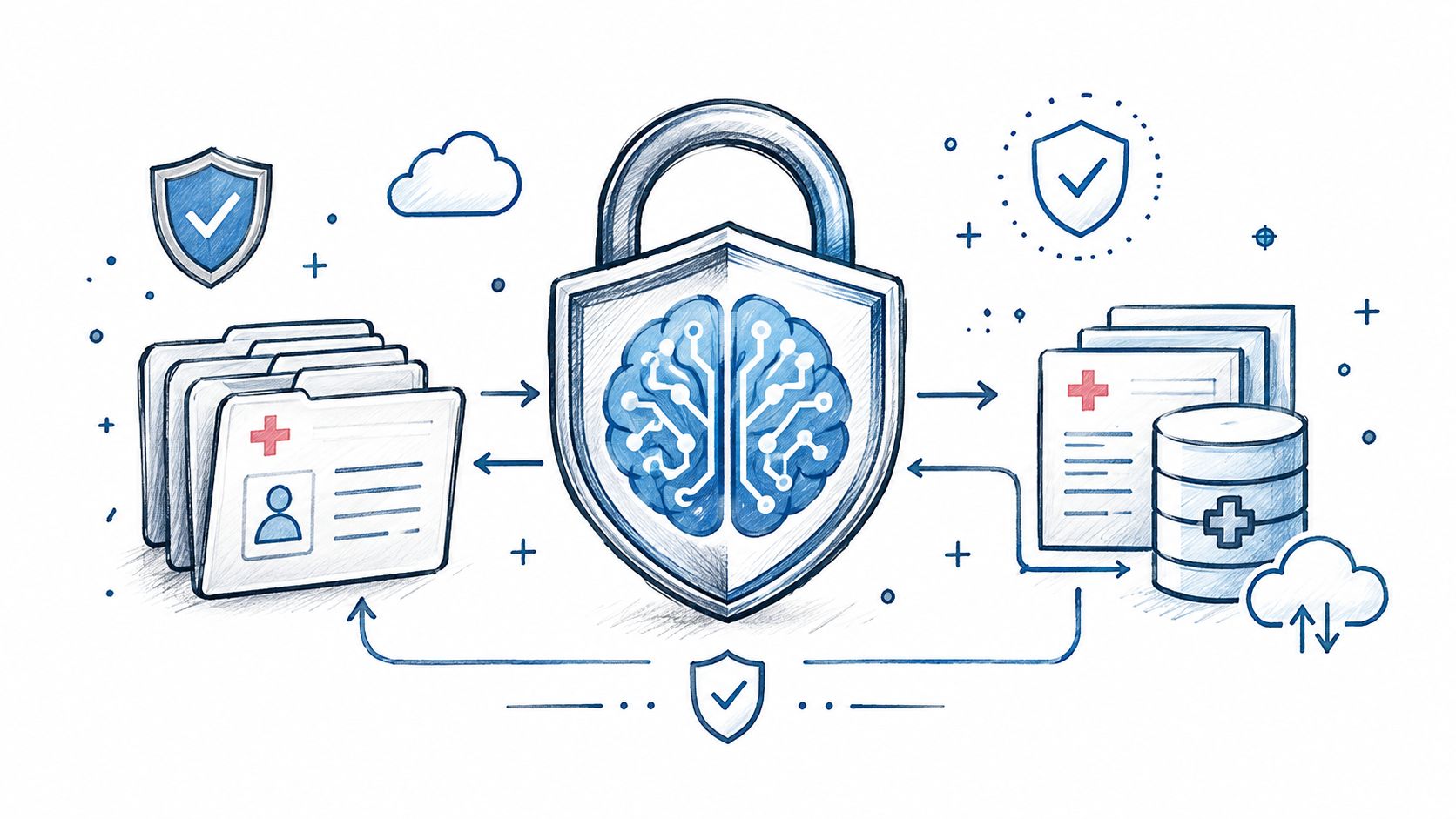
AI in Healthcare
HIPAA-Compliant AI: How to Use LLMs With PHI Safely
How to build HIPAA-compliant AI: when LLM providers need a BAA, data minimization, de-identification, audit controls and a reference architecture.
October 16, 2026Read more
Find the best healthcare staffing software for your organization. Explore core features, AI, vendor evaluation, and ROI for leaders in 2026.

Hospitals don't have a staffing software problem. They have a workforce control problem.
The category is getting bigger because the operational pain is getting worse. The U.S. healthcare staffing and scheduling software market was estimated at USD 1.14 billion in 2024 and is projected to reach USD 3.12 billion by 2033, with healthcare facilities driving 76.97% of demand, according to Grand View Research's market analysis. That matters because it tells you this isn't a temporary budget line. It's a long-term response to structural labor pressure.
If you're a hospital COO, you already know where the damage shows up. It shows up in open shifts, inflated premium labor, delayed credential checks, payroll disputes, and charge nurses spending too much time fixing schedules instead of running units. It shows up when staffing decisions happen in spreadsheets, text threads, and disconnected vendor portals.
The best healthcare staffing software doesn't just fill holes in next week's rota. It gives operators a tighter grip on labor allocation, compliance, redeployment, and workforce quality.
Labor costs are one of the largest controllable expenses in a hospital, and staffing decisions shape far more than payroll. They affect burnout, patient flow, compliance exposure, and whether care teams stay stable enough to deliver consistent outcomes.
Too many hospitals still run workforce management like clerical administration. That approach fails under current pressure. A schedule is not just a rota. It is a daily expression of your labor strategy.

Fragmented staffing creates predictable losses across the enterprise.
These are not separate problems. They feed each other. One missed credential check can trigger a canceled shift. The canceled shift forces agency labor or unsafe reassignment. That decision raises cost, disrupts continuity of care, and adds more manual work for unit leaders the next day.
If your staffing process still depends on spreadsheets, texts, and manager heroics, you do not have a scheduling problem. You have a workforce control problem.
The risk climbs fast when your system spans multiple states, relies on locums, or uses regional float pools. Licensing rules, credentialing timelines, specialty coverage, and local labor constraints create operational friction that generic schedulers cannot handle. For leaders dealing with cross-state physician mobility, this IMLC physician licensing guide shows why licensing logic has to be built into staffing operations from the start.
The category is changing. Buyers should stop evaluating staffing software as a calendar with compliance add-ons. The stronger approach is AI-driven workforce optimization that helps hospitals redeploy internal staff sooner, reduce travel nurse dependence, and protect continuity on the units that feel staffing instability first. Platforms built for AI workforce management in healthcare highlight the significant shift in the market. The goal is no longer to fill the next open shift. The goal is to make better labor decisions every day, at lower cost, with less burnout and fewer disruptions to care.
Healthcare staffing software is not generic HR tech with a medical label on it. It's a control layer for a workforce that is licensed, shift-based, mobile, and operationally fragile.
A basic HRIS can store employee records. A generic scheduler can assign shifts. Neither is built to manage per-diem pools, contingent clinicians, role-based credential rules, facility-specific requirements, and the constant movement between internal staff, float resources, and external agencies.
The purpose is to help a hospital answer five questions quickly and accurately:
That's why this category matters. It's not just about filling a slot. It's about reducing operational drag in a setting where every staffing decision touches patient care.
If you want a broader view of how healthcare organizations should think about digital platforms in regulated environments, Cleffex's guide to healthcare tech is a useful companion read. It reinforces a point many buyers miss. In healthcare, workflow design and compliance logic matter as much as interface polish.
A serious healthcare staffing platform should support:
This is why hospitals increasingly treat staffing software as mission-critical Healthcare AI Services, not back-office convenience software.
The right system should reduce the number of staffing decisions that rely on memory, side conversations, and spreadsheet patchwork.
COOs should stop asking whether the product “does scheduling.” That's a low bar.
Ask whether the platform can act as internal tooling across operations, HR, workforce management, and compliance. If it can't coordinate those teams around one operating picture, it won't fix the root problem. It will just digitize fragments of the same mess.
Most buyers overvalue front-end features and undervalue workflow architecture. That's how hospitals end up with attractive demos and ugly operations.
The best platforms unify ATS, credentialing, scheduling, communication, and payroll or VMS integrations in one workflow. Industry analysis from Althire's review of healthcare staffing software points to deep integration capabilities, in some cases over 150 third-party integrations, and strict HIPAA compliance as key differentiators. That's the right lens. In healthcare staffing, disconnected systems create manual reconciliation, delayed placements, and compliance exposure.

These are the features I'd treat as mandatory.
Don't ask vendors to “show scheduling.” Ask them to walk through your failure points.
| Capability | Good answer | Bad answer |
|---|---|---|
| Credential tracking | Configurable rules by role, facility, and assignment type | One generic expiration reminder workflow |
| Scheduling | Mobile, real-time, rules-based assignment logic | Static roster builder with manual overrides |
| Integrations | Existing connections to payroll, ATS, VMS, and communication tools | “We can build that later” |
| Compliance | HIPAA-ready workflows and audit visibility | Security language without process detail |
| User experience | Separate views for recruiter, manager, clinician, and compliance staff | One interface forced on everyone |
Hospitals often buy point solutions for credentialing, scheduling, messaging, and time capture, then wonder why managers still work around the system. It's because the handoffs remain broken.
If your software strategy requires constant swivel-chair work between systems, consider whether you need stronger custom healthcare software development, purpose-built SaMD solutions, or both. The point isn't customization for its own sake. The point is removing duplicate entry and making workforce data usable across the organization.
Buy for workflow continuity, not feature count.
AI has moved past the hype stage in staffing. The practical question now is simple. Are you using it to improve workforce decisions, or are you still using software as a digital filing cabinet?
The strongest business case comes from the staffing market itself. Bullhorn's healthcare staffing analysis cites industry data showing firms using AI are 96% more likely to grow revenue, and healthcare staffing recruiters could save 19 hours per week with AI, as summarized in Bullhorn's healthcare staffing software review. That matters because it reframes AI from a nice extra into an operational amplification tool.

The useful applications aren't mysterious.
What matters is speed plus judgment support. AI should help your team make better staffing decisions faster, not bury them in another dashboard.
There are two bad implementation patterns.
First, buying “AI features” that sit on top of chaotic workflows. That usually produces polished alerts and poor outcomes.
Second, using AI only for top-of-funnel tasks while ignoring deployment, redeployment, and workforce optimization. In healthcare, the primary value often comes after sourcing.
If you're exploring adjacent tools, a clinician-facing product such as the HCP engagement co-pilot shows where AI can support communication and engagement around healthcare workflows. The lesson for staffing leaders is broader. AI creates value when it is embedded into action, not isolated in analytics.
Healthcare staffing software used to be judged on whether it could post jobs, manage shifts, and store records. That's outdated.
Now the standard is whether the platform can support ai assisted software development, improve labor decisions with analytics, and fit into a larger AI Product Development Workflow that operations leaders can govern. If you're deciding where to invest next, your team needs an explicit workforce roadmap, not random pilots. That's where AI strategy consulting, AI requirements analysis, and even a focused Custom AI Strategy report can help organizations separate useful automation from vendor theater.
For leaders who want to see practical applications beyond staffing alone, reviewing real-world use cases is usually more useful than another glossy platform comparison.
Most vendor evaluations fail because the hospital asks the wrong questions. Buyers compare feature lists, pricing models, and demo polish. They should be testing operational fit.
A software vendor becomes part of your labor infrastructure. If they don't understand healthcare compliance, role complexity, and change management, they'll slow you down after the contract is signed.
Start with these criteria.
| Evaluation Criteria | What to Look For | Red Flags |
|---|---|---|
| Healthcare workflow fit | Support for credentialing, contingent labor, float pools, and assignment-specific rules | Product was clearly built for general staffing or retail scheduling |
| Integration maturity | Proven data flow to ATS, payroll, VMS, timekeeping, and communication systems | Heavy dependence on manual imports and exports |
| Compliance posture | Clear handling of PHI, auditability, and workflow controls | Security claims without workflow evidence |
| Configuration model | Ability to adapt rules by role, site, and labor type without custom chaos | Every change requires vendor services |
| Mobile usability | Clinicians and managers can complete critical tasks on mobile | Mobile access is limited to basic notifications |
| Support quality | Named ownership, healthcare-aware onboarding, realistic implementation guidance | Sales-led promises with vague post-sale support |
| Product roadmap | Evidence the vendor is investing in automation and optimization, not just UI refreshes | No clear direction beyond maintenance releases |
Don't ask whether the platform supports compliance. Ask the vendor to show exactly how a license expiration alert flows from detection to action.
Don't ask whether they support enterprise scale. Ask them to model a rollout across multiple facilities with different staffing rules.
And don't treat HIPAA as a checkbox. For leaders evaluating automation and audit readiness, UTMStack's HIPAA compliance roadmap is a practical reference for thinking about controls, monitoring, and process discipline. It's useful because compliance in staffing software is operational, not theoretical.
A vendor that can't explain failure handling clearly probably hasn't built for real hospital operations.
The right partner will challenge your assumptions. They'll push you to define labor categories, escalation paths, data ownership, exception workflows, and KPI governance before go-live.
That's where AI Strategy consulting tool, AI tools for business, and structured AI requirements analysis become more than buzzwords. They help leadership teams define what problem they solve. Many organizations skip that step, then blame the software for an implementation that never had a clear operating model.
Most staffing software rollouts disappoint for a simple reason. The hospital tries to deploy everything at once.
That approach creates confusion, weak adoption, and bad data. A better path is phased rollout with tight governance.

Start with one service line, one labor type, or one staffing pain point. Common starting points include contingent nursing, internal float pool management, or credential tracking.
Then expand only after data quality and workflow reliability are stable.
Pilot the highest-friction workflow
Pick the area where manual effort and scheduling risk are most visible. You want a use case that leadership cares about and front-line teams feel immediately.
Standardize core rules
Define credential requirements, approval paths, exception handling, and ownership before broad rollout. Software won't fix ambiguity.
Train by role
Recruiters, staffing coordinators, compliance teams, unit managers, and clinicians all use the platform differently. One training session for everyone is lazy and ineffective.
Expand with KPI discipline
Don't call the rollout successful because users logged in. Judge it by operational outcomes.
If your organization needs a structured delivery model, an AI Product Development Workflow can help leadership teams move from pilot to scale without turning implementation into a permanent side project.
One of the most important ROI levers is redeployment. According to Staftr's medical staffing software analysis, redeploying existing talent can cut staffing costs by about 60% compared with sourcing new candidates. That's a major operational insight. It means your platform should act like a talent intelligence engine, surfacing known clinicians before new sourcing begins.
Track metrics that reflect that reality:
Board-level metric: If software doesn't reduce manual handoffs and improve redeployment, the ROI story will collapse under scrutiny.
As we explored in our AI adoption guide, implementation success usually depends less on the model and more on process ownership, change management, and measurable operating outcomes.
A scheduling tool fills holes. A workforce optimization platform improves retention, continuity of care, and manager control over labor costs.
That distinction matters. Hospitals do not need another system that posts open shifts faster while burnout rises and premium labor keeps creeping up. They need software that helps place the right clinician in the right role, reduces avoidable last-minute staffing gaps, and gives leaders a better chance of keeping core staff engaged. A recent industry perspective makes the same point. Buyers should press vendors on retention, clinician satisfaction, and continuity of care, not just fill rate, as discussed in this analysis of the new healthcare staffing market.
If a vendor cannot explain how the product improves workforce quality, they are selling shift coverage, not staffing strategy.
Start with one system of record for labor demand, staff availability, credentials, and scheduling rules. Then add point tools only where they solve a specific gap better than the core platform.
COOs usually get into trouble when they buy a broad suite that demos well but fails at float pools, internal redeployment, or multi-site rules. They also get into trouble when they assemble five niche tools and create data disputes between staffing, HR, and finance. The right call is simple. Choose a core platform that fits your operating model, then require clean integrations and clear data ownership before adding anything else.
Treating staffing software like a software rollout instead of a labor operating model redesign.
If staffing coordinators, nursing leadership, HR, compliance, and finance are all using different rules, the platform will mirror that confusion. The result is predictable. Manual overrides stay high, managers stop trusting recommendations, and the organization pays for technology while still running on spreadsheets and text messages.
Build credential logic directly into workflows. Do not depend on tribal knowledge, inbox reminders, or side spreadsheets.
Multi-state staffing creates compliance risk, delayed starts, and expensive rework when credential data is incomplete or out of date. Good software should flag gaps before assignment, apply role and state-specific rules automatically, and make exceptions visible to the people who can resolve them quickly.
At the start. Keep the first use case narrow and tied to a labor outcome.
The best early applications are forecasting demand, recommending redeployment, identifying fill risks before a shift goes uncovered, and improving staff communication during schedule changes. That is where AI starts paying for itself. Broad automation claims do not matter. Better labor decisions do.
A practical test helps here. If the AI feature will reduce burnout, cut agency dependence, improve continuity, or lower manager admin time, put it on the roadmap. If it just adds another dashboard, skip it.
How to build HIPAA-compliant AI: when LLM providers need a BAA, data minimization, de-identification, audit controls and a reference architecture.
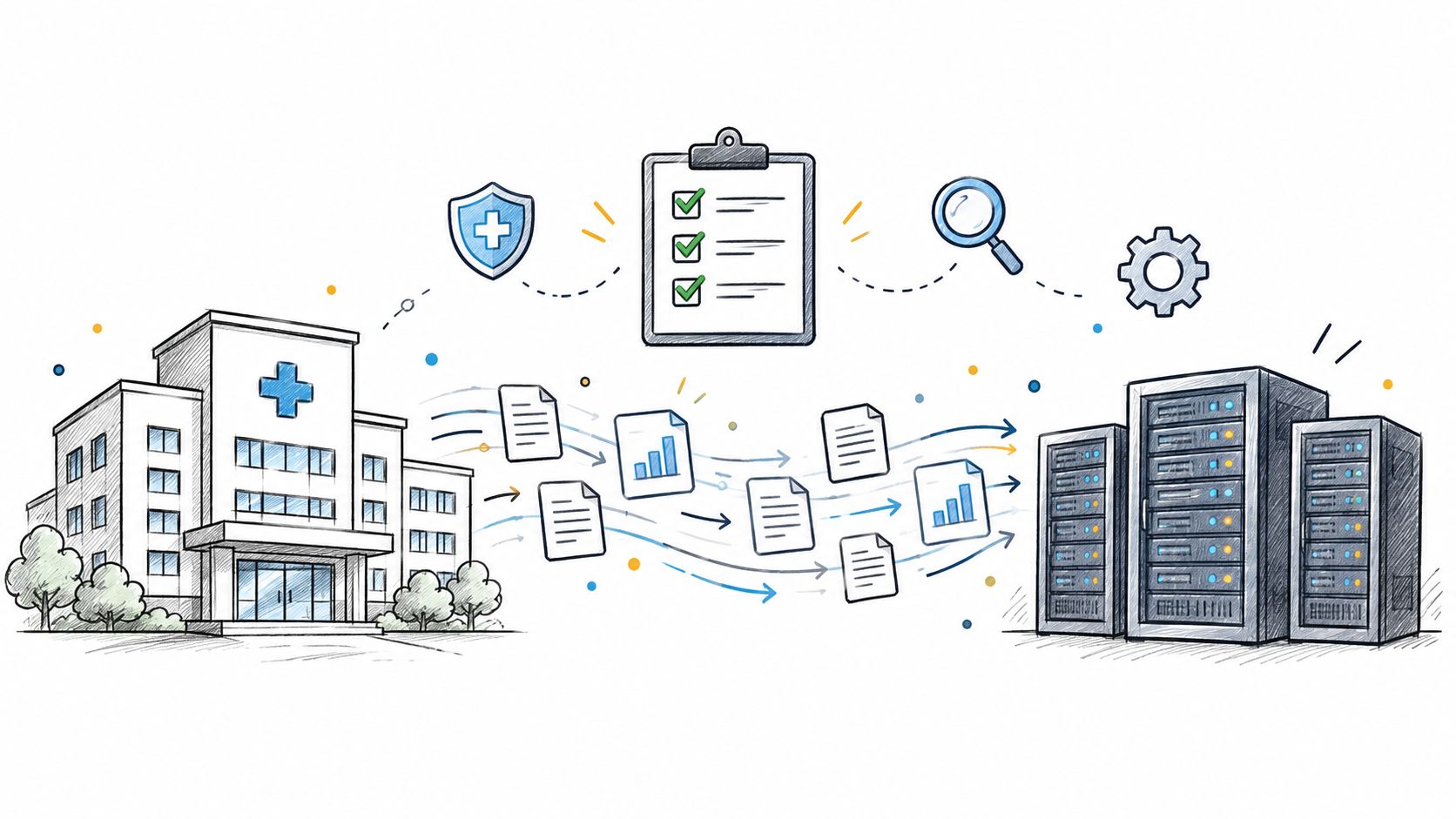
Practical data migration planning guide for healthcare teams. Scope, mapping, compliance, validation, cutover and rollback decisions explained end to end.
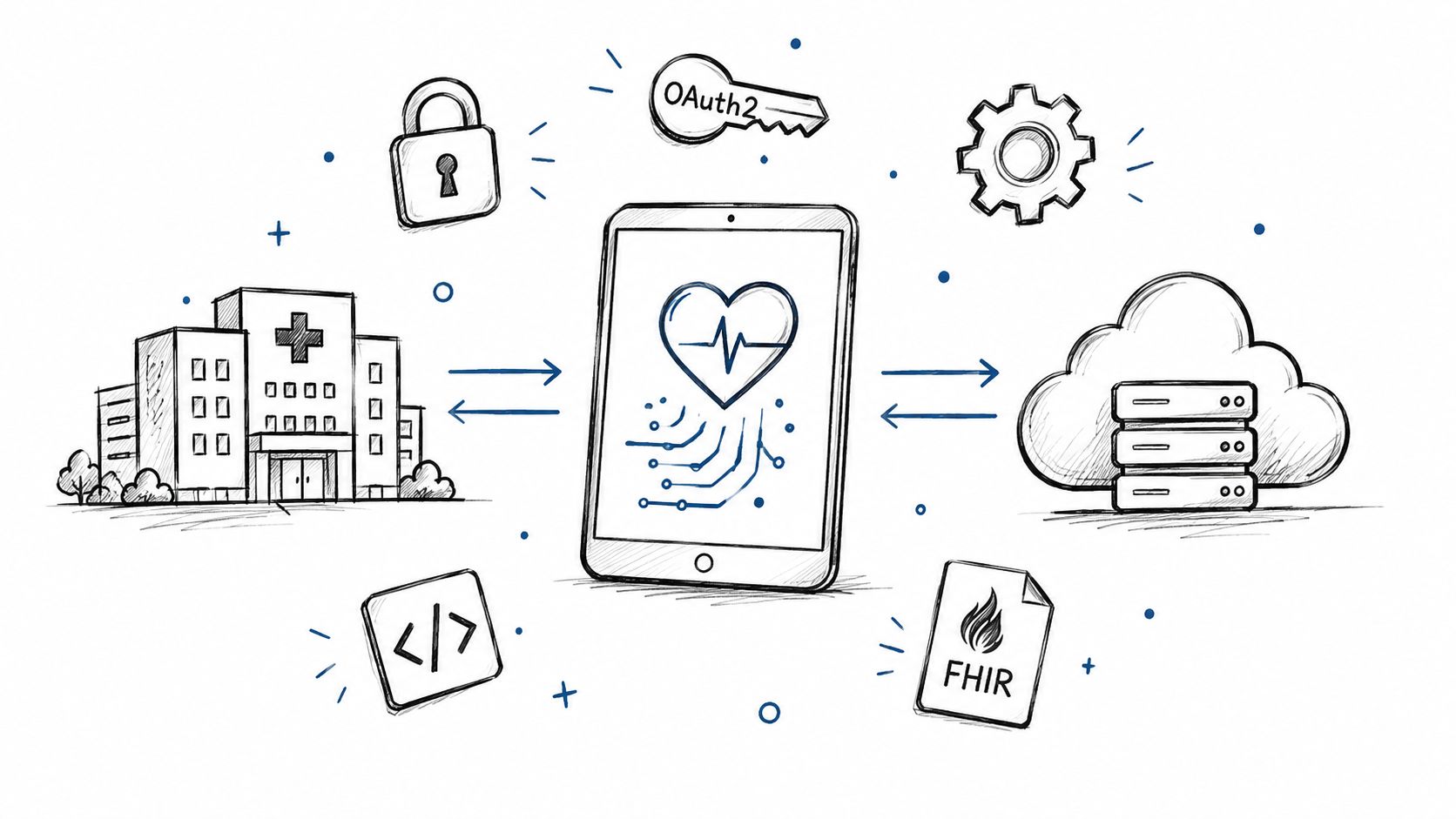
Smart on FHIR guide for healthtech engineers. Learn the OAuth 2.0 launch model, scope syntax, backend services, and US regulatory requirements.
Connect with our team to explore how AI expertise can transform your business.