AI in Healthcare
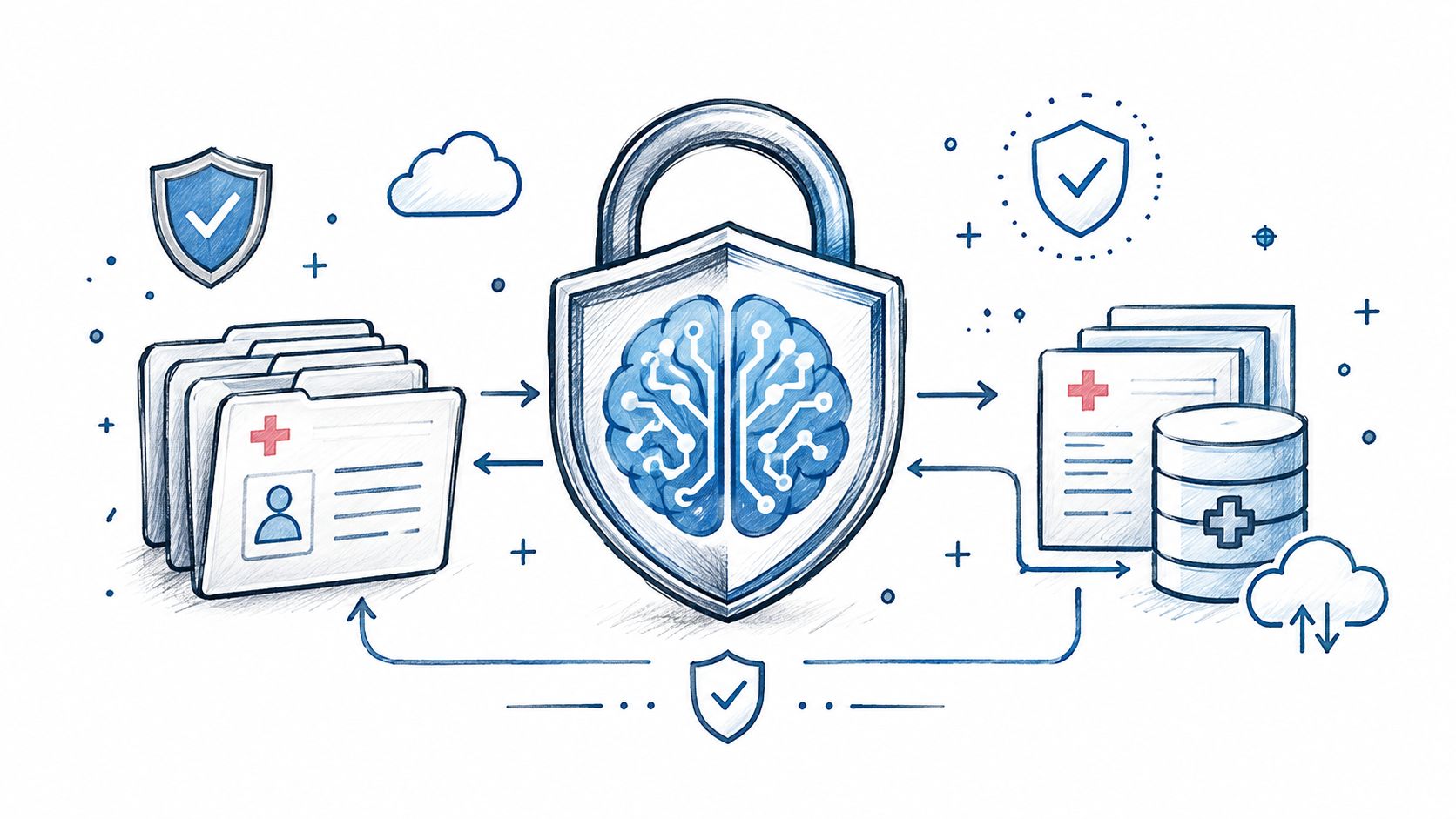
HIPAA-Compliant AI: How to Use LLMs With PHI Safely
How to build HIPAA-compliant AI: when LLM providers need a BAA, data minimization, de-identification, audit controls and a reference architecture.
October 16, 2026Read more
A practical guide to AI-enabled clinical workflow redesign. Map stakeholders, prioritize use cases, manage integration & scale AI in healthcare organizations.

Hospitals don't need more AI demos. They need fewer broken workflows.
That shift matters because the market is moving fast while operational friction remains stubbornly human. The AI in clinical workflow market is projected to reach USD 11.08 billion by 2030, and 71% of healthcare organizations are already using generative AI in 2025, mainly for clinical documentation and workflow automation. At the same time, 35% of clinicians still spend more time on paperwork than patient care, which is the clearest sign that adoption alone doesn't equal redesign (MarketsandMarkets clinical workflow data).
In practice, AI-enabled clinical workflow redesign succeeds when executive teams stop treating AI as a feature rollout and start treating it as an operating model change. The hard part isn't model selection. It's deciding where AI belongs, how it connects to the EHR, when a clinician should override it, how exceptions get handled, and which outcomes justify the investment.
Most hospitals already know the high-level benefits. The primary gap is execution inside legacy environments. That's where projects stall, trust erodes, and expensive pilots fail to scale.
Before a hospital buys another ambient scribe, triage model, or decision support layer, it needs to answer a simpler question: what workflow is worth redesigning first.
The strongest AI-enabled clinical workflow redesign efforts begin with operational discipline. That means defining one painful workflow, mapping how work moves today, identifying where delay or rework occurs, and checking whether the underlying data is usable enough to support automation or decision support. A strategy deck isn't enough. Leaders need a current-state map that shows handoffs, queue points, duplicate entry, shadow processes, and places where clinicians leave the system to finish the task.

Good starting points usually share three traits:
That last point gets missed. If the AI output doesn't change a real decision, queue, or handoff, it's just another screen.
A practical discovery phase usually examines:
Practical rule: If you can't describe the workflow in terms of trigger, actor, handoff, exception, and completion state, you're not ready to automate it.
Most failed healthcare AI projects didn't fail because the model was weak. They failed because the wrong people were engaged too late.
Clinical operations leaders should identify four groups early:
The skeptics matter as much as the champions. A charge nurse who distrusts alert logic or a physician lead who sees extra clicks will surface deployment risk faster than a steering committee will.
Data readiness isn't a checkbox. It's an operational constraint.
Hospitals often discover too late that the required data is incomplete, inconsistently labeled, trapped in scanned documents, or split across systems with different update timing. If the workflow depends on near-real-time context and the data arrives late, AI won't fix the process. It may make it more confusing.
A sound readiness review asks:
Some organizations use outside support for this early-stage work because it compresses the discovery cycle and creates a more realistic implementation path. A Custom AI Strategy report can help turn scattered ideas into a prioritized roadmap tied to workflows, systems, and constraints.
Executive teams should resist broad claims about transformation. A credible business case names one workflow, one operational target, one user group, and one implementation boundary. It also names what the hospital won't automate yet.
That discipline matters because AI doesn't create value in isolation. Value appears when a redesigned process removes work, speeds an action, improves consistency, or supports better decisions without increasing cognitive burden. That's the strategic foundation. Everything else rests on it.
The fastest way to lose momentum is to start with a use case that's exciting in a boardroom and painful on the floor.
Hospitals usually have no shortage of AI ideas. The constraint is prioritization. The right first use case isn't the one with the most impressive demo. It's the one with a clear pain point, a manageable integration path, enough usable data, and a workflow owner willing to change how work gets done.

A simple prioritization model works better than long debates. Score each candidate use case across four dimensions:
The first three fit cleanly into a table. The fourth should shape the final decision even if it isn't numeric. A use case can score well on paper and still fail if it lands in the wrong moment of care delivery.
Here is a working matrix teams can adapt.
| AI Use Case Prioritization Matrix | Clinical/Operational Impact (1-5) | Technical Feasibility (1-5) | Data Readiness (1-5) | Total Score |
|---|---|---|---|---|
| Ambient documentation support | 5 | 4 | 4 | 13 |
| Results inbox prioritization | 4 | 4 | 3 | 11 |
| Appointment scheduling optimization | 4 | 4 | 4 | 12 |
| Discharge summary drafting | 4 | 3 | 3 | 10 |
| Imaging worklist triage | 5 | 3 | 3 | 11 |
| Prior authorization packet preparation | 4 | 3 | 2 | 9 |
The table isn't meant to be mathematically perfect. It's meant to force trade-offs into the open.
A useful first-wave use case often has one of these profiles:
A hospital doesn't need to automate the entire care journey first. It needs one workflow where AI removes friction without creating new uncertainty.
This is why "AI as an assistant" usually beats "AI as an autonomous actor" in early deployments. Assistive patterns reduce resistance because clinicians retain control while still saving time.
Leaders should challenge each proposed use case with blunt questions:
Those questions eliminate a lot of bad ideas.
A practical shortlisting session should end with a narrow portfolio, not a broad vision. Most organizations benefit from choosing one operational use case, one clinician-facing assistive use case, and one deferred candidate that needs more data or integration work.
Teams that want examples beyond their own environment can review real-world use cases to compare patterns across documentation, triage, diagnostics, and operational automation. That step is most useful after internal scoring, not before. Otherwise, external examples tend to distort local priorities.
Some use cases look easy because they're already popular. That's not the same as being right for your system.
A strong first use case should satisfy all of the following:
If a use case requires major master data cleanup, multiple vendor approvals, custom interfaces, and a deep retraining effort before users see any value, it probably belongs later.
The point of early selection isn't to prove that AI can do something clever. It's to prove that your organization can redesign work safely and repeatably.
Once a use case is chosen, the core work begins. At this stage, many hospitals discover that AI isn't blocked by model capability. It's blocked by architecture.
Nearly 47% of healthcare leaders cite data quality and integration as significant barriers to AI adoption, and the root problem is familiar: data sits across isolated and incompatible systems, which disrupts workflows and increases cognitive burden when teams try to layer AI on top without a sound interoperability approach (Censinet on AI workflow integration barriers).

Not every AI tool should behave the same way. In healthcare settings, three patterns show up repeatedly.
| Pattern | What it does | Best fit | Main risk |
|---|---|---|---|
| AI as an assistant | Suggests, drafts, summarizes, or highlights | Documentation, inbox support, review tasks | Users ignore it if it creates extra review burden |
| AI as a filter | Prioritizes queues or identifies urgency | Imaging worklists, result review, escalation pathways | Missed edge cases if thresholds aren't localized |
| AI as an automator | Executes routine tasks under defined rules | Scheduling, routing, structured admin tasks | Workflow breaks when exceptions aren't handled |
Most hospitals should begin with assistant or filter patterns. They create value without forcing full operational trust on day one.
The common fantasy is simple: connect the model to the EHR and surface output in workflow. The operational reality is harder.
Legacy EHR environments often involve old interfaces, limited APIs, custom local configurations, downstream departmental systems, and hidden manual workarounds that never appear on formal process maps. If a redesign ignores those details, clinicians end up toggling between screens, copying data manually, or distrusting outputs because context is missing.
A workable architecture often includes:
Some organizations combine modern workflow platforms with targeted engineering work. A partner offering AI Automation as a Service can support orchestration and workflow execution, but the hospital still needs local architectural decisions about data flow, auditability, support ownership, and failover behavior.
Architecture rule: If users must leave the primary workflow to get AI value, adoption usually drops.
The safest designs assume the AI will sometimes be uncertain, incomplete, or contextually wrong. That means the architecture has to support:
This is especially important when moving from one hospital site to another. A model that works in one institution may underperform in another because order sets, note structure, escalation rules, and clinician behavior vary.
Clinical workflow redesign often touches more than the clinical record. Scheduling, billing, coding, utilization review, and patient communications all influence whether a process improves end to end.
For revenue-linked workflows, it helps to understand how downstream operational partners structure claims, coding, and handoff processes. Teams reviewing financial and administrative dependencies may find practical context in resources from an outsourced medical billing company, especially when redesign decisions affect documentation quality, coding readiness, or work queue ownership across departments.
Some clinical AI functions are operational tools. Others may edge into regulated territory depending on the use case, claims, and decision impact. If the workflow supports diagnosis, treatment planning, or other high-stakes decision pathways, the design and validation burden rises quickly.
That is where structured quality processes, clinical validation, audit trails, and, in some cases, development approaches aligned to SaMD solutions become relevant. The key executive decision isn't whether regulation is inconvenient. It's whether the intended workflow puts the tool in a role that demands stronger evidence and tighter controls.
A clean architecture does more than move data. It defines where AI belongs, what it can influence, who stays accountable, and how the system behaves when reality doesn't match the happy path.
A published study of AI-enabled workflow redesign found measurable gains in same-day appointment closures, daily visit volume, usability, and provider wellness when clinicians successfully incorporated the tool into routine work (PMC study on AI-enabled workflow redesign outcomes). That is the standard executive teams should use. Adoption is not a communications exercise. It is a test of whether the new workflow reduces friction inside the practical constraints of care delivery, documentation, and EHR use.
In practice, hospitals lose momentum here. The model may perform well in testing, but frontline staff still have to decide whether it saves time, creates rework, or introduces new risk. Legacy EHR environments make that judgment harsher. If staff need extra clicks, separate logins, or manual reconciliation between the AI output and the chart, trust drops fast.
The strongest programs treat change management as an operating model. Each affected workflow needs a named owner with authority to adjust steps, assign accountability, and resolve conflicts between clinical, IT, compliance, and operations teams.
Clinician involvement also has to be broader than physician leadership. Nurses, care coordinators, coders, scribes, and scheduling staff often absorb the downstream consequences of AI recommendations. If they are excluded from design and testing, the hospital usually discovers failure points after go-live, when correction is slower and more political.
A practical adoption plan includes four elements:
The human-in-the-loop model should be explicit. Who reviews the output first? What service levels apply? Where is the correction captured? How does that correction feed back into model monitoring or workflow redesign? Those details determine whether the tool becomes part of daily operations or another layer staff work around.
Security and privacy controls need to be set before deployment, especially when the workflow spans cloud services, third-party models, and EHR integrations. For cloud-based architectures, operations and security leaders often review implementation patterns similar to those outlined in guidance on HIPAA compliant cloud solutions. The primary concern is not the hosting label. It is whether storage, transmission, access control, retention, and audit logs match the actual workflow and risk profile.
Three questions usually determine the design path:
If leadership cannot answer those questions clearly, broader rollout should wait.
This is also where legacy EHR reality matters. Many hospitals cannot redesign around a clean API strategy because the production environment includes older interfaces, custom fields, scanned documents, and brittle downstream reporting. Compliance teams need to know exactly how data moves across those constraints. So do clinical leaders, because every workaround has an operational cost.
Teams that need structured execution support often use AI implementation support for healthcare workflow change to define governance, integration boundaries, validation steps, and rollout controls before expansion.
Usage metrics alone are weak evidence. Logins, clicks, and prompt volume can rise while the underlying process gets slower.
Measure success in three layers.
Start with the process the hospital is trying to improve.
Speed without quality creates downstream damage. Review whether the redesigned workflow improves how care is delivered and documented.
This category often determines whether gains last beyond the pilot.
Baseline these measures before launch. Recheck them at fixed intervals after deployment. Segment results by site, specialty, shift, and user role. That is how hospitals catch a common pattern in AI programs: aggregate results look positive, while one department is absorbing extra cleanup work because the local EHR build or staffing model differs from the pilot environment.
Hospitals that get durable ROI run AI governance as an operational discipline, not a project artifact. Models drift. Documentation habits change. Departments repurpose tools. Local templates evolve. A workflow that worked well in one service line can become unsafe or inefficient when copied into another.
Standing governance should review:
That cadence keeps the program honest. It also gives executives a clearer view of where value is real, where legacy systems are still blocking performance, and where more redesign work is needed before scale.
Many hospital AI pilots look successful because a small group of motivated users, analysts, and clinical champions keeps the process together. Scale exposes what the pilot was hiding. Interface delays that were manageable on one unit start disrupting handoffs across sites. Manual chart cleanup that seemed minor turns into recurring labor. Trust drops fast when the tool behaves differently across departments because each local EHR build has its own quirks.
A pilot should answer one question clearly: can this workflow hold up under normal operating conditions, inside the actual technical and staffing constraints of the health system. If the answer depends on extra analyst hours, daily vendor intervention, or a physician champion compensating for poor design, the work is not ready to spread.

Start with a pilot group that is stable enough to measure and messy enough to reveal failure points. That usually means a department with a clear leader, known workflow pain, and enough volume to surface edge cases within weeks, not months. It does not mean choosing the cleanest environment in the enterprise.
Strong pilot design includes more than model performance. It defines where source data enters, where AI output appears in the clinician workflow, who owns exceptions, how downtime is handled, and what users should do when the recommendation is wrong or arrives late. Those details determine whether the redesign reduces work or just shifts work to someone else.
A useful pilot group usually has:
Set a stop rule before launch. If documentation time rises, exception queues build, or users start working around the tool, pause and correct the design before adding another department.
The second phase is where many programs stall. Leaders see positive pilot metrics and assume the model is ready for broader rollout. The better question is simpler: what hidden labor made the pilot succeed?
Common answers are familiar. Informatics analysts manually reconcile exceptions. Trainers sit with early users and correct mistakes in real time. Interface teams babysit feeds from the EHR. Department leaders intervene when trust dips. Those actions are reasonable during a pilot, but they must be designed out before expansion.
Review these checkpoints before the next rollout wave:
| Scaling checkpoint | What to verify |
|---|---|
| Support model | Frontline teams can get help through standard service channels, not the core project team |
| Exception handling | Edge cases are defined, triaged, and assigned to specific roles |
| Integration resilience | Data feeds, write-backs, and alerts behave consistently across sites, shifts, and local EHR configurations |
| Training repeatability | New staff can learn the workflow through standard onboarding and refresher materials |
| Monitoring | Operations teams can spot failure patterns, latency, and workflow disruption quickly |
Legacy systems usually become the primary constraint. A pilot can tolerate one brittle interface. Enterprise deployment cannot. If output lands outside the main EHR workflow, if data arrives too late for clinical use, or if local template variation changes what users see, scale will create more rework than value.
Hospitals need common operating rules for privacy, validation, release control, and rollback. They also need room for local adaptation. A surgical service line, an ambulatory specialty clinic, and an inpatient nursing unit do not handle timing, staffing, or exception escalation the same way.
The practical model is centralized governance with local workflow ownership. Central teams set the technical and risk controls. Local leaders adjust staffing patterns, escalation paths, training examples, and adoption tactics to match care delivery. That balance prevents two common mistakes: excessive local customization that breaks maintainability, and excessive central control that ignores real clinical variation.
Program discipline matters here. Some organizations use a formal product workflow to manage design controls, feedback intake, release sequencing, and operational readiness. Others run the work through an internal PMO or digital transformation office. The choice matters less than having one repeatable method and using it every time.
These problems show up repeatedly once hospitals move beyond the first pilot:
One warning sign deserves special attention. If each new department needs custom analyst effort to keep the workflow usable, the organization is not scaling a redesign. It is repeating a pilot with a larger support bill.
For broader organizational readiness, some teams pair implementation work with internal change assets, operational templates, or internal tooling that support intake, feedback capture, escalation, and adoption tracking across departments.
Hospitals scale AI when they standardize the decisions that made the first workflow work, test those decisions against legacy EHR realities, and adapt carefully to each clinical setting without recreating the process from scratch.
A large share of early healthcare AI projects fail to change day-to-day operations because the model is added, but the workflow around it stays intact.
Adding AI to a workflow usually means placing a model inside the existing process and asking staff to absorb the output. Workflow redesign changes the work itself: who reviews what, where decisions happen, how exceptions are handled, what gets documented, and which system becomes the source of truth. Hospitals feel this difference quickly. If clinicians still read the same chart twice, re-enter the same information, or carry new oversight tasks without removing old ones, the organization has added technology cost without removing operational waste.
Start where the work is repetitive, the decision points are clear, and the output can be checked quickly by the team using it.
Good starting points often include documentation support, inbox triage, referral routing, scheduling coordination, and structured summarization. These workflows usually have clearer completion states and lower diagnostic ambiguity. By contrast, workflows with fragmented data, unclear ownership, or frequent exceptions often look attractive in a strategy deck and then stall during implementation. The issue is not whether AI can support them. The issue is whether the hospital has done enough process design and integration work to make the output usable inside the EHR and the care team's daily routine.
Executives should press for clear answers to three operational questions early.
Those answers usually reveal the true level of difficulty. A workflow that touches the EHR, a scheduling platform, a document repository, and secure messaging can still be viable, but only if the team treats integration as part of workflow design, not a downstream technical task. In practice, many failures come from basic mismatches: the output lands in the wrong screen, arrives too late for the visit, or forces clinicians to leave their normal workflow to verify it.
Off-the-shelf tools fit best when the workflow is common across health systems, the data inputs are standardized, and the vendor already supports the required user experience.
Custom development becomes more likely when local process variation is high, the EHR environment has heavy site-specific configuration, or the hospital needs tighter control over orchestration, auditability, and workflow logic. That is common in multi-site systems where the same clinical service runs differently by region, specialty, or facility type. In those cases, teams often compare packaged products with targeted custom work such as orchestration layers, interface logic, and workflow-specific applications. Some organizations also bring in custom healthcare software development support when standard products cannot fit local operational requirements without major workarounds.
More than the initial steering committee usually expects.
Clinician involvement should include workflow definition, scenario testing, exception review, and post-launch feedback. It also needs to extend beyond physicians. Nurses, care coordinators, HIM teams, revenue cycle staff, and clinic managers often identify the points where a design will fail in production. Their input matters because AI workflow redesign succeeds or fails at the handoff level. A model can perform well in testing and still create delays if the wrong role has to verify output, reconcile discrepancies, or fix missing context.
Start by examining workflow fit at the unit level.
Uneven adoption usually points to a practical issue: the tool appears too early or too late in the process, the output is inconsistent under time pressure, training covered the feature but not the actual use case, or staff do not trust the escalation path when the AI is wrong. Different departments also have different tolerance for rework. A tool that feels acceptable in one clinic may be rejected in another if staffing is tighter or the EHR workflow is less forgiving. Executives should ask for site-level evidence, not broad statements about resistance to change.
Build versus buy is a control and operating model decision as much as a technology decision.
Buy when the workflow is standard enough, the vendor can meet security and integration requirements, and the product fits how clinicians already work. Build, or customize heavily, when the organization needs tighter alignment to local workflow, stronger control over releases, or validation customized for a specific service line. Many health systems land in the middle. They buy base capabilities, then add internal logic, integration layers, and governance around them.
The right answer depends on who will own the workflow after go-live. If every change requires vendor intervention, the hospital may get speed up front but lose flexibility later. If everything is custom, the organization gains control but also takes on support, testing, and upgrade burden. Ekipa AI is one example of the type of implementation partner teams may use to assess those trade-offs with internal product, clinical, and operational leaders before engineering starts.
Use examples to identify design patterns, not to copy another hospital's solution.
The useful question is not whether another system launched an AI workflow. It is whether their staffing model, EHR configuration, governance process, and risk tolerance look enough like yours to make the comparison meaningful. Strong implementation support usually includes discovery, workflow mapping, integration planning, validation design, training, and post-launch monitoring. Teams should look for partners and internal owners who can handle both sides of the work: technical integration with legacy systems and the human work of changing how care teams operate.
If your hospital is evaluating AI-enabled clinical workflow redesign, Ekipa AI can help frame the use cases, integration approach, and delivery model before the effort turns into another disconnected pilot.
How to build HIPAA-compliant AI: when LLM providers need a BAA, data minimization, de-identification, audit controls and a reference architecture.
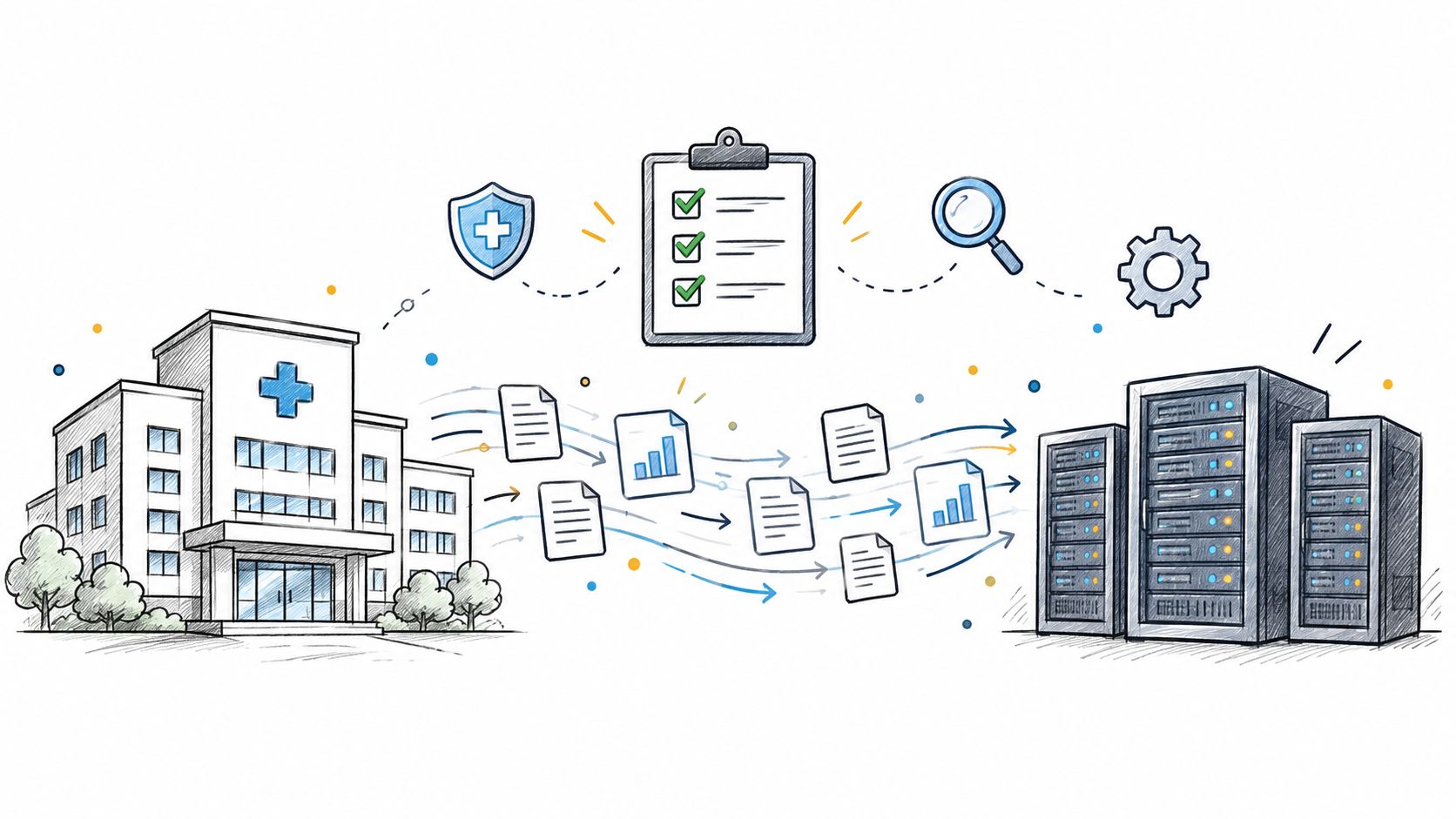
Practical data migration planning guide for healthcare teams. Scope, mapping, compliance, validation, cutover and rollback decisions explained end to end.
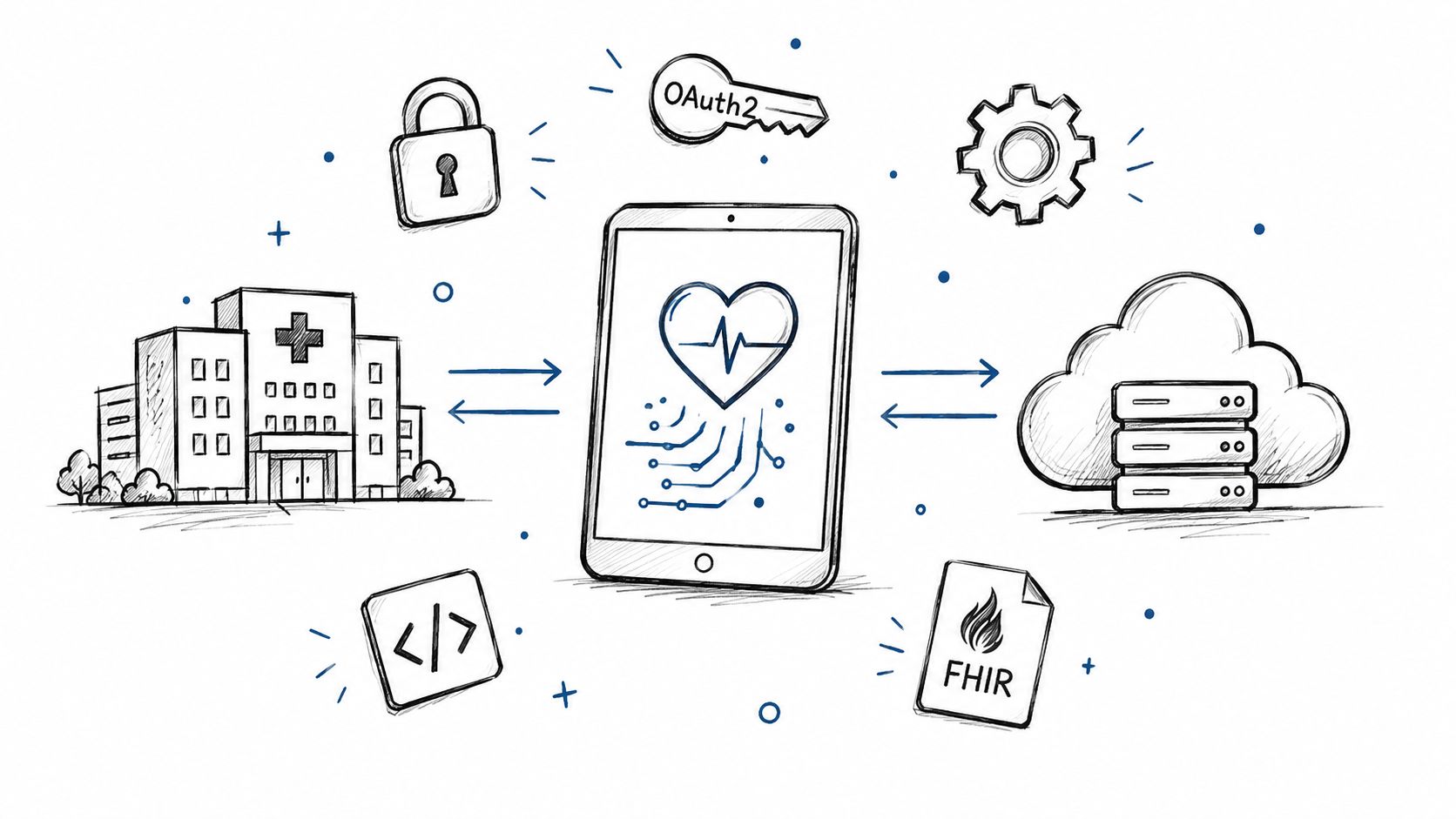
Smart on FHIR guide for healthtech engineers. Learn the OAuth 2.0 launch model, scope syntax, backend services, and US regulatory requirements.
Connect with our team to explore how AI expertise can transform your business.