AI in Healthcare
Smart on FHIR: What It Is and How It Works in Practice
Smart on FHIR guide for healthtech engineers. Learn the OAuth 2.0 launch model, scope syntax, backend services, and US regulatory requirements.
October 14, 2026Read more
Explore healthtech workflow automation software with our guide on features, use cases, compliance, and ROI. Learn to select, implement, and optimize.

Claims automation alone can materially change the economics of a hospital revenue cycle. For a CTO, that makes healthtech workflow automation software a technology investment with board-level implications, not an operations side project.
The decision point is not whether to automate. It is where automation will reduce cost and delay without creating compliance gaps, brittle integrations, or clinician workarounds that erase the expected return. In practice, the best programs start with a narrow set of high-friction workflows, define ownership early, and measure results against baseline labor time, error rates, turnaround time, and reimbursement performance.
That execution discipline is what separates pilot activity from sustained ROI. Leaders need a framework for selecting the right platform, setting governance, integrating with core systems, and proving value after go-live. Teams that already use workflow discipline to improve Google Workspace productivity often recognize the pattern quickly, but healthcare adds PHI handling, auditability, and clinical risk to every design choice.
This guide focuses on that operating model. It explains what modern automation platforms need to do, where they fit in hospital workflows, how to evaluate vendors, and how to implement in a way that supports compliance and measurable financial return. It also reflects the role Ekipa can play as an execution partner for health systems that need to move from strategy to deployment without wasting a year on fragmented pilots.
The market signal is already clear. The global clinical workflow solutions market was valued at USD 9.56 billion in 2022 and is projected to grow at a 12.4% CAGR from 2023 to 2030, with hospitals accounting for 44.9% of revenue share in 2022, according to Grand View Research. Hospitals aren't buying software because it's fashionable. They're buying it because fragmented workflows now directly affect margins, compliance exposure, and clinician time.
In practice, healthtech workflow automation software acts like a coordination layer across the EHR, scheduling systems, revenue cycle tools, lab systems, intake forms, messaging, and internal approvals. Good platforms don't just move data. They trigger the next action, enforce rules, document what happened, and surface exceptions to the right human.
That distinction matters. Many hospitals still have digital systems, but not digital workflows. A scanned PDF, a shared inbox, and a manual handoff are still manual work, even if a computer is involved.
The most common pain points are familiar:
Hospitals that handle this well usually start with a narrow operational question. Which workflows create the most delay, rework, or compliance risk? That's a better starting point than asking which AI feature to buy.
A capable healthtech engineering partner helps translate that operational map into an implementation plan that fits your architecture and governance model. If your teams are also standardizing non-clinical coordination, it's useful to see how workflow design principles improve Google Workspace productivity in broader business operations, because the same orchestration habits often apply to shared services inside a hospital.
Healthtech workflow automation software earns its keep when it can capture information, make the next step clear, and execute that step inside the systems staff already use. That sounds simple. In practice, the difference between a useful platform and an expensive pilot usually comes down to architecture.

Vendor demos often overemphasize the user interface. CTOs should test what happens underneath: how the platform handles events, how it integrates with core systems, how it routes exceptions, and whether it produces an audit trail your compliance team can trust. Those details determine whether automation reduces labor or creates a new layer of operational risk.
Most platforms worth considering share a common set of capabilities:
These features are not flashy. They are usually where the first ROI shows up. Hospitals get value from fewer intake errors, less manual routing, better queue visibility, and faster cycle times long before they get value from advanced AI.
Document-heavy workflows are a good example. Referral packets, prior authorization forms, lab attachments, and outside records often arrive in inconsistent formats. Teams evaluating extraction performance should look closely at tools such as this AI-powered data extraction engine, especially when the goal is to feed structured data into downstream review and approval logic instead of creating another document repository.
AI matters when the work depends on unstructured input, changing context, or language-heavy review. It does not replace process design. It extends it.
Ambient documentation is one example. Natural language models can draft notes from clinician-patient conversations and reduce manual documentation effort, but the business case only holds if the workflow around review, sign-off, and correction is clearly defined. The same pattern applies to inbox triage, referral classification, and summarization of outside records. AI can reduce reading and writing time. It cannot resolve unclear ownership, weak escalation rules, or poorly defined approval steps.
A simple rule works well in practice. Use AI where staff interpret messy inputs or write repetitive summaries. Use deterministic workflow logic where the decision path must stay stable, testable, and easy to audit.
Healthcare leaders evaluating adjacent use cases may also benefit from understanding AI-powered fertility tracking, because it shows how AI performs best when paired with defined workflows, structured data capture, and clear clinical oversight.
Automation projects in hospitals usually succeed or fail at the handoff layer. The platform has to work with HL7 v2, FHIR, X12, APIs, identity controls, and the reality that legacy systems still run many operational and clinical processes. If that integration model is weak, every new workflow becomes a custom project.
The better platforms support:
There is a strategic trade-off here. A generic automation product may look cheaper at procurement. It often becomes more expensive after integration work, validation, and governance requirements are factored in. Healthcare teams need software that can fit existing controls from day one, not a platform that expects the hospital to absorb the complexity later.
That is the standard CTOs should use in selection. Do not ask only whether the platform can automate a task. Ask whether it can support a governed operating model, scale across departments, and produce measurable operational returns after the first workflow goes live.
Hospitals lose margin and staff time in the gaps between systems. The fastest way to find a high-value automation opportunity is to trace a delayed patient journey, a stalled claim, or an unresolved order and identify every manual handoff along the way.

Patient intake usually rises to the top because the waste is visible. Patients complete forms, staff verify coverage, someone scans IDs, and another team enters the same information into the EHR, scheduling, and billing systems. Automation reduces that rework by collecting structured data once, checking for missing fields, routing exceptions, and sending validated information to the right destination before the visit.
Results management is another strong starting point. Labs, imaging, and pathology workflows often break down when routing rules depend on inbox habits instead of policy. A well-designed workflow can sort by result type, patient status, responsible clinician, and urgency, then escalate exceptions for review. The operational gain is clear. Fewer ambiguous queues, fewer missed follow-ups, and better response times for time-sensitive findings.
Longitudinal care programs show a different kind of value. Fertility, oncology, cardiology, and complex chronic care all depend on timing, documentation, patient communication, and repeated coordination across teams. That is why adjacent examples matter. If you are assessing digital patient pathways, this guide to understanding AI-powered fertility tracking is useful because it shows how timing-sensitive care models depend on coordinated data and decision support.
In practice, the best first clinical use cases share three traits. They are repetitive, rules-driven, and expensive to get wrong.
Revenue cycle automation often delivers the earliest financial proof because the baseline process is already measurable. Eligibility checks, prior authorization, charge review, claims status updates, denial classification, and appeal preparation all create avoidable labor when data sits in separate systems and staff have to chase status manually.
That trade-off matters. A workflow that saves a few minutes per transaction can look minor in isolation, but across registration teams, billing staff, coders, and utilization review, the cumulative effect is material. I usually advise CTOs to start where three conditions are present: high volume, clear exception logic, and a direct link to cash flow or capacity.
The use cases that usually justify investment first include:
For teams building a broader automation strategy, it helps to compare individual use cases against a healthcare automation delivery model that can scale across departments. Ekipa outlines that approach in its healthcare automation services, with an emphasis on execution from workflow selection through implementation.
The core shift is not speed alone. It is control.
Before automation, hospitals rely on experienced staff to remember exceptions, monitor side spreadsheets, and compensate for system gaps. After deployment, work queues are visible, escalation paths are defined, and managers can see where cases stall. That creates a better operating model for both ROI and compliance because leaders can measure throughput, rework, turnaround time, and exception rates instead of relying on anecdote.
That is the standard to use when prioritizing use cases. Choose workflows where automation does more than remove clicks. Choose workflows that reduce delay, improve traceability, and create a repeatable path to measurable returns.
A hospital can tolerate a clunky interface for a while. It can't tolerate weak controls around PHI, broken auditability, or unclear access paths. Security and compliance aren't procurement checkboxes for healthtech workflow automation software. They're part of the system design.
The right posture starts with data movement. Every automated step should answer four questions clearly. What data is being used? Who can see it? What action is being taken? Where is the evidence that it happened? If a platform can't answer those questions cleanly, it doesn't belong in a clinical or revenue workflow.
At minimum, hospital teams should expect:
These controls become more important when a platform spans multiple departments. A workflow that starts in intake can easily touch registration, care coordination, billing, analytics, and external systems. Without disciplined identity and logging, the operational benefit turns into governance sprawl.
Hospitals often treat compliance as a late-stage review. That usually creates rework. A better approach is to model policy inside the workflow itself. Required fields, sign-off steps, escalation windows, retention rules, and access boundaries should be configured as part of the process, not layered on after go-live.
Security test: If your team can't explain how an automated task is approved, overridden, and audited, the workflow isn't ready for production.
For many teams, an experienced regulatory compliance partner adds value, especially when automation crosses clinical, operational, and product boundaries. The objective isn't to slow deployment. It's to make sure scale doesn't outrun control.
Vendor selection gets messy when teams compare feature lists instead of operating fit. Most platforms look capable in a demo. Far fewer can survive your actual environment, which probably includes legacy interfaces, specialty workflows, strict access policies, and uneven process maturity across departments.
A better buying process starts with a decision frame. Are you solving for one narrow workflow, a shared orchestration layer across departments, or a long-term automation backbone tied to your integration strategy? Those are different purchases.
Start with a few pressure questions:
A disciplined AI requirements analysis matters because it forces the team to document workflow boundaries, exception types, data sources, ownership, and success criteria before vendors shape the problem for you.
One useful outside lens is seeing how other industries think about streamlining operations with AI automation. The tooling categories differ, but the selection logic is similar. Integration depth, governance, usability, and total operating burden matter more than surface-level novelty.
| Evaluation Criteria | Vendor A Score (1-5) | Vendor B Score (1-5) | Notes & Key Differentiators |
|---|---|---|---|
| EHR and interoperability fit | HL7 v2, FHIR, API flexibility, legacy support | ||
| Workflow configurability | Rules, branching, exception handling, approvals | ||
| Security and auditability | Access controls, logging, encryption, review trails | ||
| Clinical and operational support | Works across care, admin, and revenue workflows | ||
| Implementation model | Time to pilot, services support, internal ownership | ||
| Usability for non-engineering teams | Can operations update forms, rules, and routing | ||
| Reporting and KPI visibility | Queue analytics, bottleneck tracking, SLA views | ||
| Total cost of ownership | Licensing, integration effort, maintenance burden | ||
| Vendor support quality | Training, issue response, change management help | ||
| Long-term roadmap fit | Supports future AI, process standardization, scale |
The right answer depends on workflow complexity. If your use case is common and standardized, a configurable platform may be enough. If the process spans proprietary logic, specialty care pathways, or differentiated patient experiences, custom healthcare software development may be more appropriate.
What doesn't work well is forcing a generic workflow builder into a high-governance healthcare process and hoping services teams will patch the gaps indefinitely.
Most automation projects fail before the technology fails. The workflow is poorly scoped, the owners are unclear, exception paths are ignored, or clinicians hear about the rollout after decisions have already been made. A workable implementation plan keeps the technical build and the human rollout tightly connected.

A phased approach is usually more durable than a broad transformation launch.
Assess and plan
Map the current workflow in enough detail to capture handoffs, delays, exception types, and required approvals. Pick one or two outcomes that matter operationally, such as reducing rework, shortening cycle time, or improving completion rates.
Select and procure
Evaluate the platform against architecture fit, control requirements, service model, and who will own configuration after launch. Avoid locking yourself into a tool that only the vendor can maintain.
Pilot and test
Start in a contained environment with real users and real edge cases. The purpose of a pilot isn't to prove that happy-path automation works. It's to discover where the workflow breaks under real conditions.
Train and roll out
Train by role, not by system. Front-desk staff, clinicians, coders, and managers need different guidance because they touch different moments in the flow.
Optimize and scale
Once the process is stable, expand to adjacent workflows that share the same patterns, data sources, or approval logic.
Hospitals often underestimate how much resistance is really ambiguity. Staff push back when they don't know who owns an exception, what the fallback path is, or whether automation will create extra cleanup work later.
The best rollout teams handle this directly:
Adoption improves when people can see that automation removes low-value work without taking away judgment where judgment still matters.
For organizations building a broader delivery model, a defined AI Product Development Workflow helps keep discovery, validation, build, and rollout aligned. The same discipline applies whether you're implementing a commercial platform, extending your internal tooling, or coordinating external build partners.
Automation programs that survive budget scrutiny are the ones that prove operational value early. In a hospital setting, that means measuring healthtech workflow automation software the same way you would measure any other operations investment: throughput, error reduction, staff time recovered, financial impact, and audit reliability.
A useful scorecard has three layers. It tracks workflow performance, business outcomes, and control integrity. If one layer is missing, leaders get an incomplete picture. A workflow can run faster while creating downstream rework. It can save labor while weakening documentation quality. It can also produce good local results and still fail enterprise review if logging and approvals are inconsistent.
Start with metrics that show whether the workflow is working under real conditions:
Then add outcome measures tied to the business case:
Baseline first. Then compare.
That sounds simple, but many teams skip it and end up defending automation with anecdotes. I have seen hospitals declare a pilot successful because users liked the interface, while queue age, exception handling, and manual cleanup barely changed. If the baseline is weak, the ROI discussion turns subjective fast.
Earlier industry data in this article pointed to meaningful savings from automation in claims, onboarding, and administrative operations. Those gains are real enough to justify investment, but they are not automatic. Returns show up fastest in workflows that are high-volume, rules-driven, and expensive to coordinate by hand.
That is the strategic filter.
A good candidate usually has stable inputs, a clear handoff pattern, and exceptions that can be defined in advance. A poor candidate has shifting clinical context, unclear ownership, or decisions that depend on nuanced judgment that is hard to codify. Hospitals that mix those categories too early often get disappointing results, not because the platform failed, but because the use case selection was weak.
One practical option in the market is Ekipa AI. The fit is strongest when a hospital needs support with use case prioritization, execution planning, and delivery, not just another software layer added to an already crowded stack.
The fastest path to ROI is rarely full automation. It is selective automation with tight human oversight where the risk profile demands it.
Dash Technologies' discussion of hospital workflow automation use cases points out a problem many leadership teams underestimate. Over-automation in complex clinical work can create new errors if human review is weak or poorly designed. That aligns with what hospitals see in practice. Assistive automation performs better than fully autonomous automation in areas where patient condition, care transitions, or multi-factor judgment can change quickly.
Use automation aggressively for routing, document handling, extraction, status updates, and draft preparation. Use it more carefully for workflows where the final decision carries clinical risk. In those cases, the system should prepare the work, surface the priority, and record the trail. The qualified human should keep final accountability.
Hospitals do not need a sprawling AI agenda to get started. They need a sequence.
Begin with a small portfolio of workflows that meet five tests:
Then review performance after the first production cycle, not just after go-live. The important questions are straightforward. Did manual touches drop? Did turnaround time improve? Did the exception path stay manageable? Did auditability get stronger or weaker? Should this workflow be expanded, redesigned, or stopped?
That review is where the broader AI strategy starts to mature. The point is not to collect disconnected pilots. The point is to build a repeatable model for selecting work, deploying automation safely, measuring value, and scaling only where the economics and controls hold up. That is how hospitals turn isolated automation wins into a program with durable ROI.
It's software that coordinates repeatable healthcare tasks across systems and teams. It can capture information, apply rules, trigger actions, route work, and log outcomes. In a hospital setting, that often includes intake, scheduling, documentation support, prior authorization, claims operations, lab routing, and internal approvals.
Start with a workflow that is high-volume, rules-driven, and painful enough that teams already feel the cost. Good first candidates often sit in intake, scheduling, revenue operations, document handling, or internal service coordination. Avoid beginning with the most clinically complex workflow in the organization.
An app may digitize one task. Automation orchestrates the full process. The difference is whether the system stores information or moves the case to the next step, routes exceptions, and records the decision trail.
Usually, the more practical outcome is role redesign, not replacement. Automation takes repetitive coordination, data movement, and status chasing off people's desks so they can spend more time on exceptions, patient communication, and decision-making. In healthcare, that's often a better and safer objective than trying to eliminate human involvement altogether.
Focus on interoperability, auditability, security controls, exception handling, and ease of operational ownership. The platform should work with your current systems, support human review where needed, and give leaders visibility into queue health and bottlenecks. A clean demo matters less than architectural fit.
Build compliance into the workflow design. That means defined access rules, encryption, logging, approvals, data minimization, and documented override paths. It also means assigning operational owners who are accountable for policy and process changes after launch.
Yes, but they should keep scope tighter. A smaller organization often gets more value from automating one or two repeatable workflows well than from adopting a broad platform with too many features to govern. The selection criteria stay the same. The implementation burden just needs to match the team's capacity.
If you're evaluating healthtech workflow automation software and need a structured way to identify the right use cases, assess feasibility, and move into delivery, Ekipa AI can help connect strategy with execution. You can also review our expert team to understand the people behind that work.
Smart on FHIR guide for healthtech engineers. Learn the OAuth 2.0 launch model, scope syntax, backend services, and US regulatory requirements.
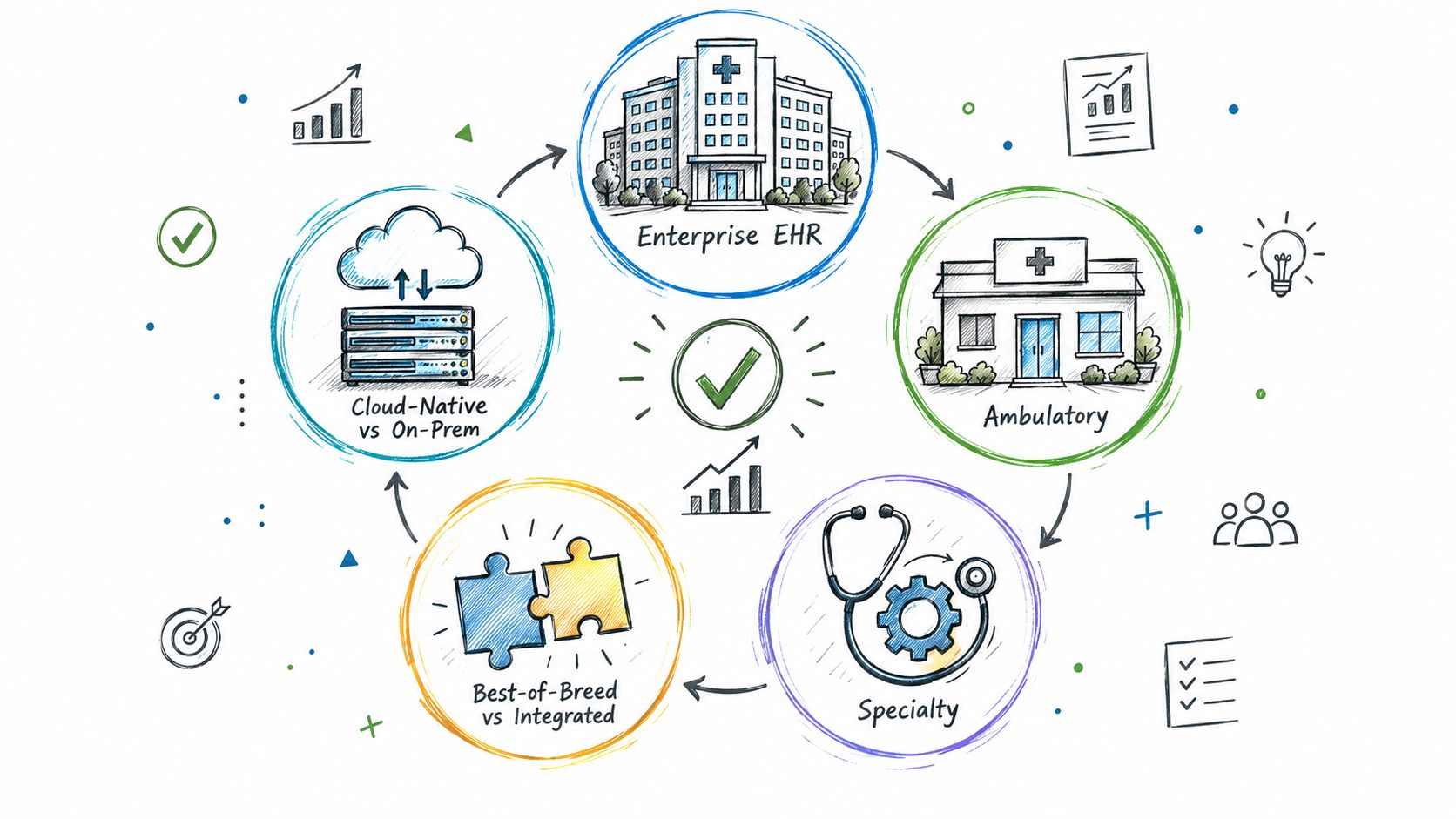
Explore the types of EHR systems by deployment model, care setting and scope. Compare integration options, trade-offs and selection tips for healthtech teams.
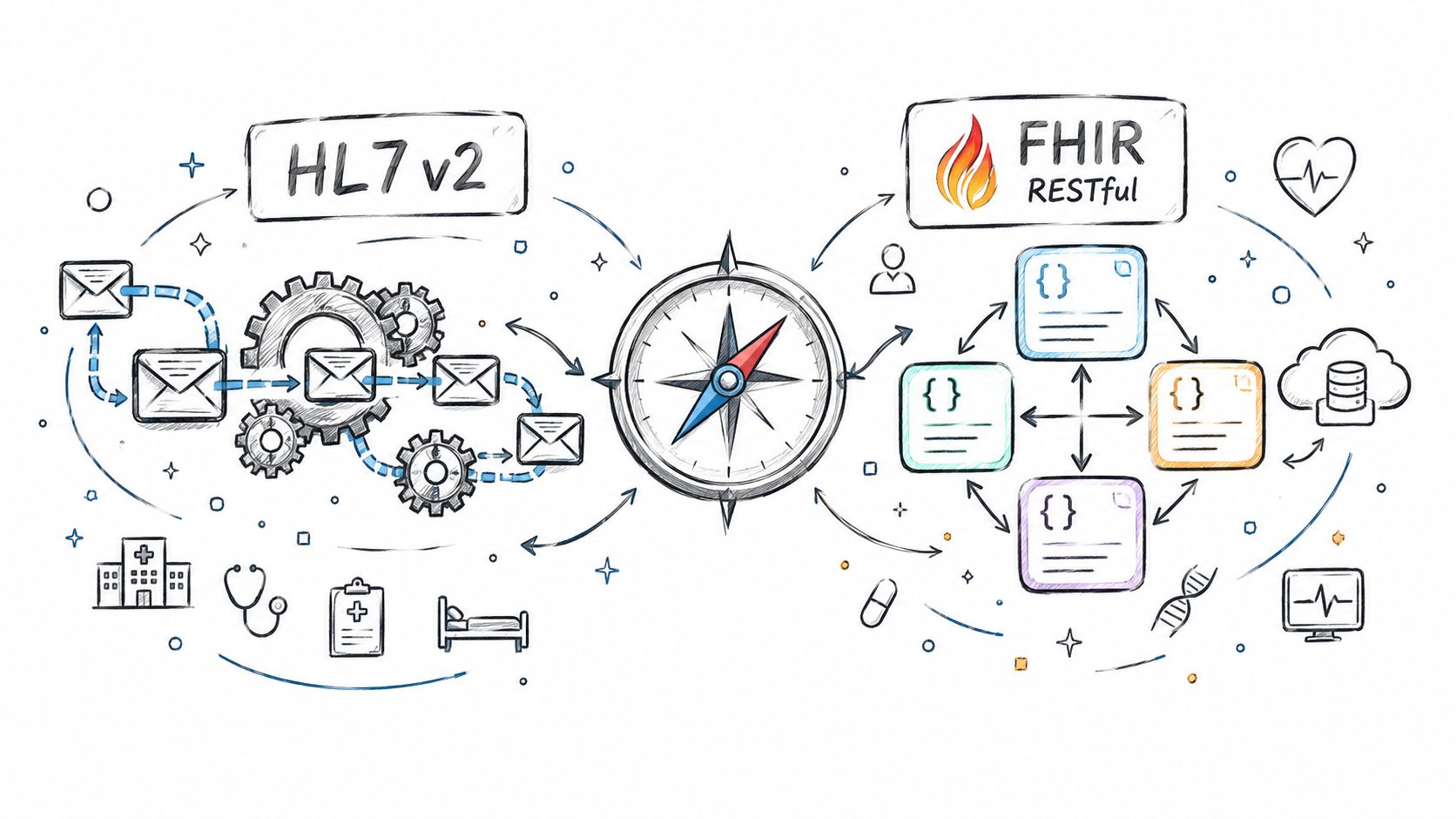
Compare Fhir vs. hl7 standards for healthtech integration. See how HL7 v2 and FHIR differ in use, mechanics, regulation, and real-world architecture.
Connect with our team to explore how AI expertise can transform your business.