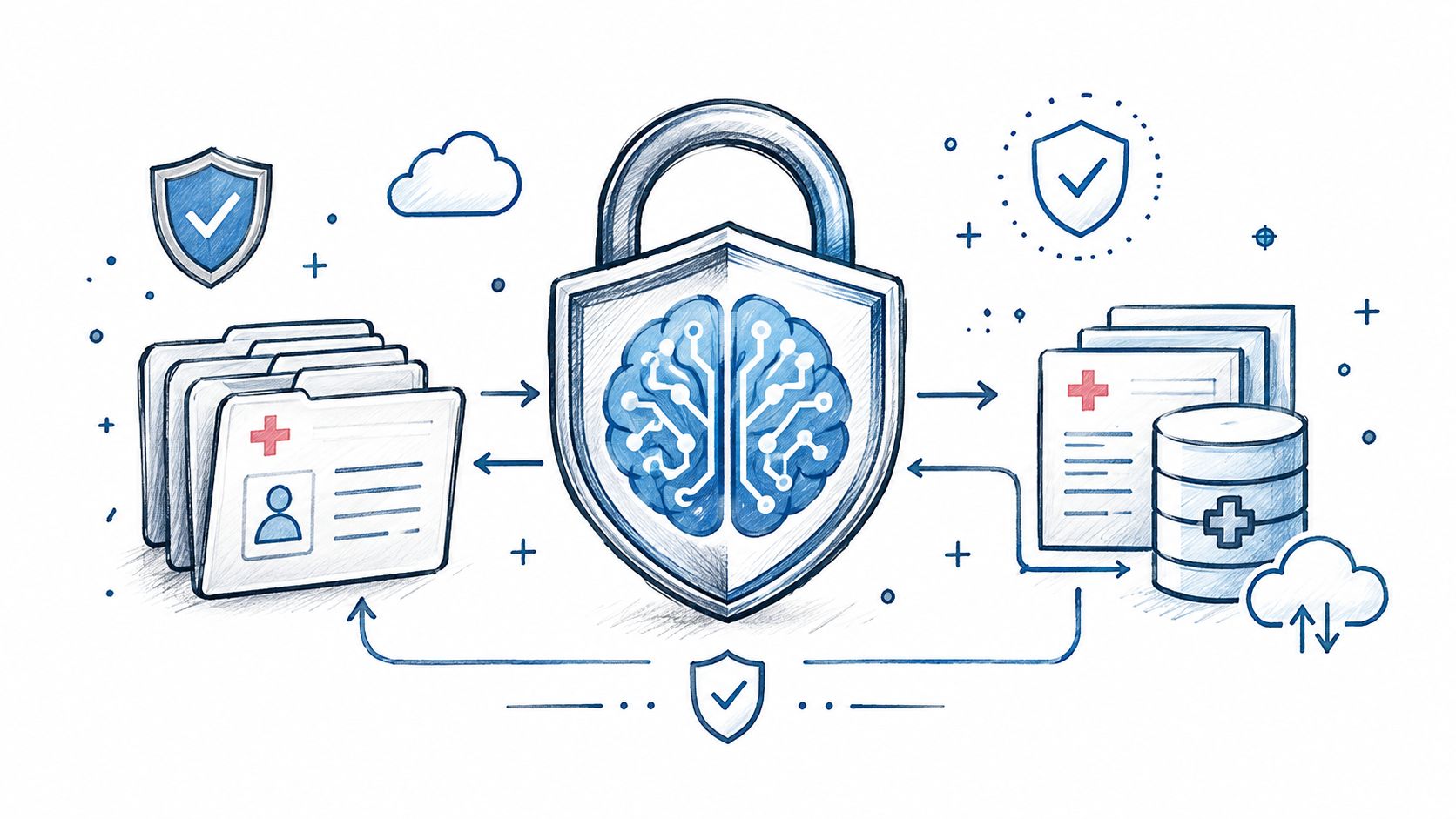
AI in Healthcare
HIPAA-Compliant AI: How to Use LLMs With PHI Safely
How to build HIPAA-compliant AI: when LLM providers need a BAA, data minimization, de-identification, audit controls and a reference architecture.
October 16, 2026Read more
Optimize your agency with home healthcare software. Learn to implement AI features, ensure compliance, and maximize ROI with our 2026 business guide.

If your agency still treats home healthcare software as a back-office system, you're already behind. The category is growing fast, and the winners won't be the agencies with the longest feature list. They'll be the ones that turn software into tighter operations, cleaner compliance, better scheduling, and smarter decisions.
Most buying guides stop at modules. That's not enough. Leadership teams need to know which capabilities protect margin, which ones reduce operational drag, and where AI creates an advantage that generic platforms can't match.
The market is no longer sending a subtle signal. It's telling agencies to modernize now. Mordor Intelligence projects the global home healthcare software market will grow from USD 4.51 billion in 2025 to USD 5.08 billion in 2026, reaching USD 9.27 billion by 2031 at a 12.74% CAGR over 2026 to 2031. That is not software category noise. It's a sign that home-based care is becoming more systematized, more data-driven, and more competitive.

Agencies feel the pressure from every direction. Payers want stronger documentation and outcomes. Patients expect care to be coordinated. Staff need tools that reduce friction instead of adding it. Leadership needs visibility into scheduling gaps, visit completion, billing bottlenecks, and compliance exposure.
Home healthcare software used to be an IT purchase. Now it's an operating model decision. The right platform shapes how your coordinators schedule, how clinicians document, how finance bills, and how managers intervene before small issues become missed visits, denied claims, or avoidable churn.
That's why basic adoption isn't enough. A disconnected stack with separate tools for scheduling, EVV, billing, and reporting creates delay, duplicate work, and weak accountability. A modern platform should work as a command center, not a patchwork.
Practical rule: If your software forces staff to re-enter the same information across multiple systems, you don't have a platform. You have hidden labor cost.
Interoperability matters here. If you want a strong primer on how connected systems improve care operations, this overview of AI and EHR integration in healthcare is worth reading alongside your software review process.
Feature parity won't create separation. Most vendors can show scheduling, notes, mobile access, and billing. The strategic question is whether your stack helps you operate faster, document better, recover revenue cleanly, and create the data foundation for automation later.
That's where an experienced Healthcare AI Services partner becomes useful. Not to sell you more software, but to help leadership decide which capabilities deserve investment, which workflows should be automated, and which data flows need to be fixed before AI enters the picture.
A strong home healthcare software platform does six jobs well. It coordinates people, captures care, enforces process, supports payment, extends access, and gives leadership usable visibility. If one of those breaks, the entire operation feels it.

Scheduling is the heartbeat of the agency. If it's weak, everything downstream suffers. Coordinators end up doing manual patchwork, caregivers spend too much time in transit, and patients experience late or inconsistent visits.
Good scheduling modules should support staff qualification matching, geographic assignment, live updates, shift changes, and mobile visibility for field teams. Better systems also reduce the burden on schedulers by flagging conflicts early instead of after the damage is done.
What to look for:
Documentation isn't a paperwork issue. It's your clinical record, billing foundation, and audit trail. Weak documentation slows reimbursement and raises compliance risk. It also gives leadership poor visibility into care quality.
A modern documentation module should support structured notes, assessments, care plans, medication-related workflows where applicable, and clean handoff from visit activity into the patient record. Clinicians need a workflow they will use in the field. Managers need records they can trust without chasing clarifications after the fact.
The best documentation workflow is the one staff can complete accurately during the visit, not the one that looks impressive in a demo.
Billing should not live in a silo. When visit data, authorizations, and documentation sit apart from billing, agencies create avoidable delay and rework. Finance teams end up reconciling basic operational facts that should already be connected.
A solid billing module should support claim preparation, invoice generation, payroll inputs, and reconciliation tied directly to verified visits and completed documentation. That creates cleaner financial operations and gives leadership better control of cash flow.
Key signs the module is weak:
Telehealth isn't a replacement for in-home care. It's an operational extension. It helps agencies maintain touchpoints, support lower-acuity follow-up, coordinate families and clinicians, and reduce unnecessary friction around routine communication.
The right use of telehealth in home healthcare software is pragmatic. It should fit care models where remote check-ins, symptom review, or care coordination add value. If it's bolted on without workflow alignment, staff won't use it consistently.
Remote patient monitoring becomes useful when it fits a clear escalation pathway. Gathering data without a response model only adds noise. The best systems connect monitoring inputs to clinical review, alerts, or care team outreach.
Leadership teams should ask simple questions. Who sees the signal? What triggers action? Where is it documented? If the vendor can't answer that clearly, the module is immature.
Reporting is where leadership separates anecdote from reality. You need visibility into visit completion, staffing pressure, billing lag, utilization patterns, compliance status, and operational variance across teams or regions.
A reporting module should do more than export data. It should surface decisions. If your managers still pull raw spreadsheets to answer routine operational questions, your analytics layer isn't doing its job.
For agencies weighing platform replacement versus custom healthcare software development, the essential test is this: can your system support the workflows that define your agency's model, or are you forcing the agency to work around the software?
Market Research Future projects the home health software market will reach USD 91.24 billion by 2035 at a 14.41% CAGR, driven by aging populations, chronic disease growth, and technology adoption. That growth will not reward agencies that only buy software. It will reward agencies that use software and AI to run faster, document better, collect cash sooner, and scale without adding management drag.
Leadership should evaluate ROI through one lens. Does the platform increase margin, protect revenue, or create capacity for growth?
ROI appears first in four operational and financial areas.
Those gains matter because they compound. A faster note close rate improves claim readiness. Better claim readiness improves cash flow. Better cash flow gives the agency room to hire, expand service lines, or invest in higher-yield automation.
Agencies weaken the business case when they start with vendor demos and subscription fees. Start with operational failure points instead.
Use a simple sequence:
Identify the workflows that cost the agency the most
Focus on scheduling rework, missed or late documentation, billing exceptions, open-shift coverage, intake delays, and manual audit prep.
Tie each failure point to a specific software capability
Buy measurable improvement. Do not buy broad promises about transformation.
Calculate labor hours, revenue leakage, and delay costs
Count coordinator time, manager intervention time, duplicate entry, claim rework, and days of revenue held up by incomplete records.
Set leading indicators before you wait for full financial results
Track visit completion rates, documentation turnaround time, payroll accuracy, clean claim rates, days to bill, and exception volume by branch or team.
If leadership cannot name the workflow that should improve in the first 90 days, the ROI model is too weak to govern the rollout.
AI should not sit in a separate innovation bucket. It should improve the economics of the system you already depend on.
That means using AI where it changes operating performance. Predictive scheduling can reduce avoidable staffing gaps. Documentation review can flag incomplete notes before they stall billing. Risk scoring can help supervisors prioritize patients who need attention. Forecasting can show where referral demand, staffing pressure, or authorization delays are likely to hit first.
The strategic question is not whether AI sounds advanced. It is whether AI reduces labor, speeds reimbursement, improves manager decision-making, or helps the agency grow without adding overhead at the same rate.
For leadership teams, that creates a clear priority order. First, fix the data flow in core operations. Next, add AI to the workflows with the biggest financial drag or scaling constraint. Agencies that follow that sequence turn software from an admin expense into a growth system.
Compliance failures in home health rarely start with dramatic misconduct. They usually start with weak process. Incomplete visit verification. Late documentation. Unclear access controls. Disconnected records. Those gaps create billing risk, audit exposure, and distrust in the data your agency relies on every day.
That's why compliance should be treated as a software design issue, not a training memo.

Electronic Visit Verification isn't optional theater. It's a core control. Datasoft Logic notes that EVV can reduce fraudulent billing claims by 40 to 60 percent, while manual paper-based verification can introduce 20 to 30 percent data entry errors. The same source states automated EVV boosts efficiency by 35 percent.
That matters because EVV ties service delivery to verifiable operational records. In practical terms, the software should capture check-in and check-out events, location context, and telephony-based verification where needed, then pass that data cleanly into documentation and billing workflows.
If EVV sits off to the side as a separate compliance step, staff will treat it as friction. If it's integrated into the visit workflow, it becomes part of how the agency runs.
Security in home healthcare software has to work for office staff, clinicians, aides, and managers in motion. Policies that look strong on paper but fail in the field create workarounds, and workarounds create exposure.
Leadership should insist on these basics:
Compliance software should reduce reliance on memory. If a critical control depends on people remembering an extra manual step, expect failure.
Agencies often prepare for audits in bursts. That's the wrong mindset. The right home healthcare software keeps you audit-ready by default through structured records, time-stamped activity, and consistent process enforcement.
This is also where SaMD solutions thinking helps. Even if your agency isn't building regulated software products, the same discipline applies. You want traceability, controlled workflows, data integrity, and defensible records.
A practical vendor question is simple. Ask them to show how a visit moves from scheduling to verification to documentation to billing, and how every step is logged. If that demo is messy, your compliance posture will be too.
Agencies that stop at digitization leave money on the table. AI is what turns home healthcare software from a record-keeping system into an operating system that improves margin, clinician productivity, and service reliability.
Start with scheduling. It has the fastest path to ROI because every scheduling mistake shows up somewhere expensive: overtime, excess mileage, missed visits, caregiver churn, and patient dissatisfaction. SCN Soft states that AI-driven scheduling can achieve up to 30 percent reduction in travel time and 20 percent improvement in schedule adherence, while unoptimized manual scheduling can lead to over 15 percent no-show rates and raise operational costs by 25 percent.
Leadership teams should expect AI scheduling to account for the variables schedulers juggle poorly under pressure:
That matters because labor is your largest cost line. Better scheduling is not an admin improvement. It is margin protection.
The next wave of value comes from adding AI to modules you already own. Documentation review can catch incomplete notes before they delay billing or create compliance risk. Pattern detection can flag patients who may need earlier intervention. Forecasting can show where staffing pressure is building before service levels slip. AI automation for healthcare operations can also route repetitive back-office tasks automatically, reducing manual touches across intake, follow-up, and billing support.
Use AI to remove low-value work first. Staff trust rises when the system saves time on tasks that do not require clinical judgment.
For leadership teams planning a phased rollout, NILG.AI's roadmap for healthcare AI offers a useful outside view on sequencing, governance, and practical adoption in healthcare settings.
AI still fails in one predictable scenario. Agencies add it to unstable workflows and poor data. Then recommendations are inconsistent, staff ignore them, and the project gets labeled as a technology problem. It is an operations problem.
Fix the process first. Standardize schedule data, note quality, and handoff rules. Then add AI where recommendations can be trusted and measured. Agencies that follow that sequence get more than efficiency. They get a system that improves decisions every day and compounds into a real competitive advantage.
Software projects in home health fail for a simple reason. Agencies buy a platform before they define the operating model it must support.
Leadership should run vendor selection like a margin improvement program. Every decision should tie back to a measurable result: faster intake, cleaner documentation, fewer billing delays, lower overtime, stronger visit coverage, or better referral retention. If a vendor cannot show how its system improves one of those outcomes in your environment, remove it from the shortlist.
Set the target first. Decide which two or three metrics must improve in the first 6 to 12 months. Common choices include days to bill, unfilled shifts, clinician documentation lag, claim rework, and office labor per episode.
Then assign ownership. Operations owns scheduling performance. Clinical leadership owns documentation quality. Finance owns billing and payroll accuracy. IT or your implementation lead owns integrations, data migration, and access controls. Shared accountability sounds collaborative, but it slows decisions and weakens adoption.
A strong rollout plan answers four questions before contracts are signed:
Vendor demos hide bad data. Your agency cannot.
Patient records, caregiver credentials, service codes, payer rules, authorizations, and historical visit data must be reviewed before migration starts. Bad source data creates billing errors, scheduling conflicts, duplicate records, and weak reporting from day one. It also limits future AI use because prediction and automation depend on consistent inputs.
Require every finalist to explain its migration method in detail. Ask how it handles field mapping, duplicate resolution, validation rules, exception queues, parallel testing, and cutover timing. If the answer stays high level, the vendor is not ready for your operation.
A long feature list does not protect margin. Tight workflow connection does.
Your software should exchange data cleanly across clinical documentation, EVV, billing, payroll, HR, communications, and reporting tools. Every broken handoff adds manual work, delays cash, and creates compliance risk. Agencies often underestimate this because the cost shows up in office labor and rework instead of one visible line item.
Use a structured implementation planning and integration support process if your environment includes multiple systems or custom workflows. That discipline matters even more if you plan to add AI later. AI performs well in connected workflows. It performs poorly in fragmented ones.
Do not score vendors by feature checkboxes alone. Make them work through your agency's actual operating pressure points.
Use scenarios such as:
This approach shows how the system behaves under stress. It also reveals whether the vendor understands home health operations or just sells software into them.
| Category | What to test | Business result to expect |
|---|---|---|
| Scheduling | Matching by qualifications, location, availability, and overtime rules | Lower fill-time, fewer manual schedule edits |
| Clinical documentation | Structured notes, care plan updates, exception handling, supervisor review | Higher note completion, fewer billing holds |
| EVV and compliance | Visit verification accuracy, edits, audit trails, billing connection | Fewer disputes, stronger audit readiness |
| Billing and payroll | Claim generation, timesheet alignment, reconciliation workflows | Faster cash collection, less back-office rework |
| Mobile usability | Speed, offline performance, alert clarity, training burden | Higher field adoption, fewer support calls |
| Reporting | Actionable operational dashboards, exception queues, manager visibility | Faster intervention on staffing and revenue issues |
| Integration | EHR, payroll, finance, communications, and external data exchange | Less duplicate entry, lower admin cost |
| Security | Role-based access, audit logs, secure data handling | Lower compliance exposure |
| Implementation support | Training plan, migration support, go-live staffing, post-launch issue handling | Faster stabilization after launch |
| AI readiness | Data quality controls, workflow triggers, usable historical records | Better forecasting, automation, and decision support later |
Buy standard software for commodity workflows. Differentiate where your agency wins.
If your operating model is straightforward, an off-the-shelf platform with strong configuration options is usually the right call. It lowers complexity and gets you live faster. But if your agency spans multiple service lines, manages unusual staffing models, or competes on speed and coordination, a hybrid model often makes more sense. Keep the core platform for common workflows, then add targeted tooling or automation where it improves margin or service quality.
That matters most in AI planning. You do not need custom AI everywhere. You need it in the few workflows where better decisions produce clear financial gain, such as staffing forecasts, documentation review, intake triage, authorization tracking, and revenue cycle exception management.
Training should focus on decisions, accountability, and exceptions. Screen tours are not enough.
Show schedulers how the new system reduces last-minute scramble. Show clinicians how documentation quality affects billing speed and audit exposure. Show branch leaders which reports they are expected to act on every week. Then enforce the new process. If staff can fall back to texts, spreadsheets, and side notes, many will.
Frontline adoption also depends on job design. Teams coming from facility-based care often need support adjusting to the rhythms and autonomy of home-based work. Leadership should keep that operational reality in view, especially when staffing growth is part of the software business case. This guide on transitioning into home-based CNA roles is a useful reference for managers shaping onboarding and field expectations.
Do not launch every module at once unless your agency has already standardized the underlying workflows. Sequence the rollout based on financial and operational impact.
A practical order looks like this:
Each phase should have a go or no-go review. Check adoption rates, data quality, exception volume, and KPI movement before expanding scope. Agencies that treat implementation this way get more than a working platform. They build the operating foundation required for AI-driven execution, lower admin cost, and stronger growth capacity.
Agencies that treat software as a back-office tool fall behind. Agencies that treat it as the operating system for margin, compliance, staffing, and growth build a real advantage.
The leadership decision is straightforward. Choose a platform that enforces the way your agency needs to run, produces reliable data at the point of care, and gives you a practical path to AI use cases with measurable return. Basic digitization lowers friction. AI-driven operational discipline improves utilization, reduces avoidable admin work, catches revenue leakage earlier, and helps managers act before small issues become expensive ones.
That shift also changes how you evaluate success. A future-ready agency does not measure software by logins or module count. It measures faster scheduling response, cleaner claims, fewer documentation errors, stronger caregiver retention, better supervisor visibility, and more predictable cash flow. Those are business outcomes, not IT milestones.
Leadership also needs to respect workforce reality. Adoption improves when the system fits field work, training is role-specific, and managers understand what changes for caregivers entering the home setting. This practical guide on transitioning into home-based CNA roles is a useful reminder that technology decisions succeed or fail in day-to-day care delivery.
Make the call with discipline. Cut feature bloat. Prioritize workflow fit, integration quality, reporting clarity, and AI capabilities tied to clear KPIs. Agencies that get this right do more than modernize operations. They build a stronger, faster, more scalable business.
They buy for feature breadth instead of workflow fit. A platform can look all-encompassing in a demo and still fail your agency if scheduling, documentation, EVV, and billing don't connect cleanly in daily operations. Start with your highest-friction workflows, then test vendors against those exact scenarios.
Most small agencies should start with a strong off-the-shelf core and only add custom workflows where they create clear operational value. Custom work makes sense when your processes are meaningfully different, integration gaps are hurting performance, or your leadership team has a specific automation roadmap. As we explored in our AI adoption guide, targeted customization usually beats broad reinvention.
Add AI after the underlying process is stable. If your data is inconsistent or staff are still bypassing the platform, AI will amplify confusion instead of improving outcomes. Start where the pain is repetitive and measurable, such as scheduling, documentation review, or admin-heavy coordination. Then expand based on actual adoption and results.
If your agency wants a sharper plan before committing budget, Ekipa AI can help you move from software evaluation to execution. Use a HealthTech engineering partner, a focused Custom AI Strategy report, or hands-on support with ai assisted software development to identify high-value opportunities and implement them with less guesswork. If you're ready to assess use cases, workflows, and rollout priorities with people who understand healthcare delivery, connect with our expert team.
How to build HIPAA-compliant AI: when LLM providers need a BAA, data minimization, de-identification, audit controls and a reference architecture.
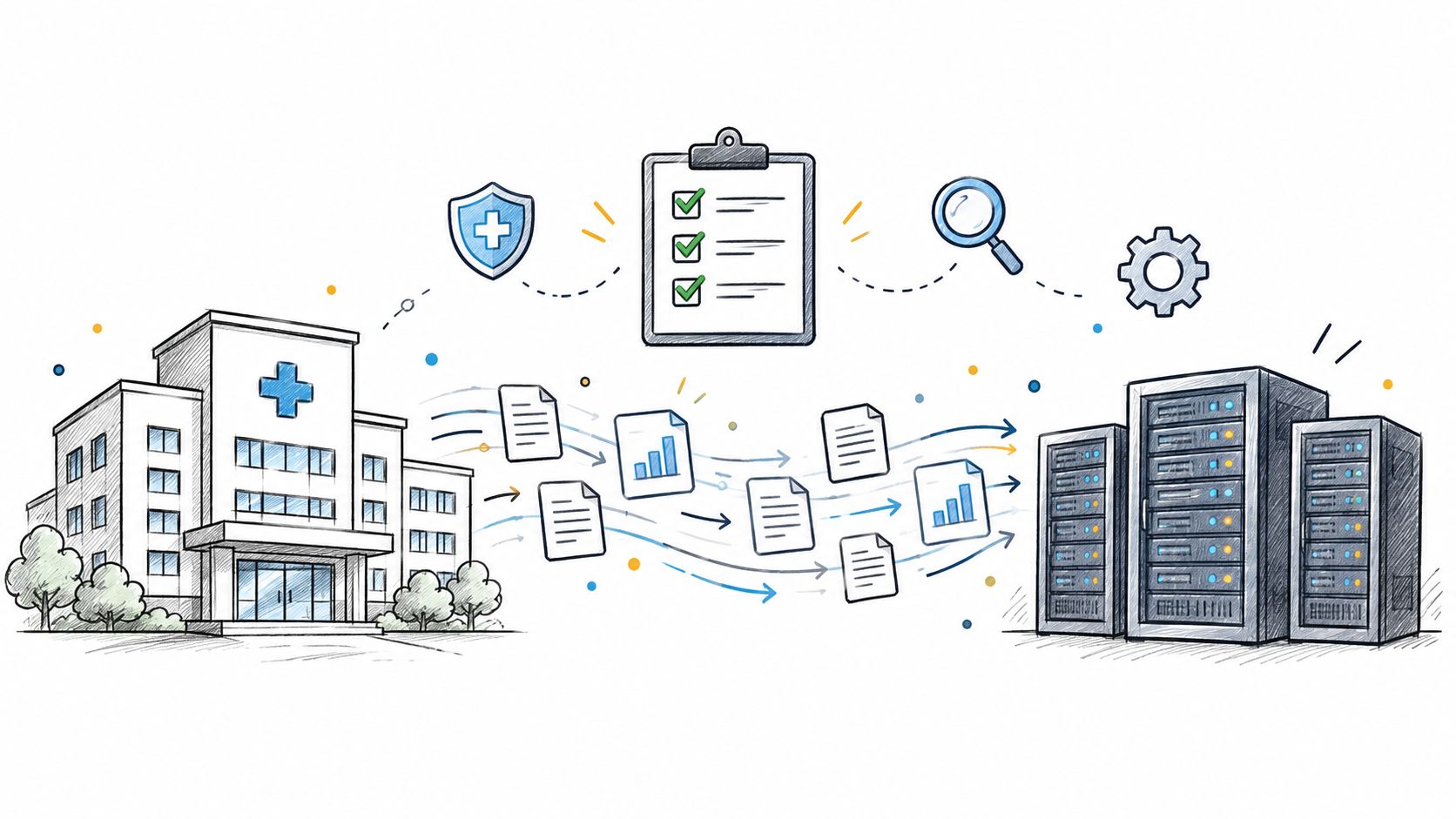
Practical data migration planning guide for healthcare teams. Scope, mapping, compliance, validation, cutover and rollback decisions explained end to end.
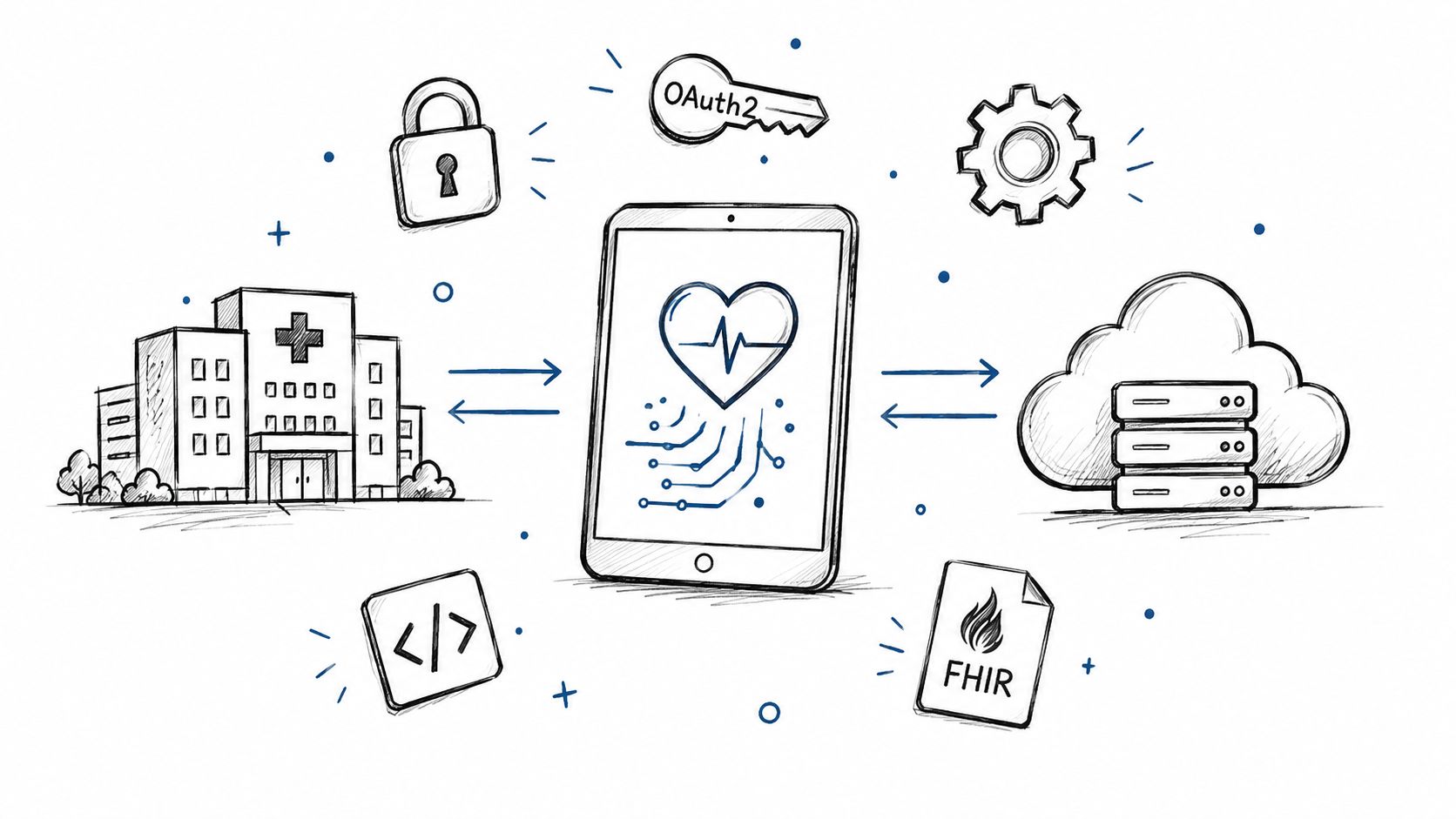
Smart on FHIR guide for healthtech engineers. Learn the OAuth 2.0 launch model, scope syntax, backend services, and US regulatory requirements.
Connect with our team to explore how AI expertise can transform your business.